

Business Cards and Network Sources — from card to contact, from fair to deal
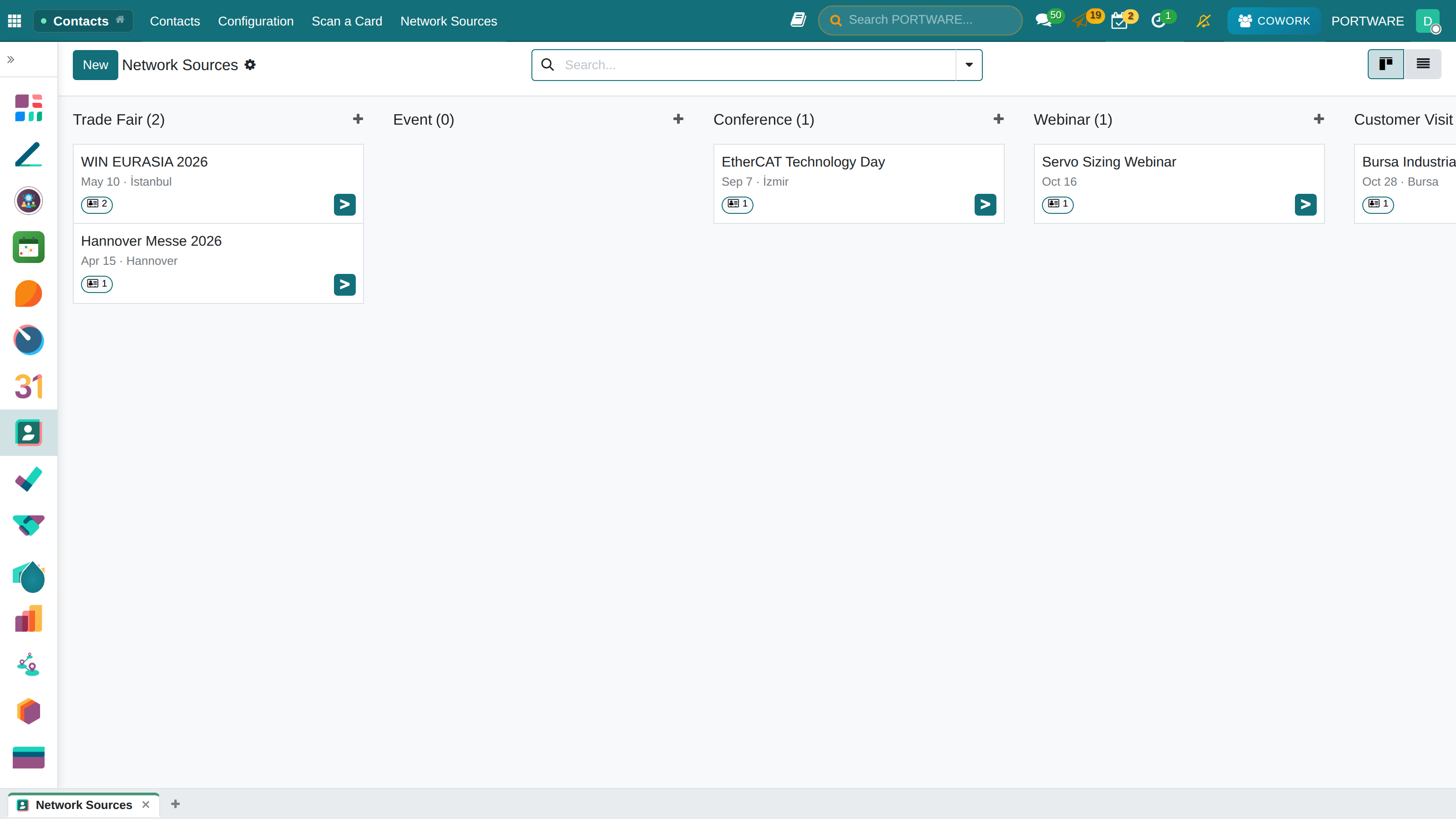
Photograph or upload a business card; the contact and its company are created, never duplicated. Every contact records the fair, event or visit where you met; sources have categories and show how many contacts they brought in.
- Card to contactName, title, company, e-mail, phones, website, address and tax number are read.
- Company found or createdSearched by tax number, e-mail domain, website, then name.
- No duplicatesA contact with the same e-mail or phone is completed, never copied.
- Where we metFair, event, conference, visit; contacts per source.
Where it appears: Contacts › Scan a Card · Contacts › Network Sources
Business cards no longer stay in a drawer after the fair. Every card becomes a contact, and a company when needed, and remembers where you met.
Scanning a Card
- Open Contacts › Scan a Card.
- Photograph or upload the front of the card (and the back, if any).
- The text is read and split into fields. Review every field before saving.
- Save and Scan the Next keeps the source and the date, so a stack of cards from one fair goes in a row.
With PORTWARE AI installed the card is read from the picture. Without it the card text is pasted and rule-based reading fills the fields.
Company and Duplicates
The company is searched by tax number, e-mail domain (free mail domains are ignored), website, then name. If none matches it is created from the card. A contact with the same e-mail or phone is not created again; its missing fields are filled in.
Network Sources
Every contact can carry a network source: a fair, an event, a conference, a visit or a referral. Sources have their own category, dates and place. The list shows how many contacts each brought in. Contacts group and filter by source and category.
| Module | What it does | Version |
|---|---|---|
| PORTWARE Business Cards | Turn a business card into a contact and its company, and record the fair or event where you met | 19.0.1.0.1 live |