PORTWARE Office — office documents
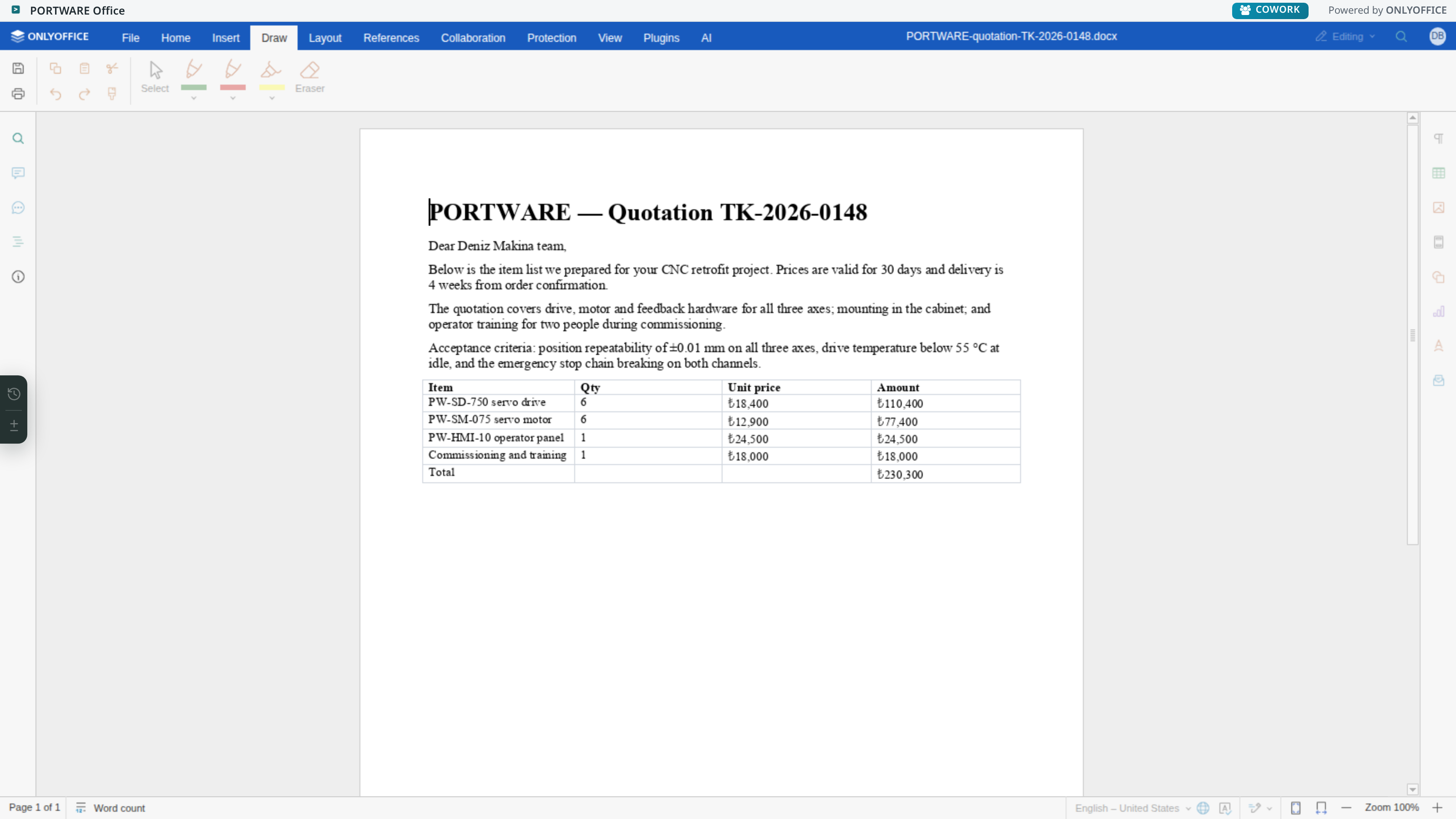
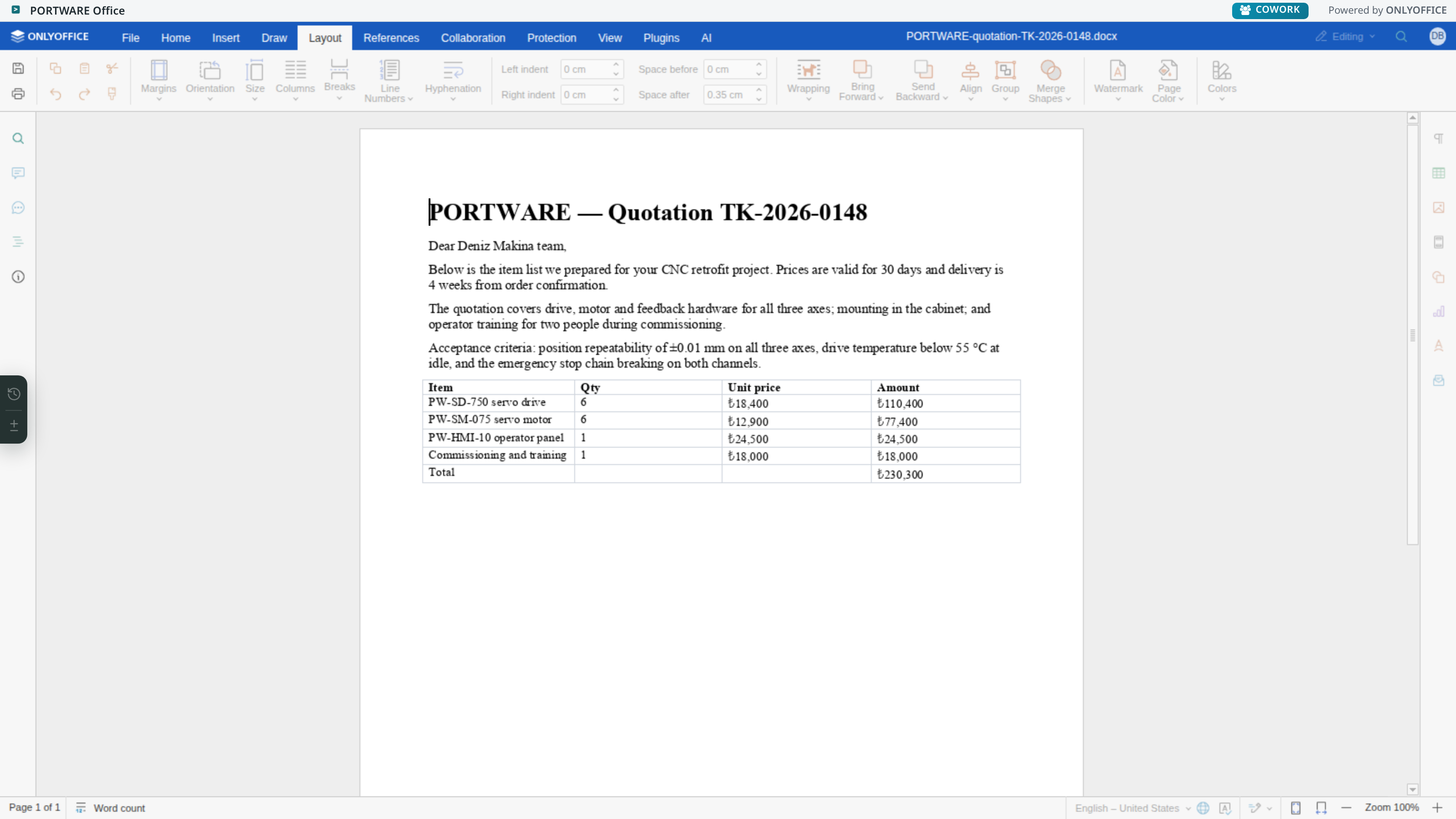
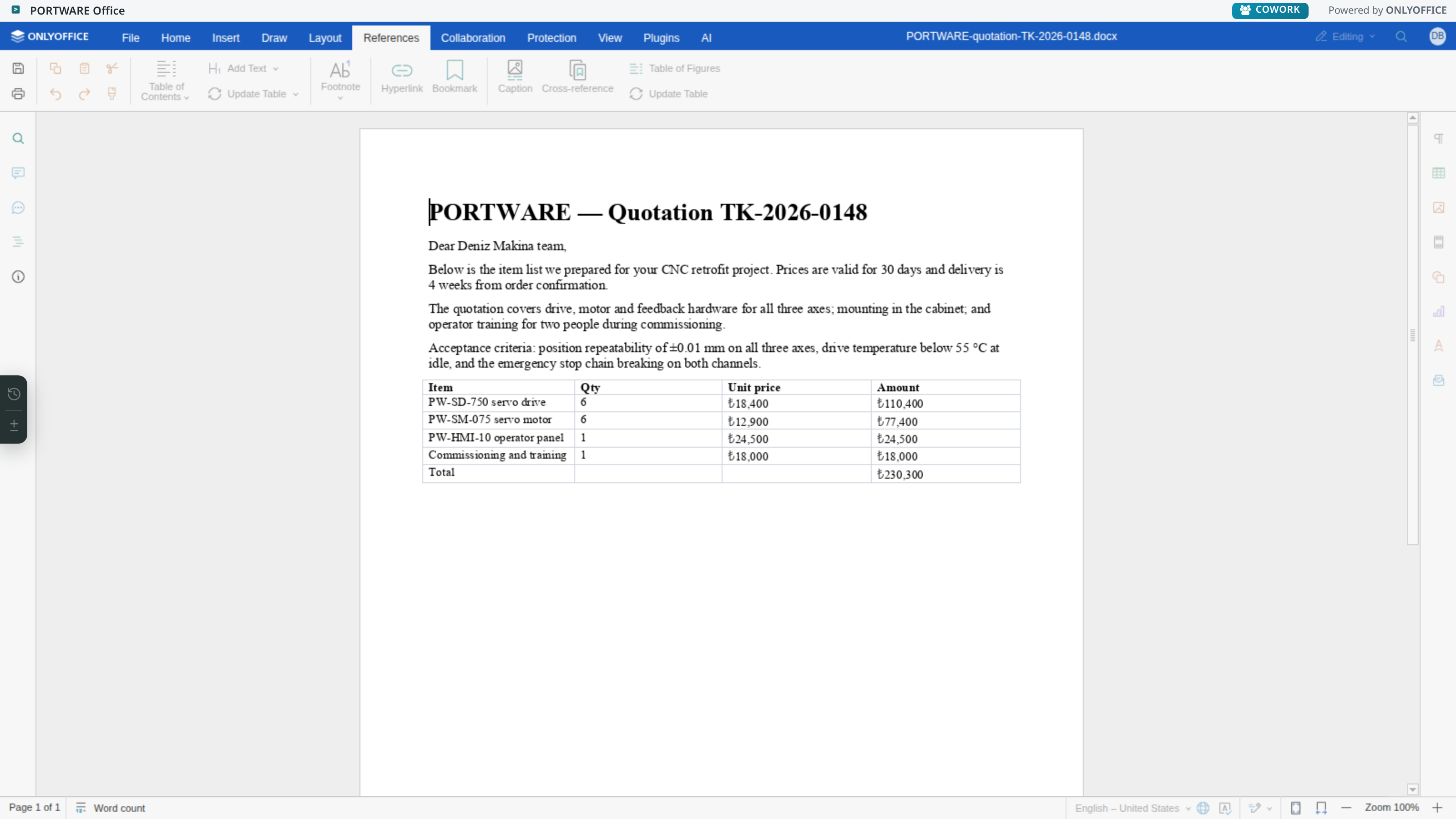
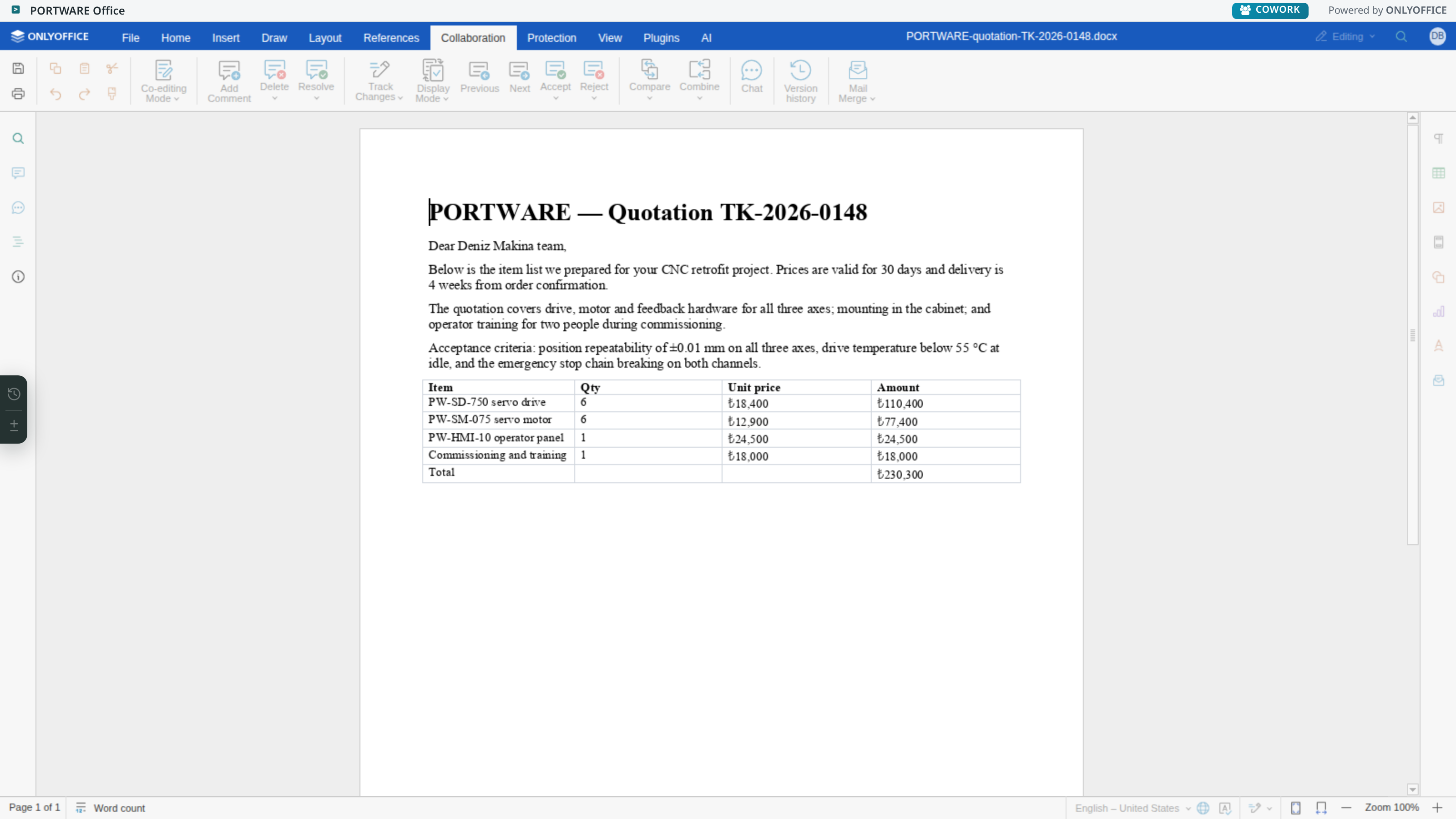
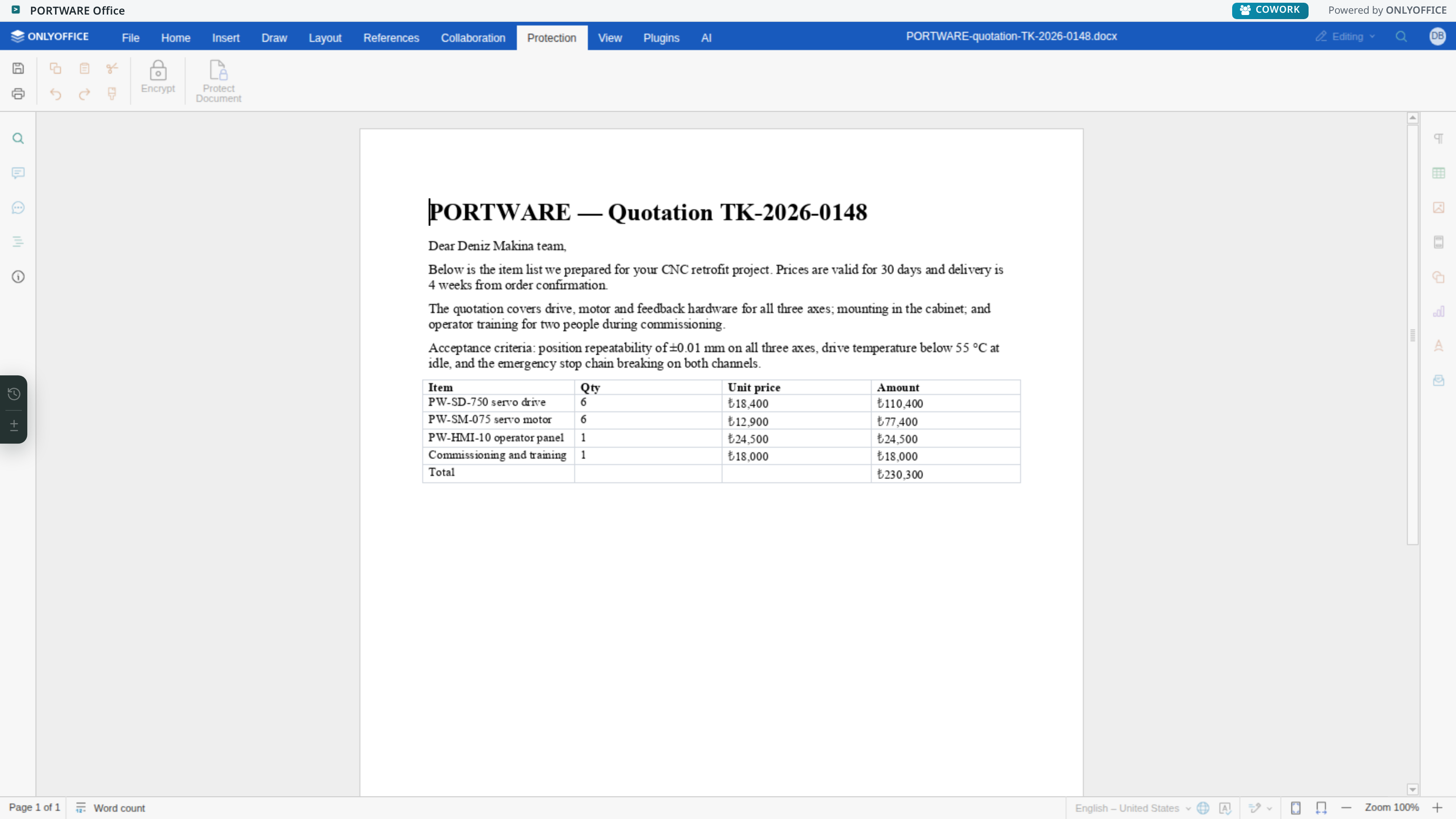
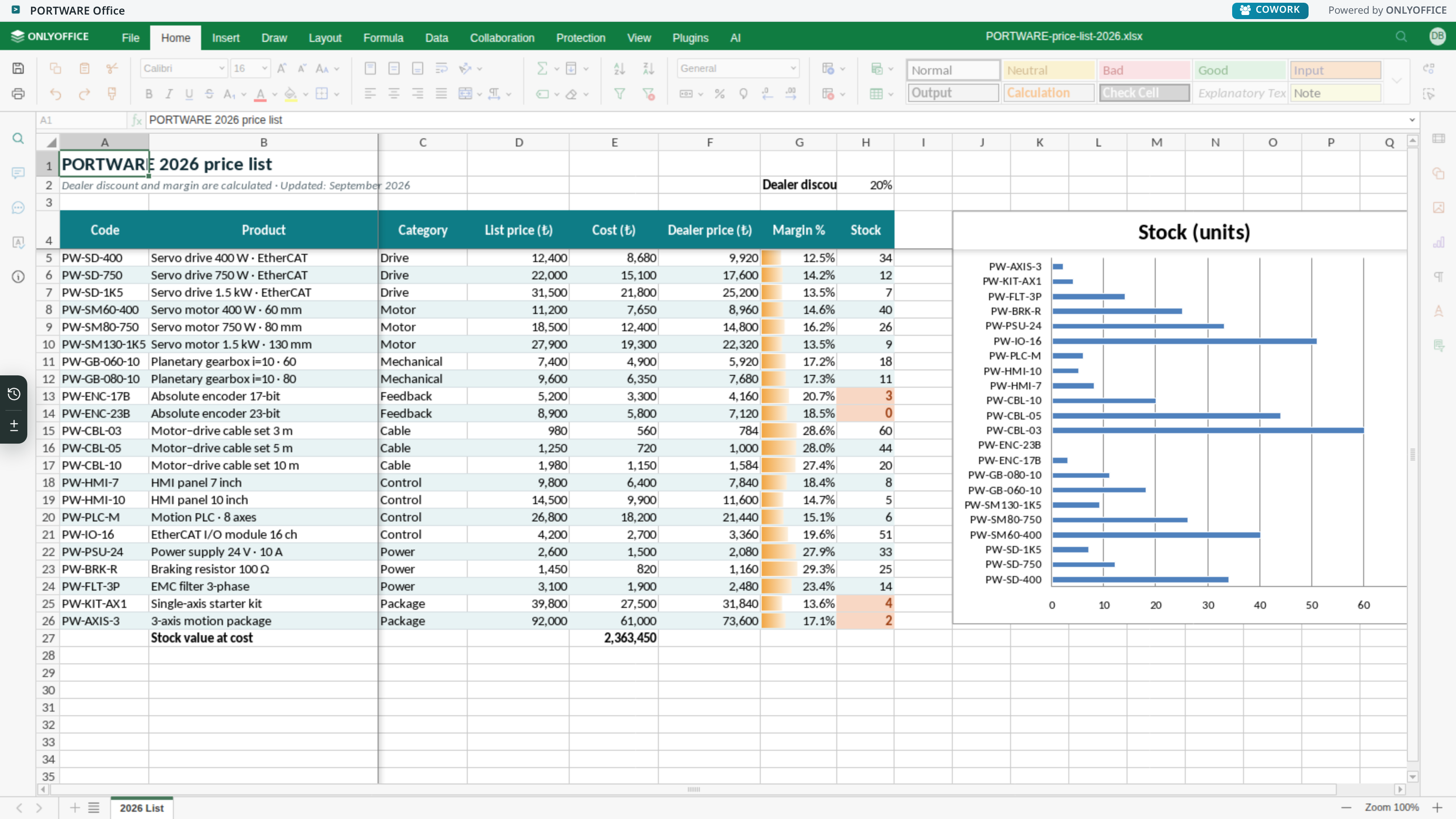
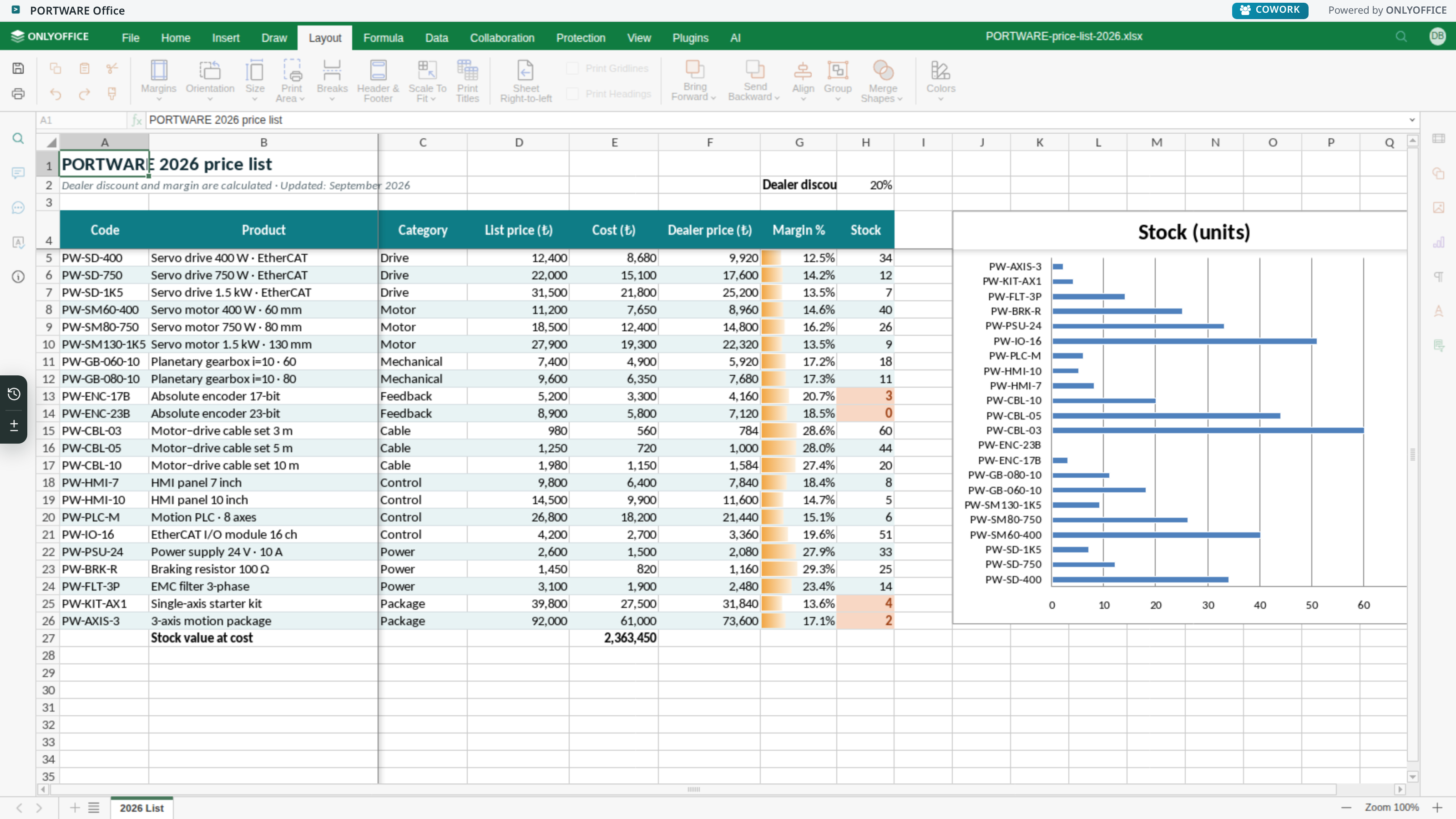
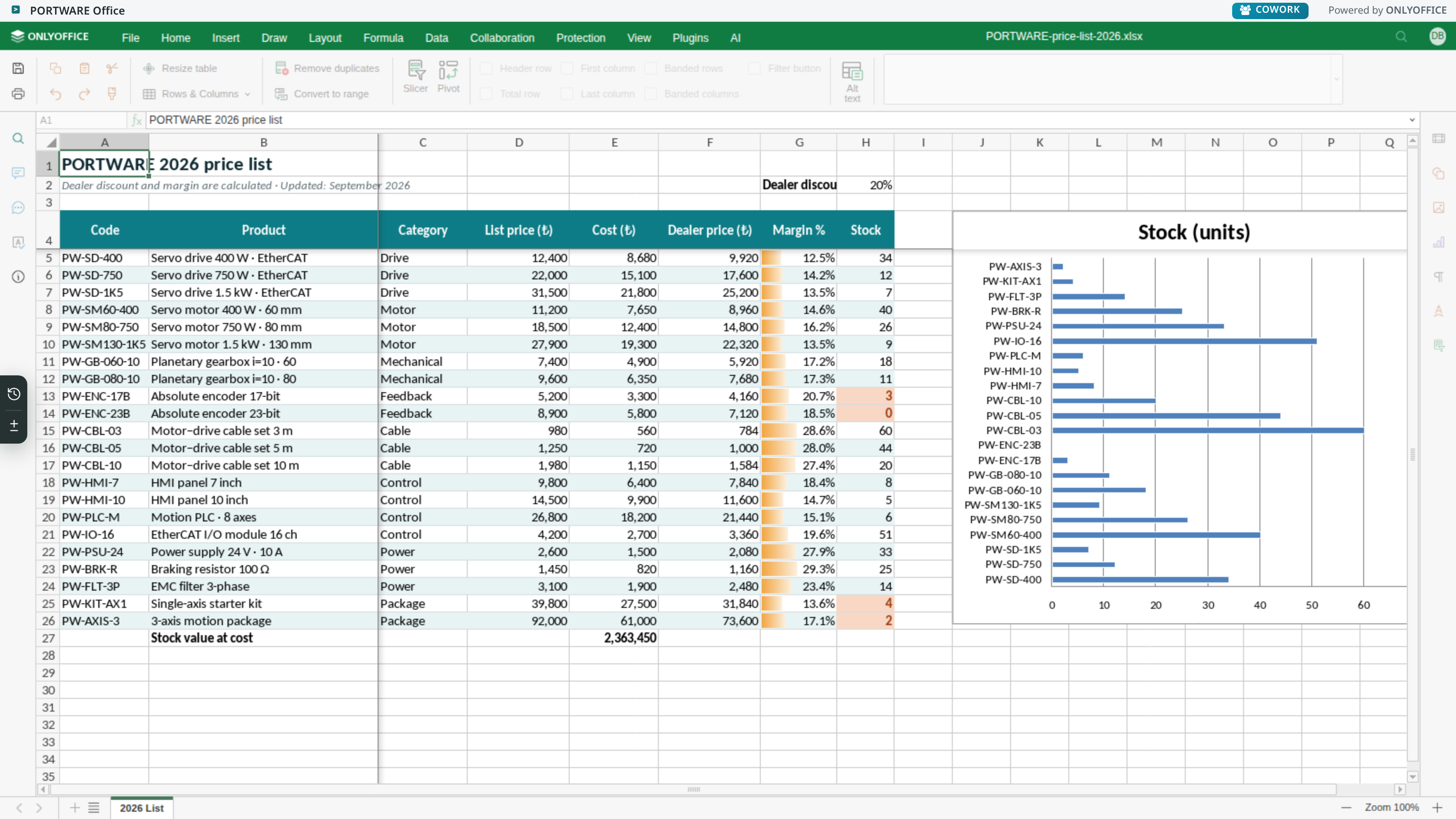
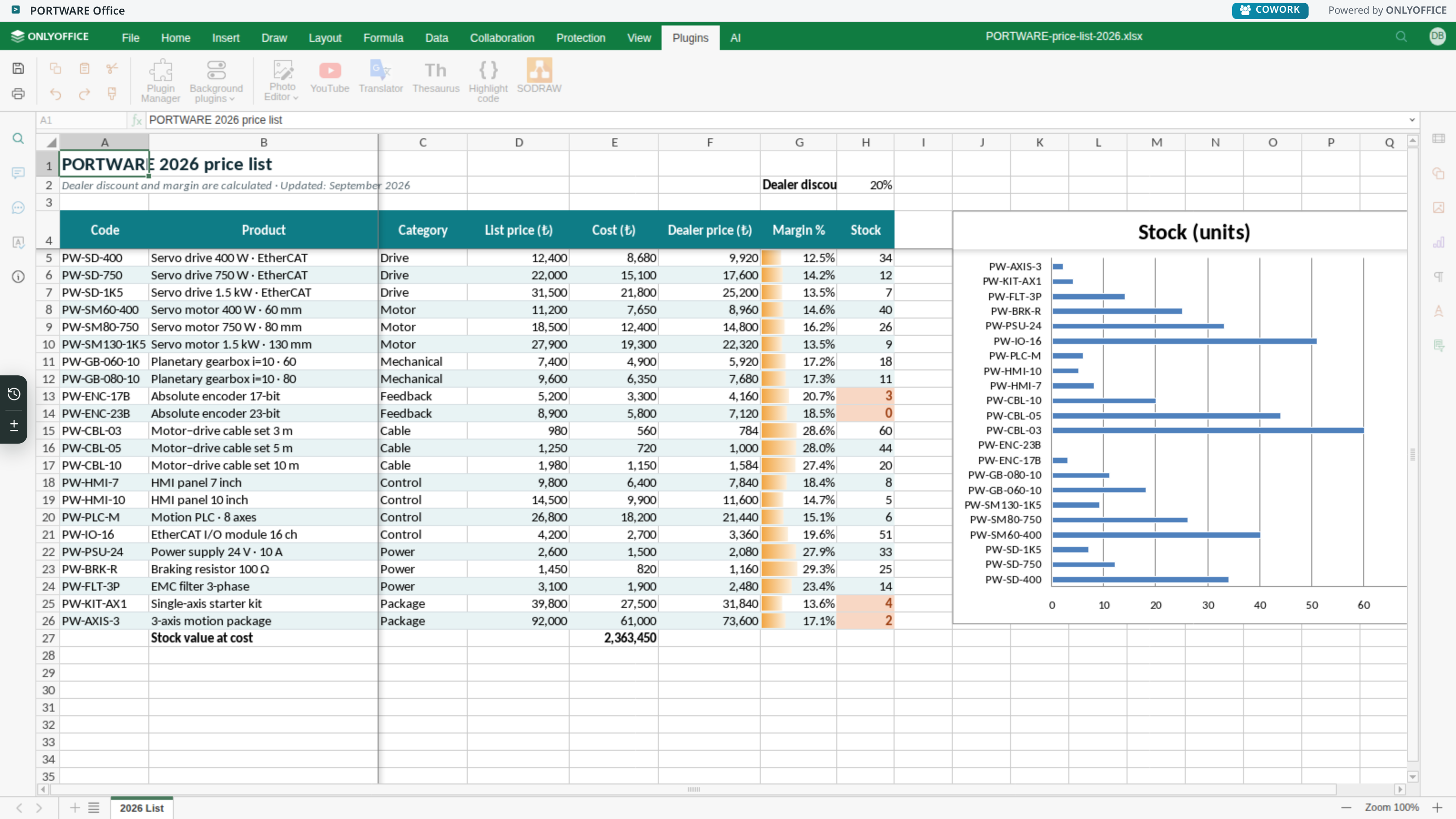
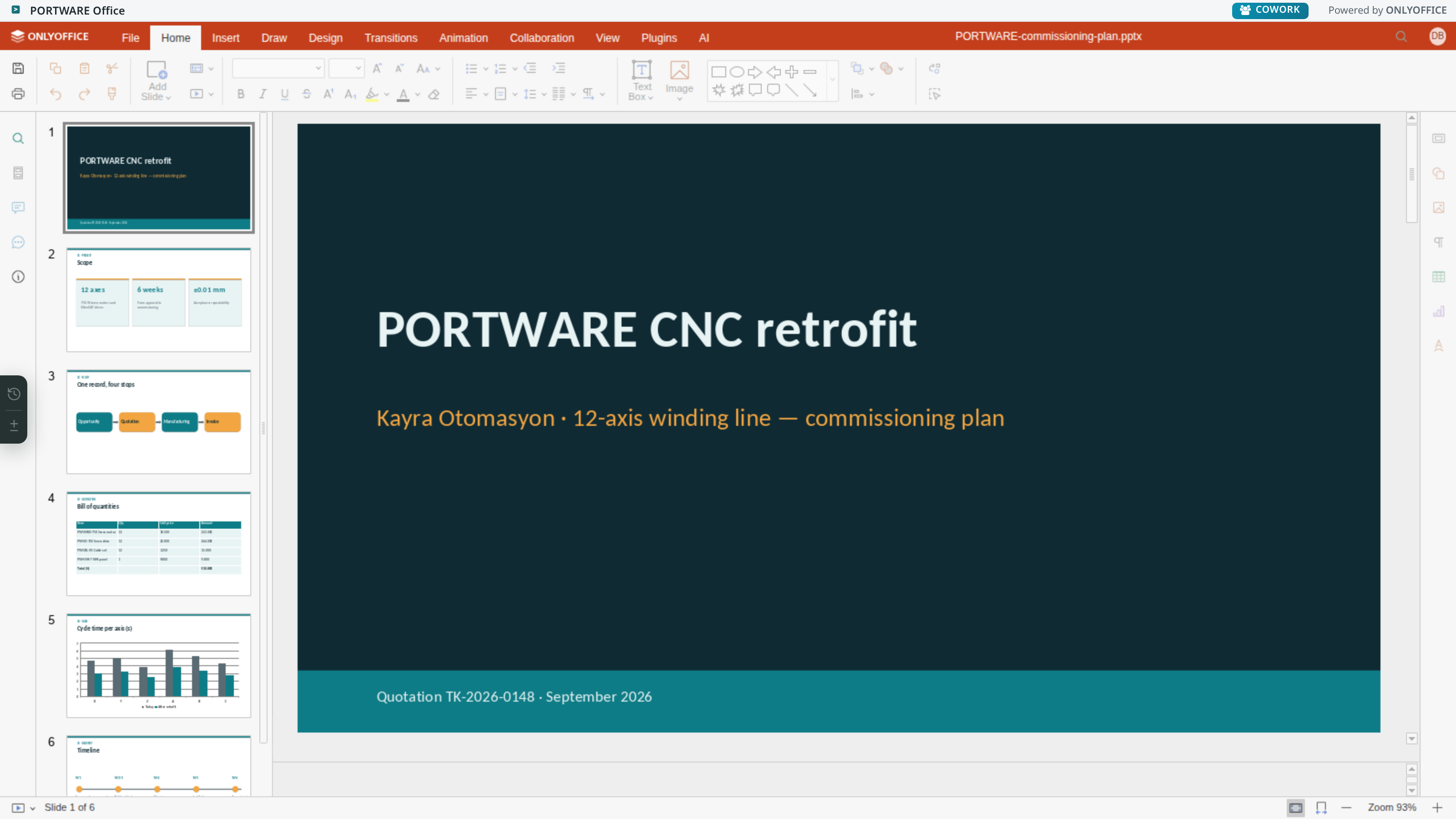
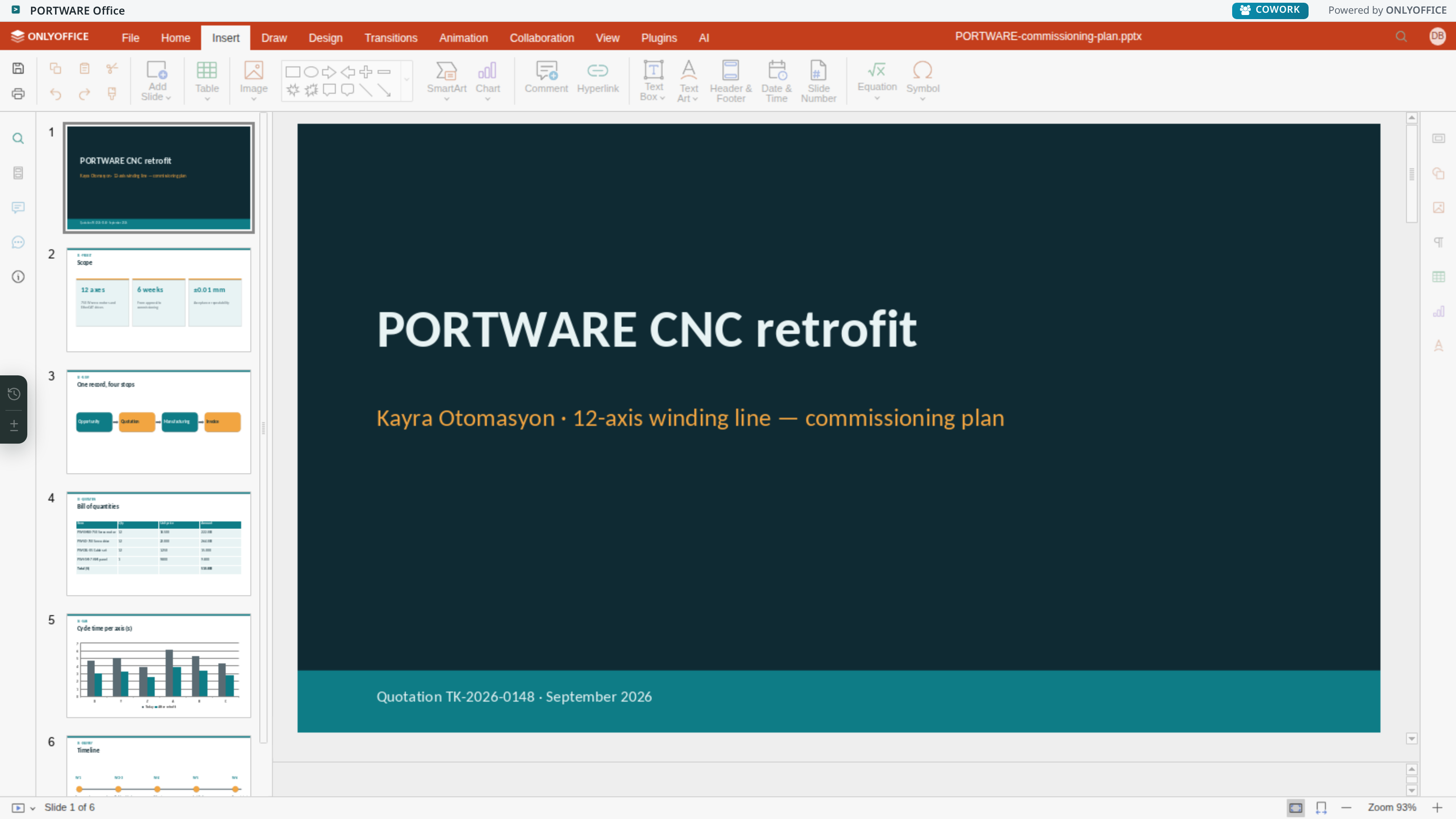
Word, Excel and presentation files open on the record; several people edit them live at once, every save is a version and differences show cell by cell.
- The download–edit–upload loop endsThe document opens on the record's attachment; when you close it, it is already saved.
- No more "which is the latest version"Every save is an unchangeable revision; in Excel each changed cell shows, formula or value.
- Together, liveSeveral people edit the same document at once; no file goes round by e-mail.
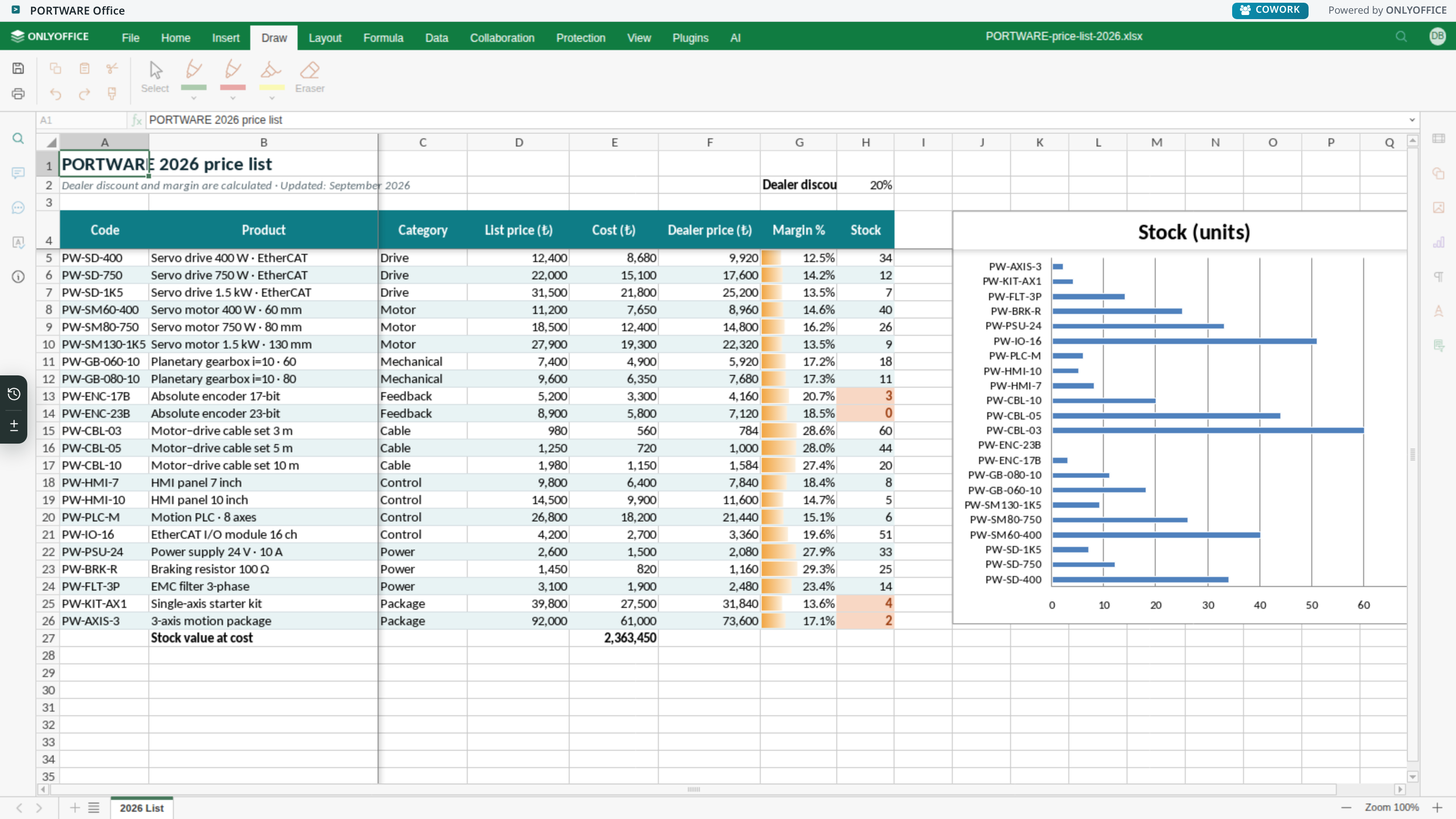
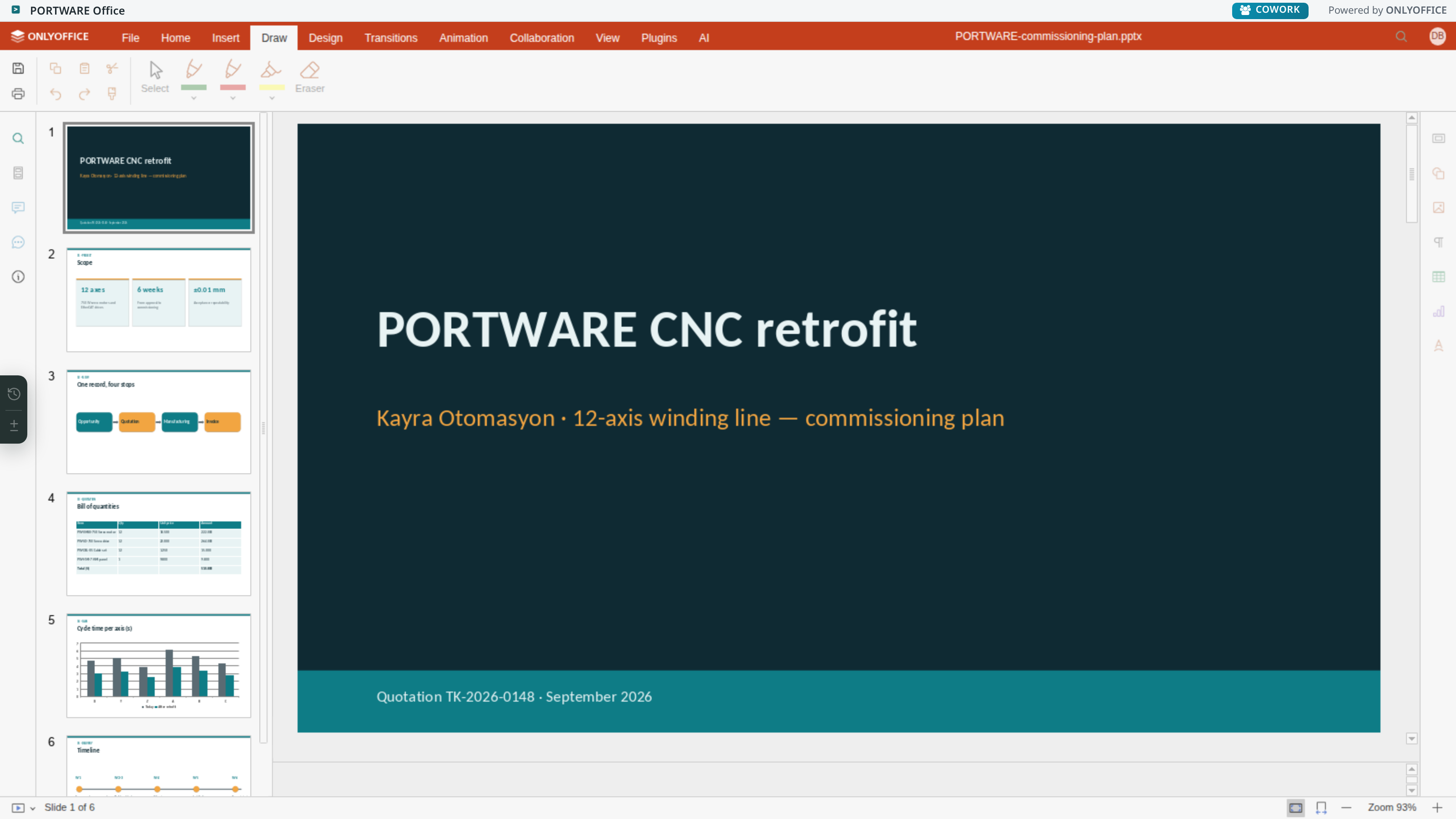
- Drawings become company assetsdraw.io drawings are kept inside the document as editable objects, not pictures.
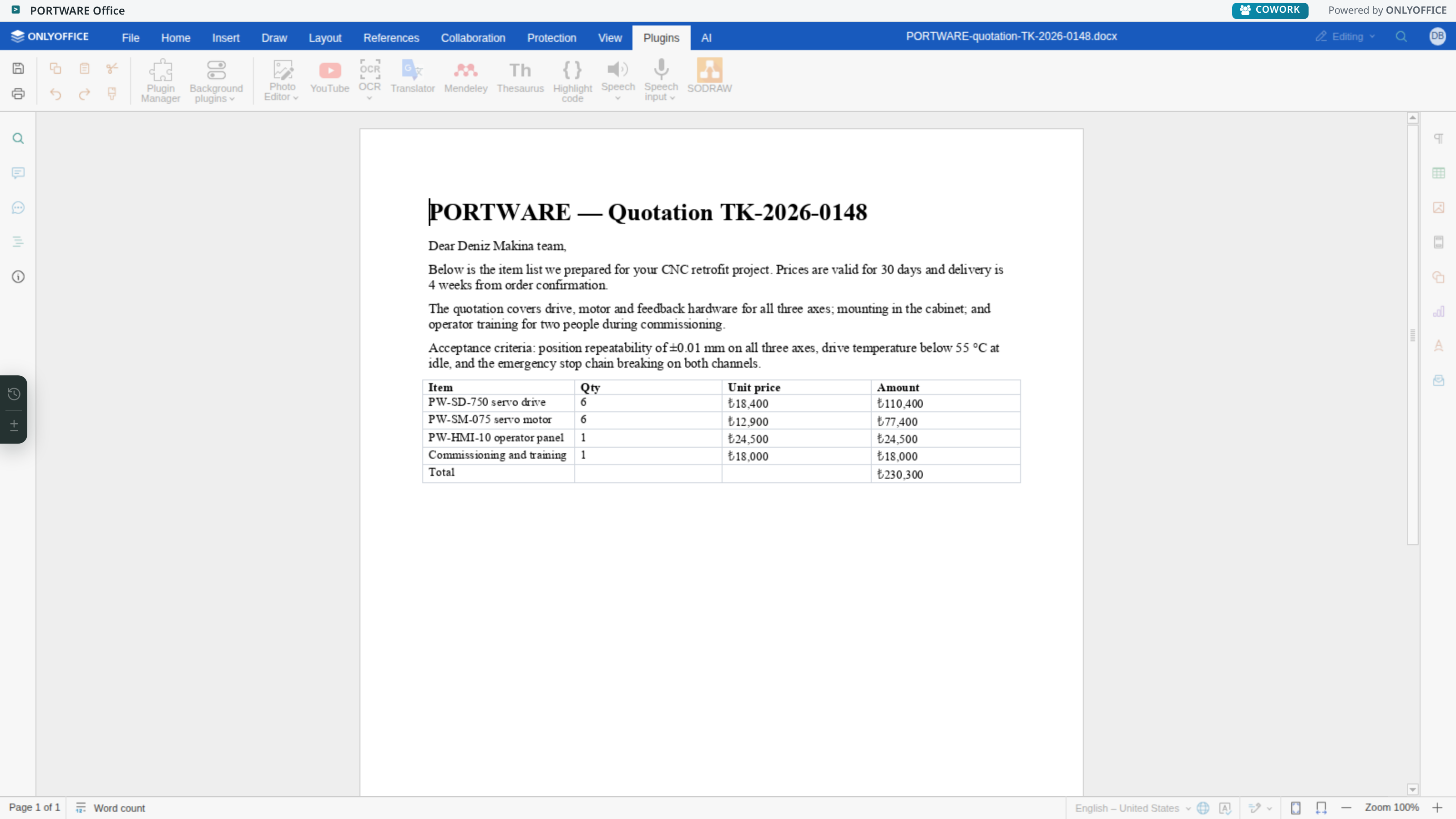
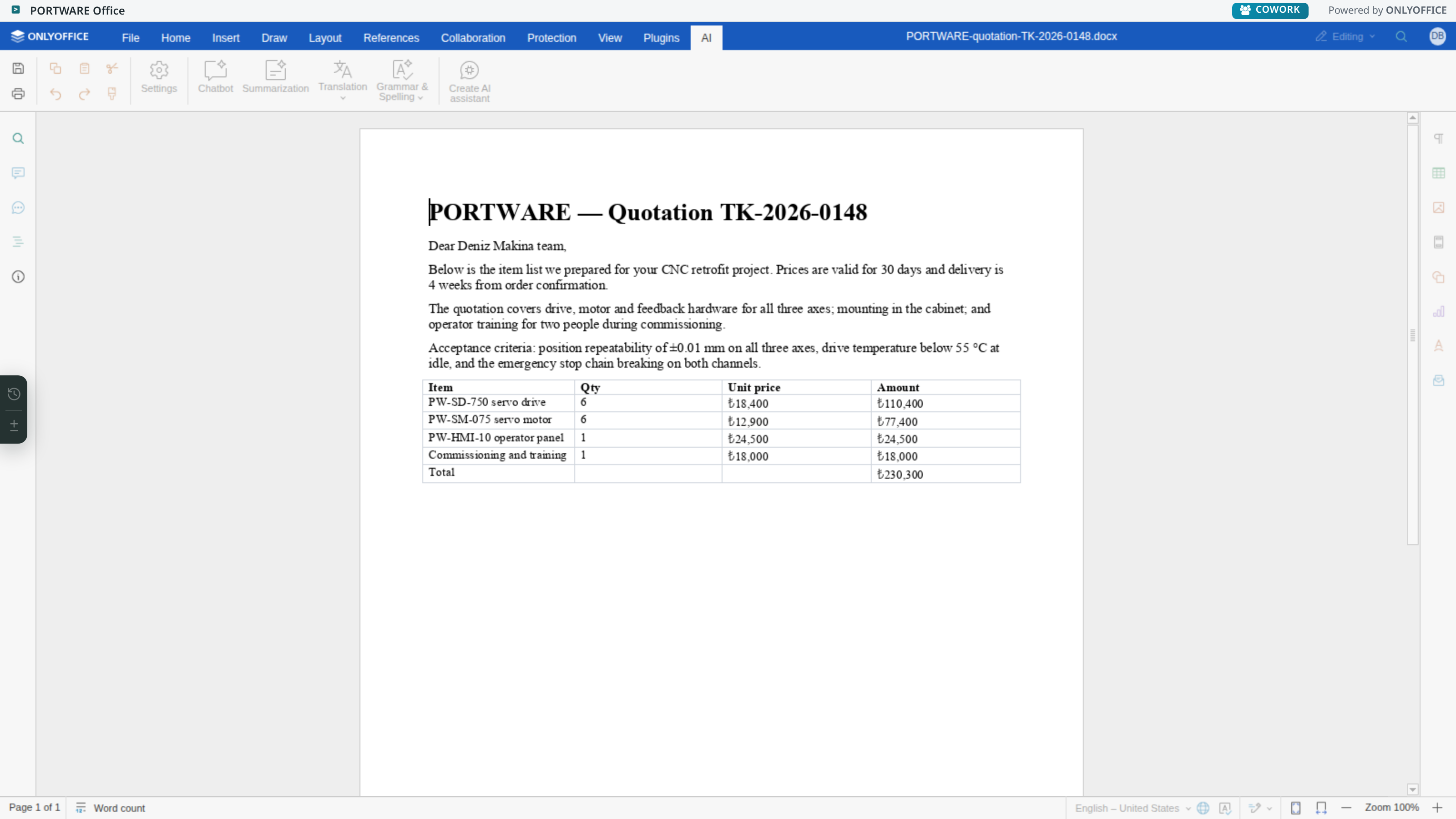
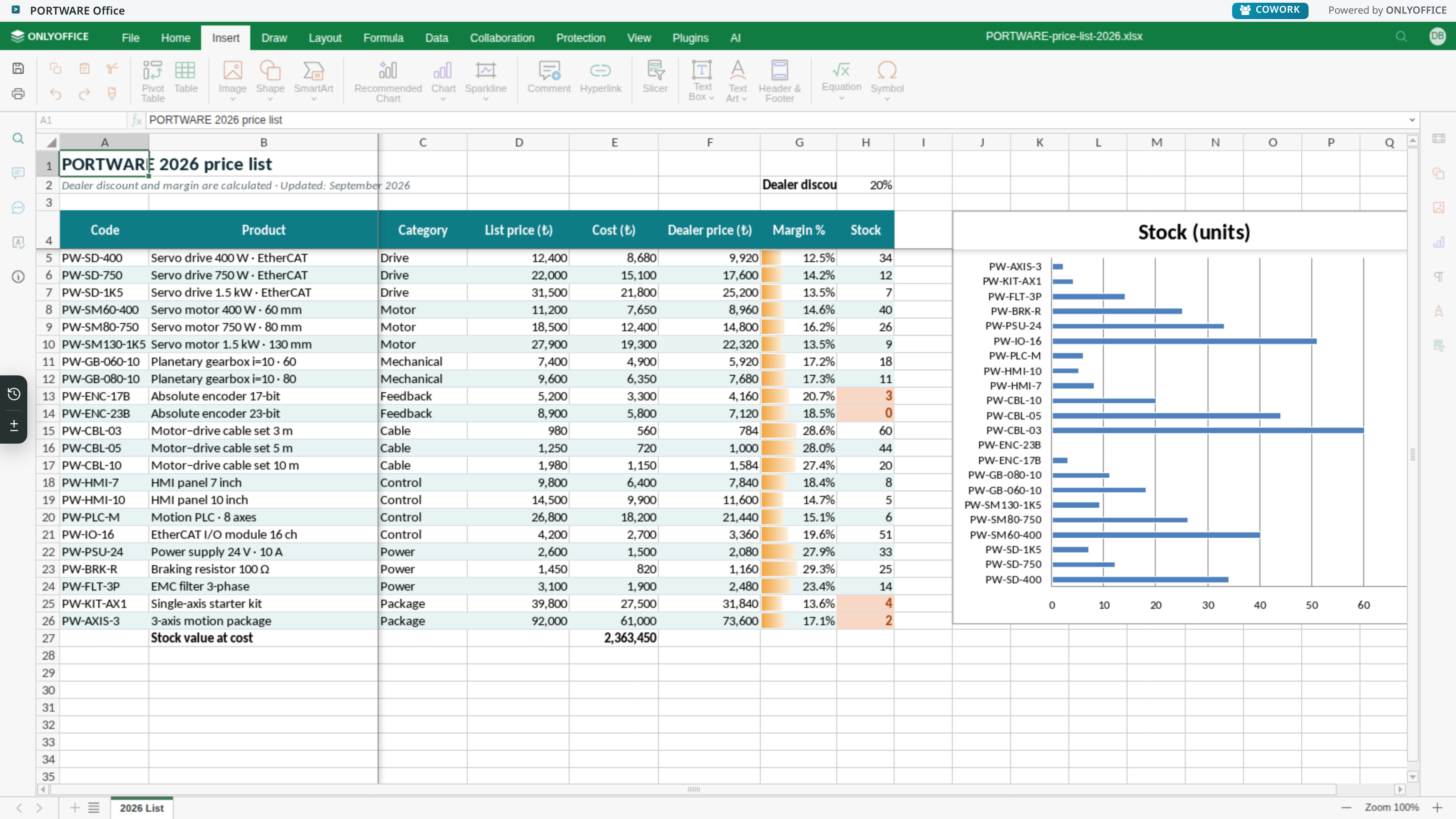
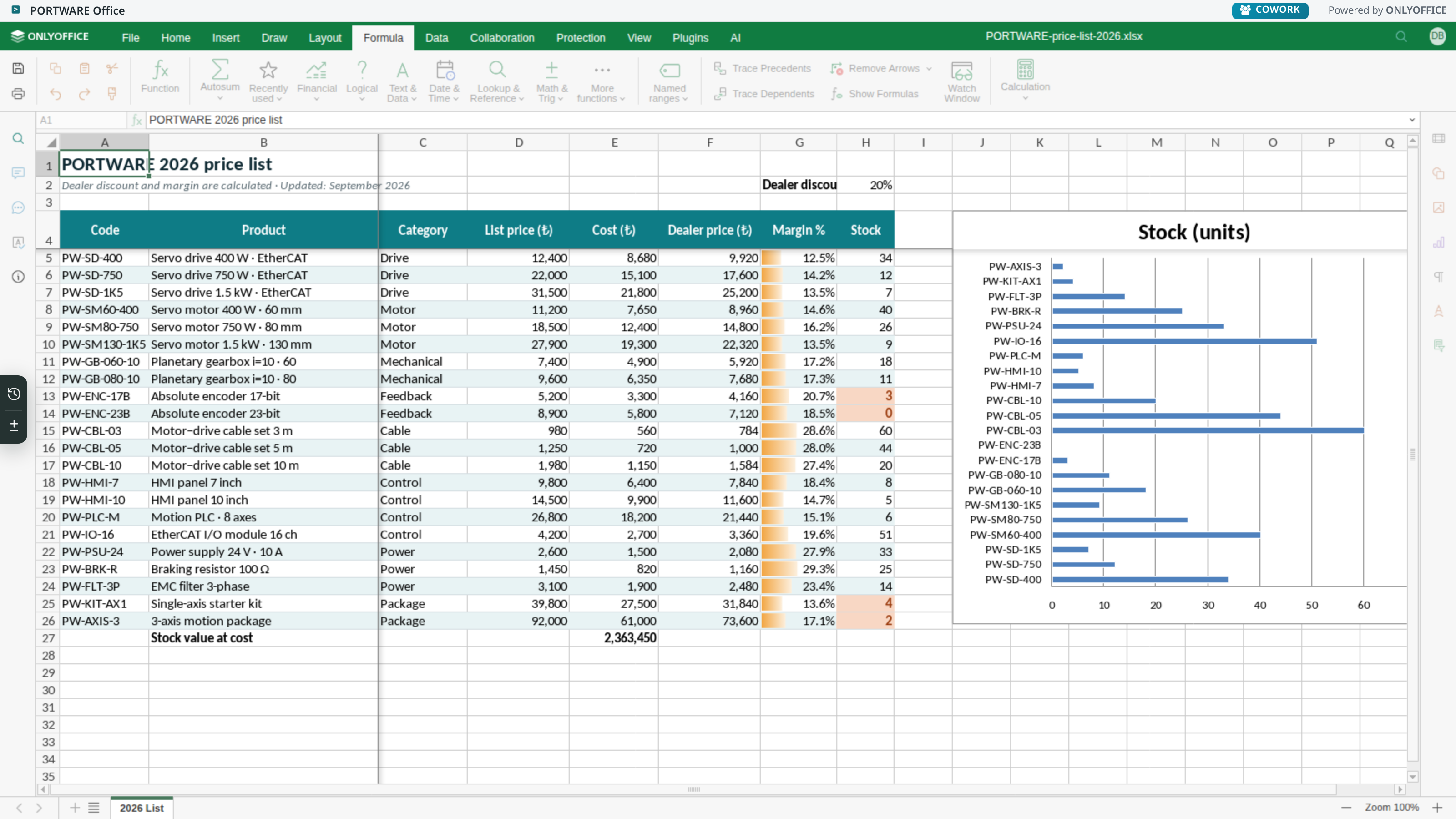
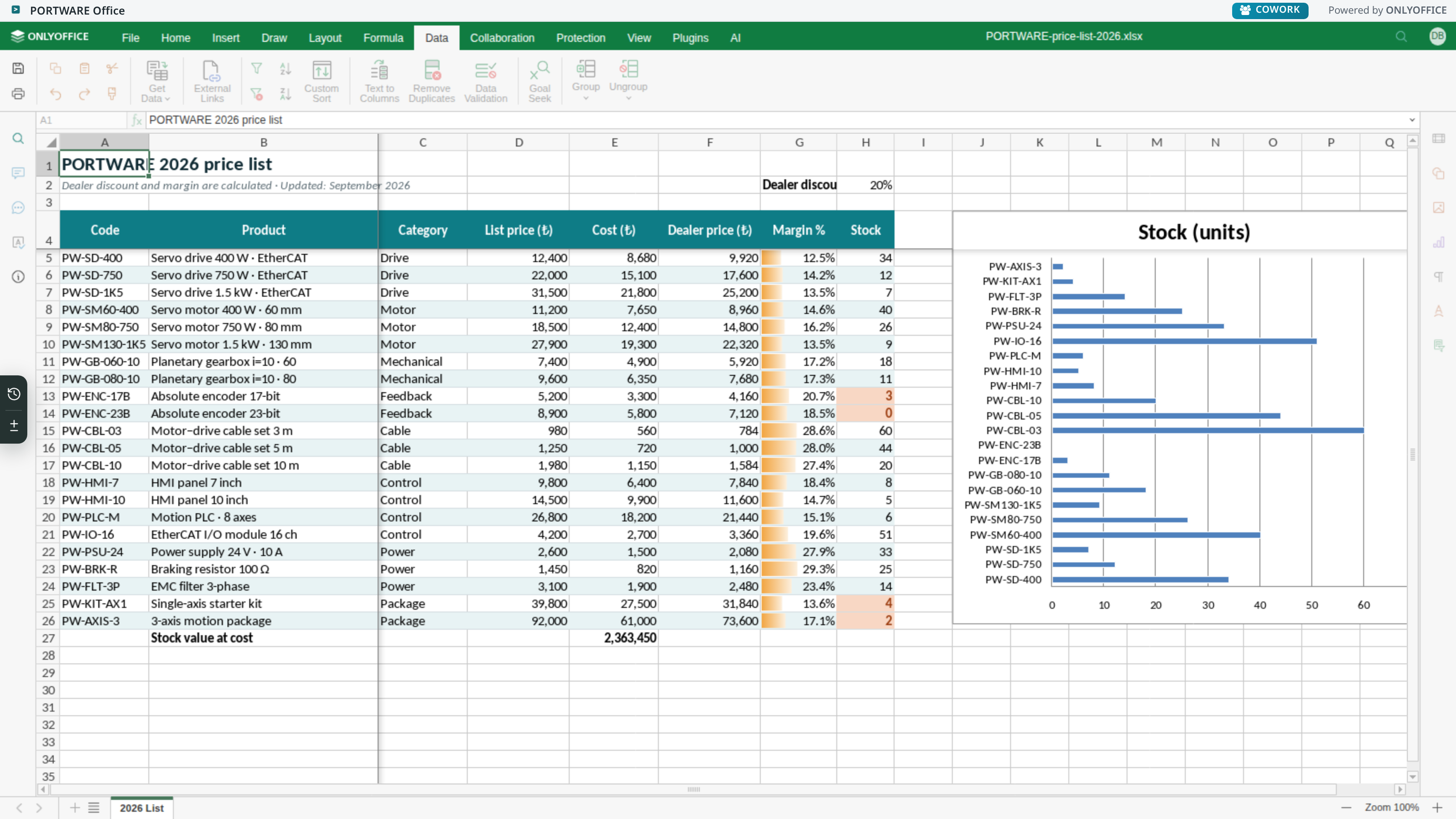
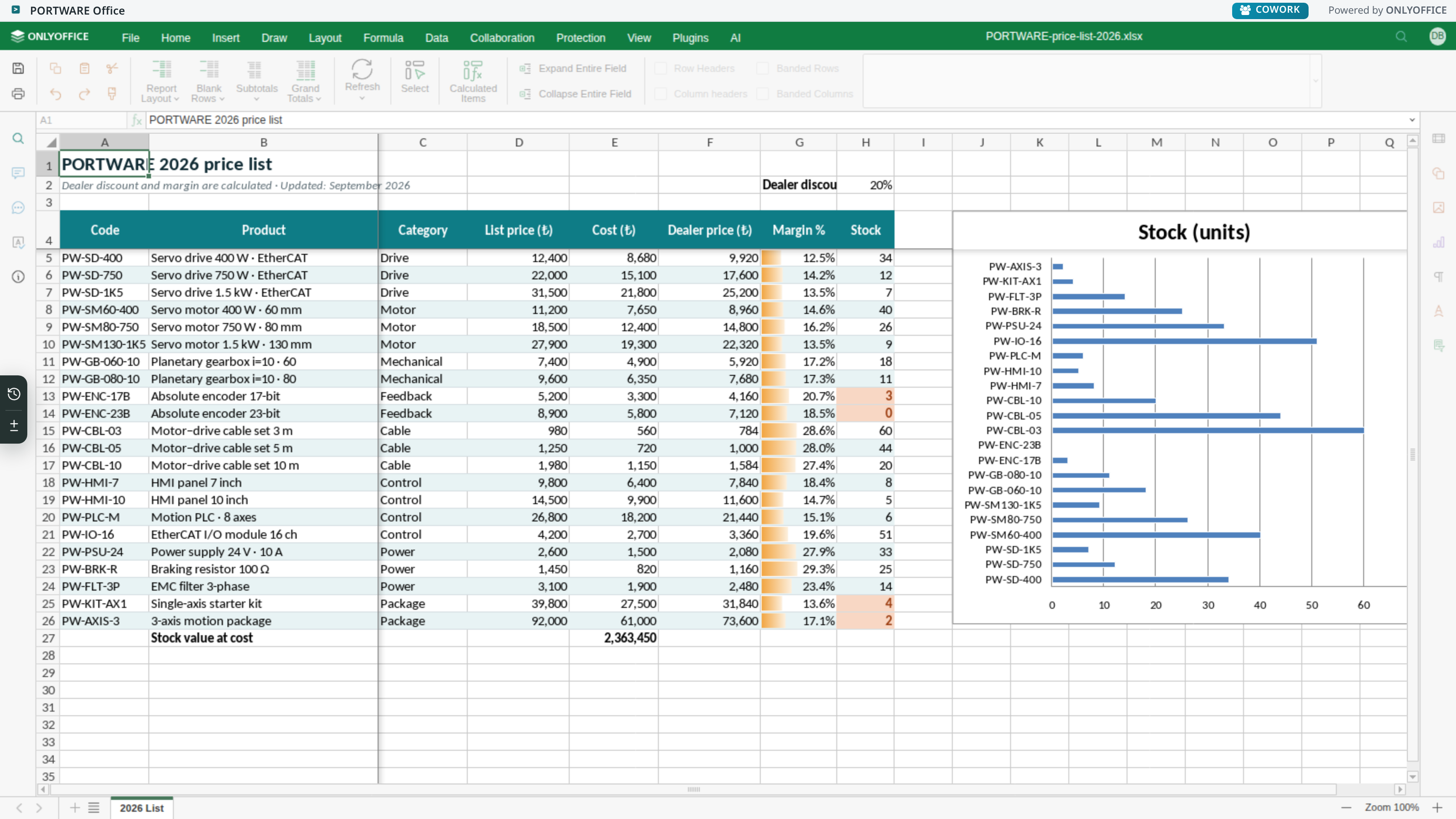
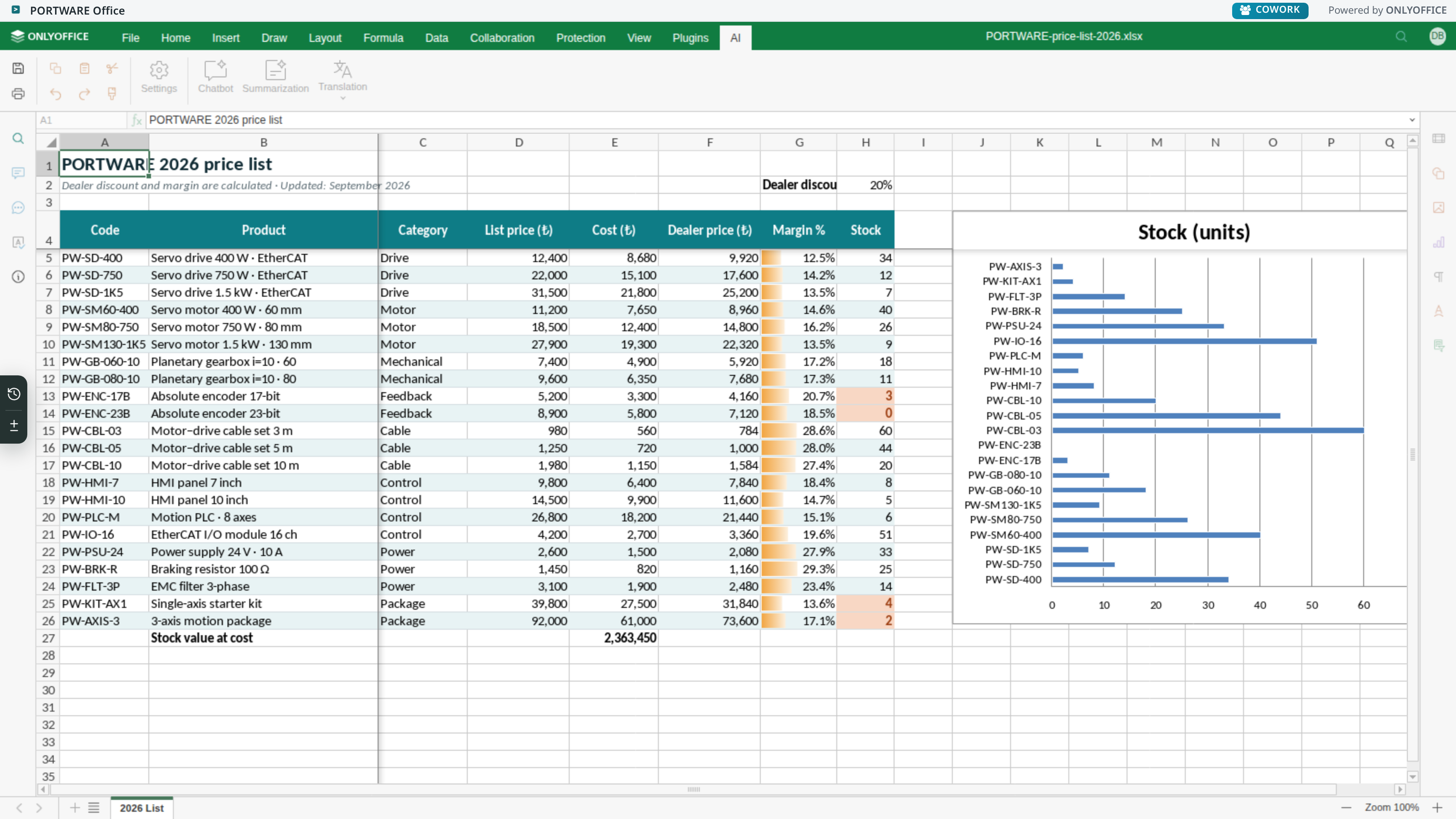
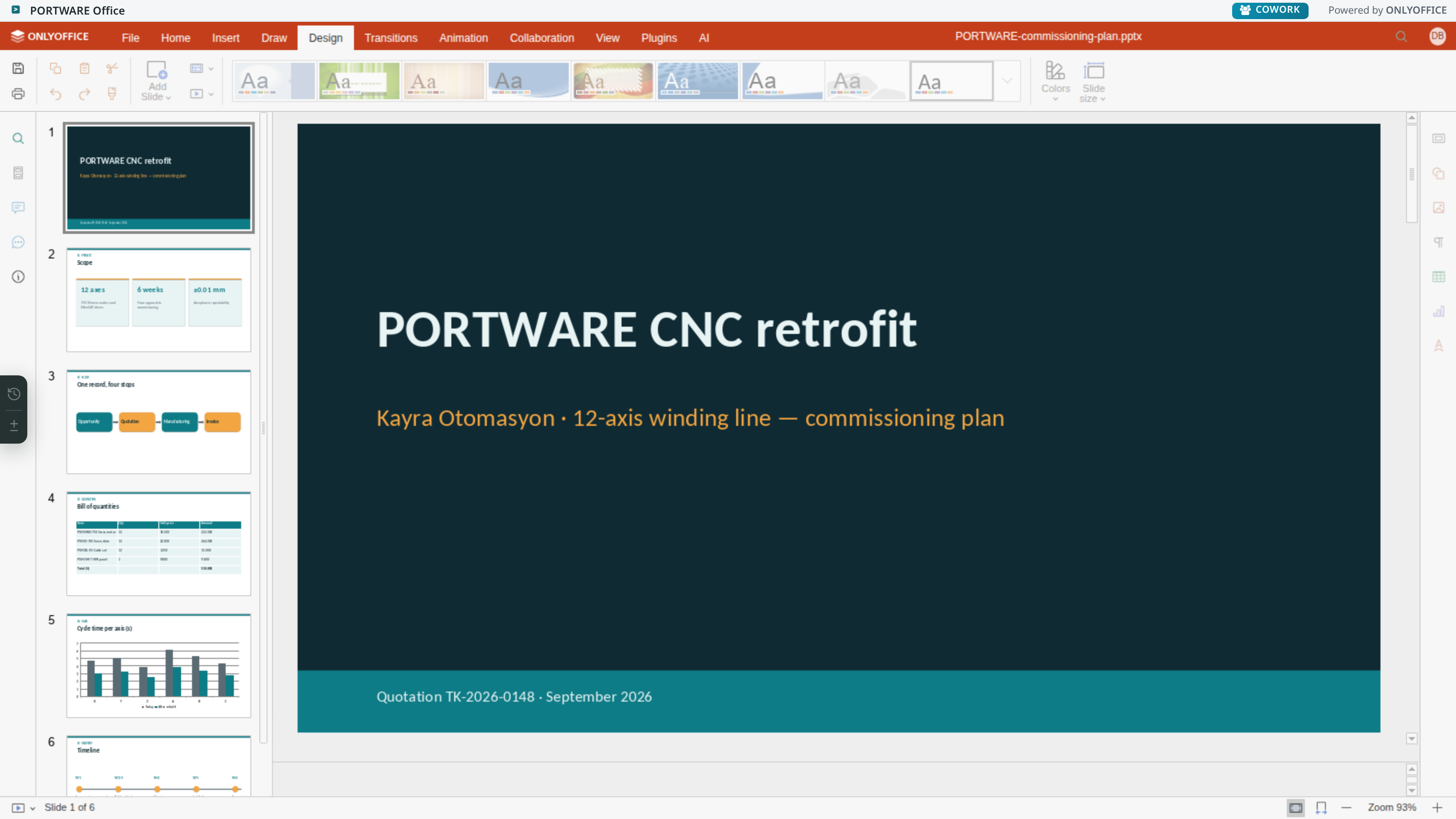
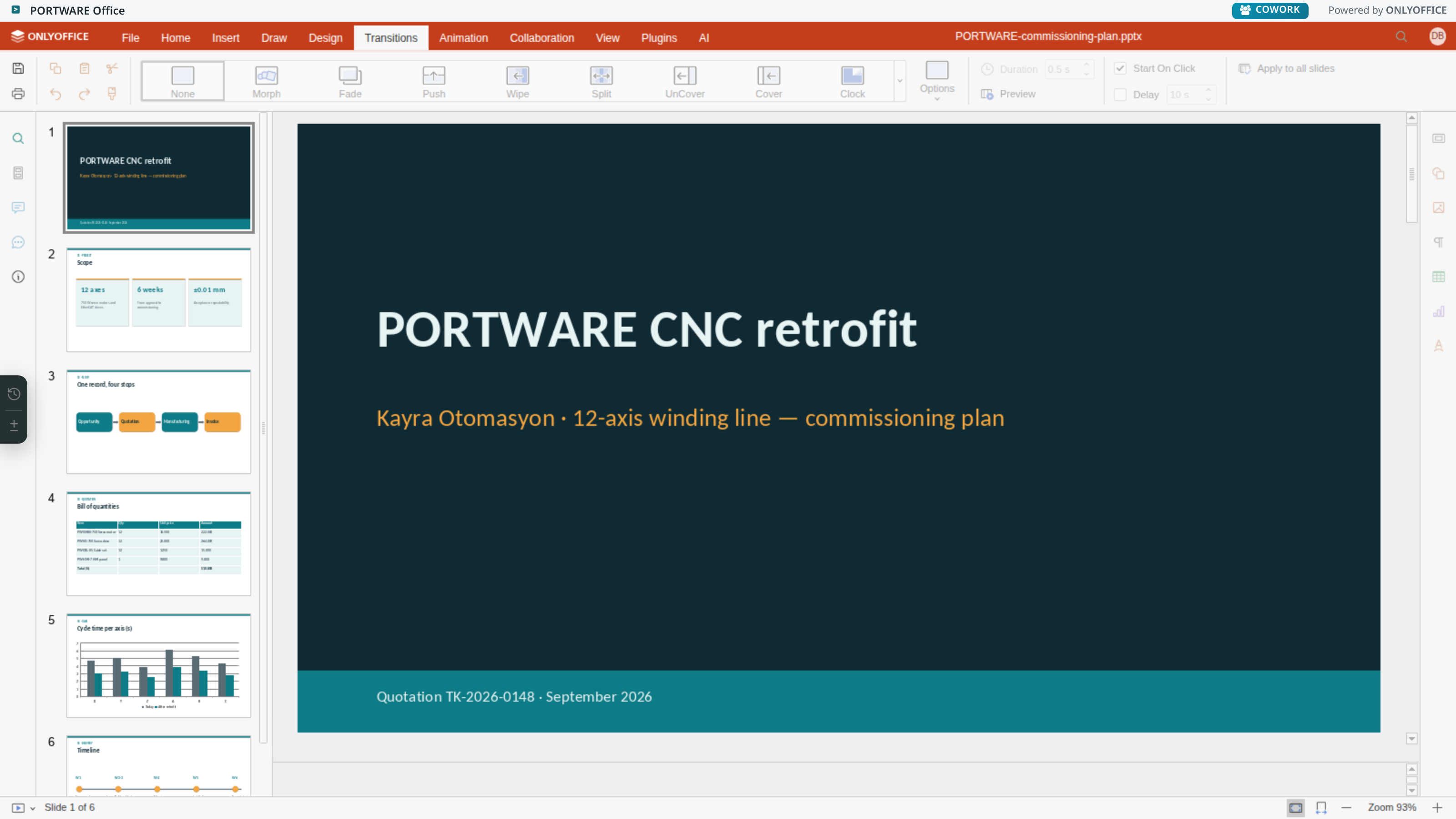
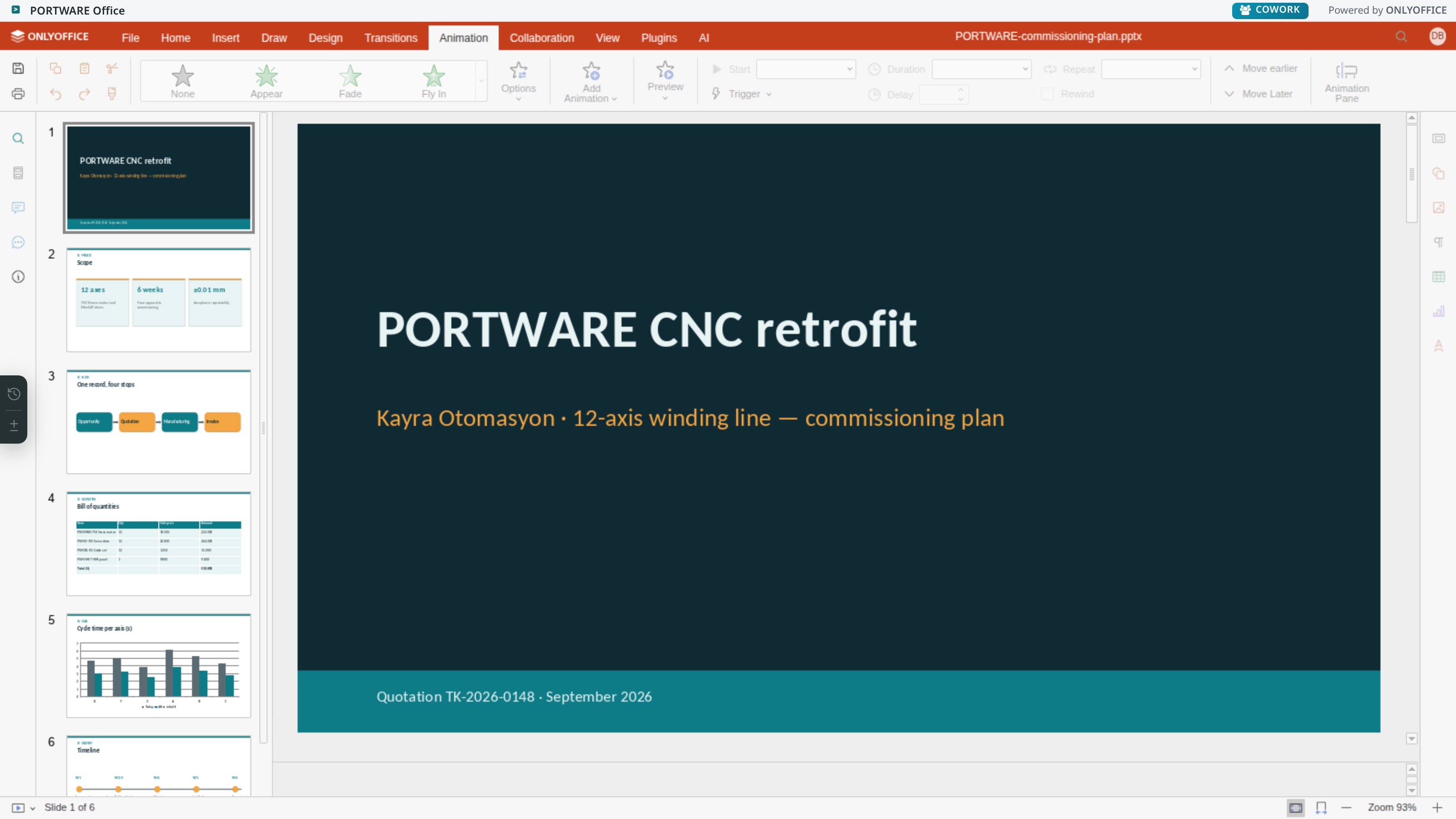
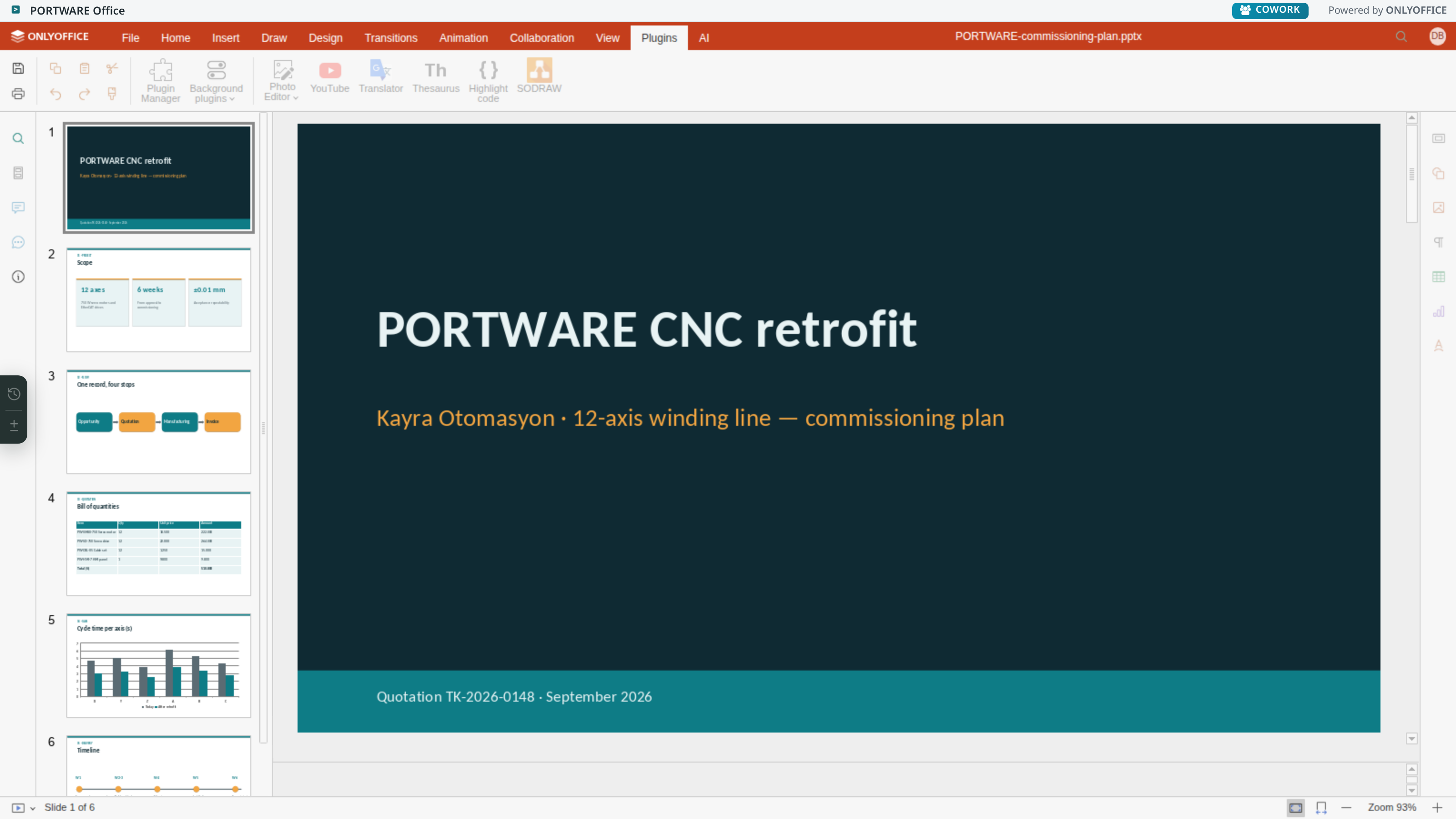
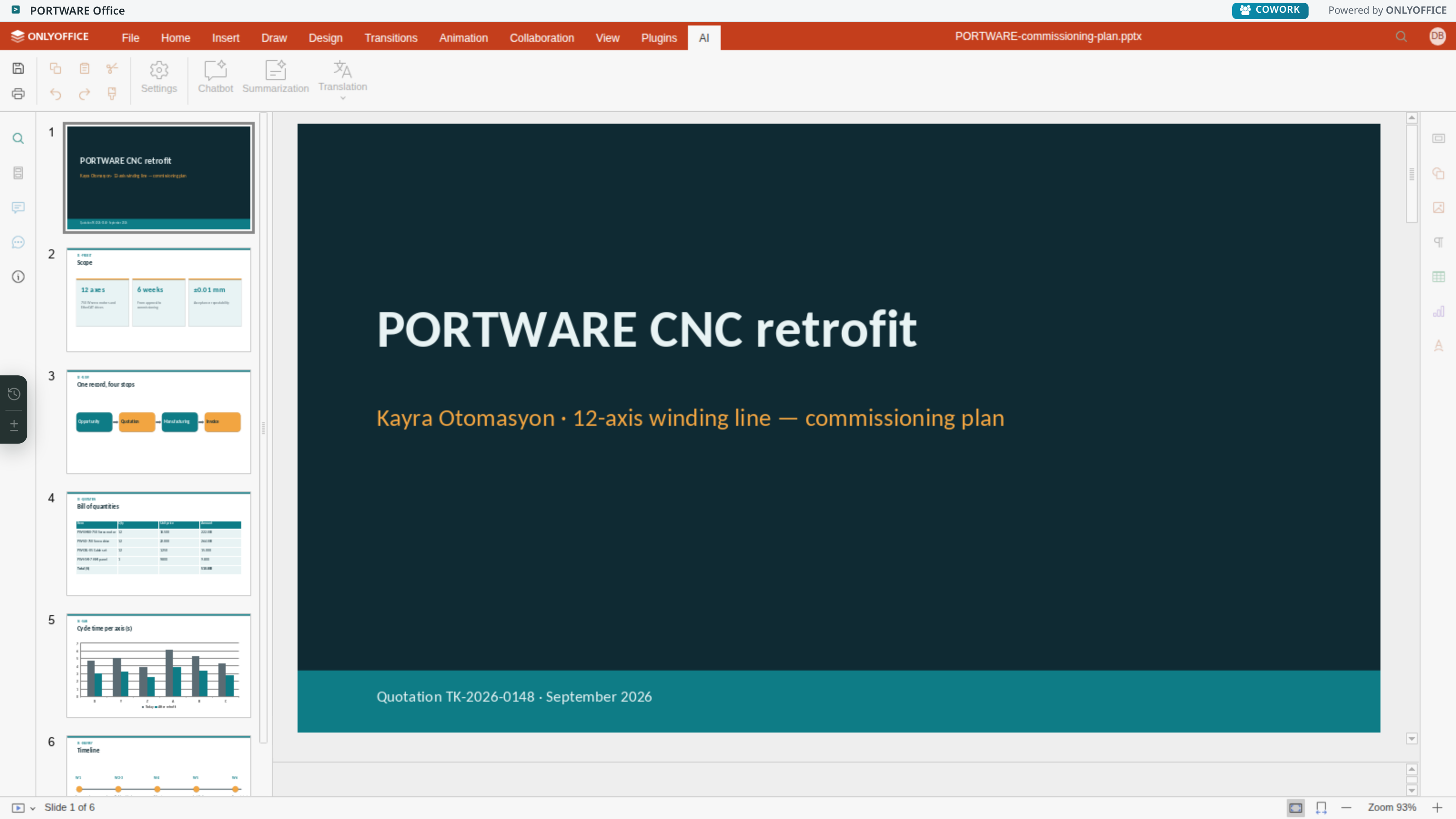
- A full office suite inside the systemWord, Excel and presentations — with formulas, pivot tables, animation, plug-ins and an AI tab.
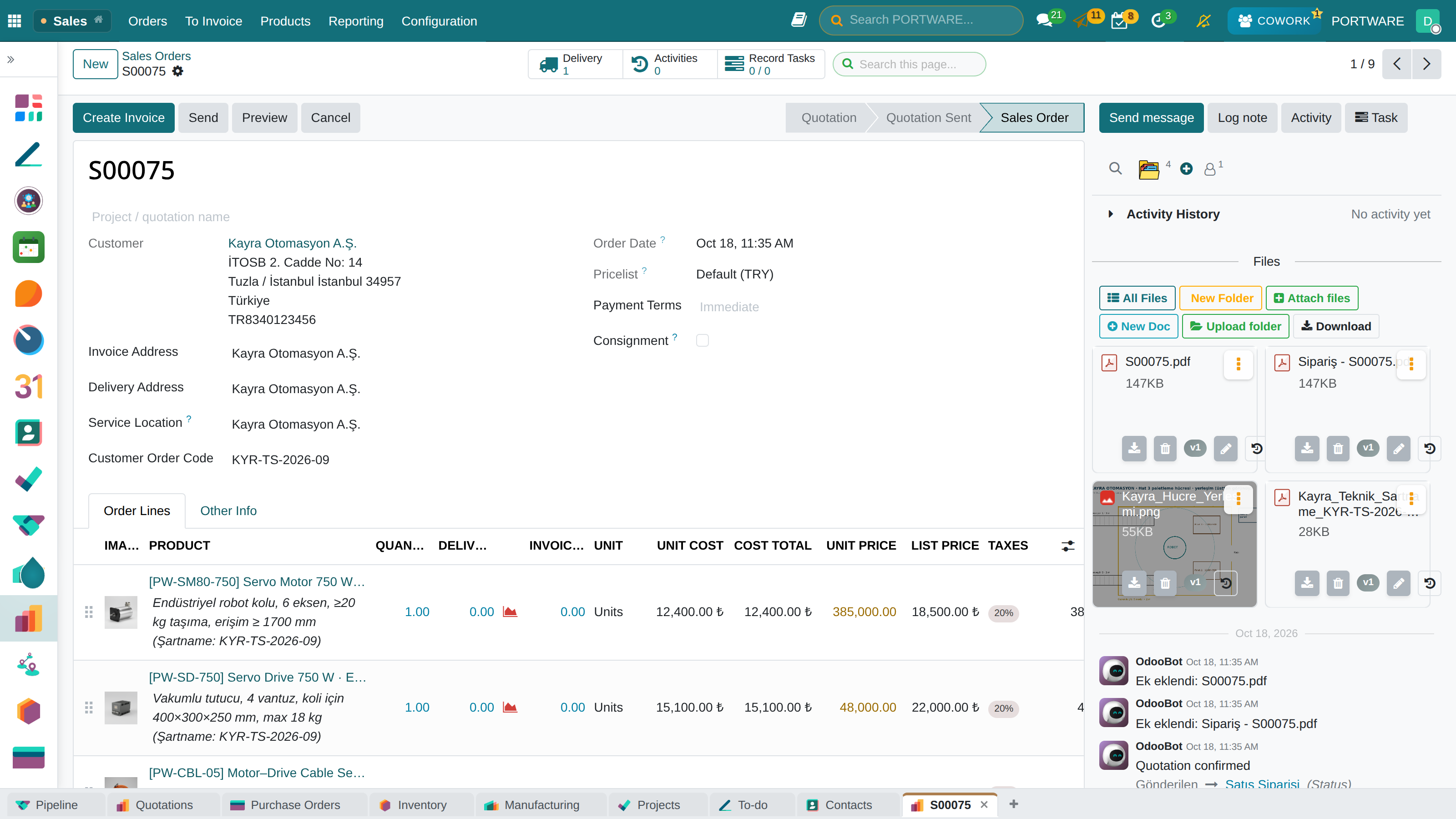
Where it appears: Click a .docx / .xlsx / .pptx file attached to any record
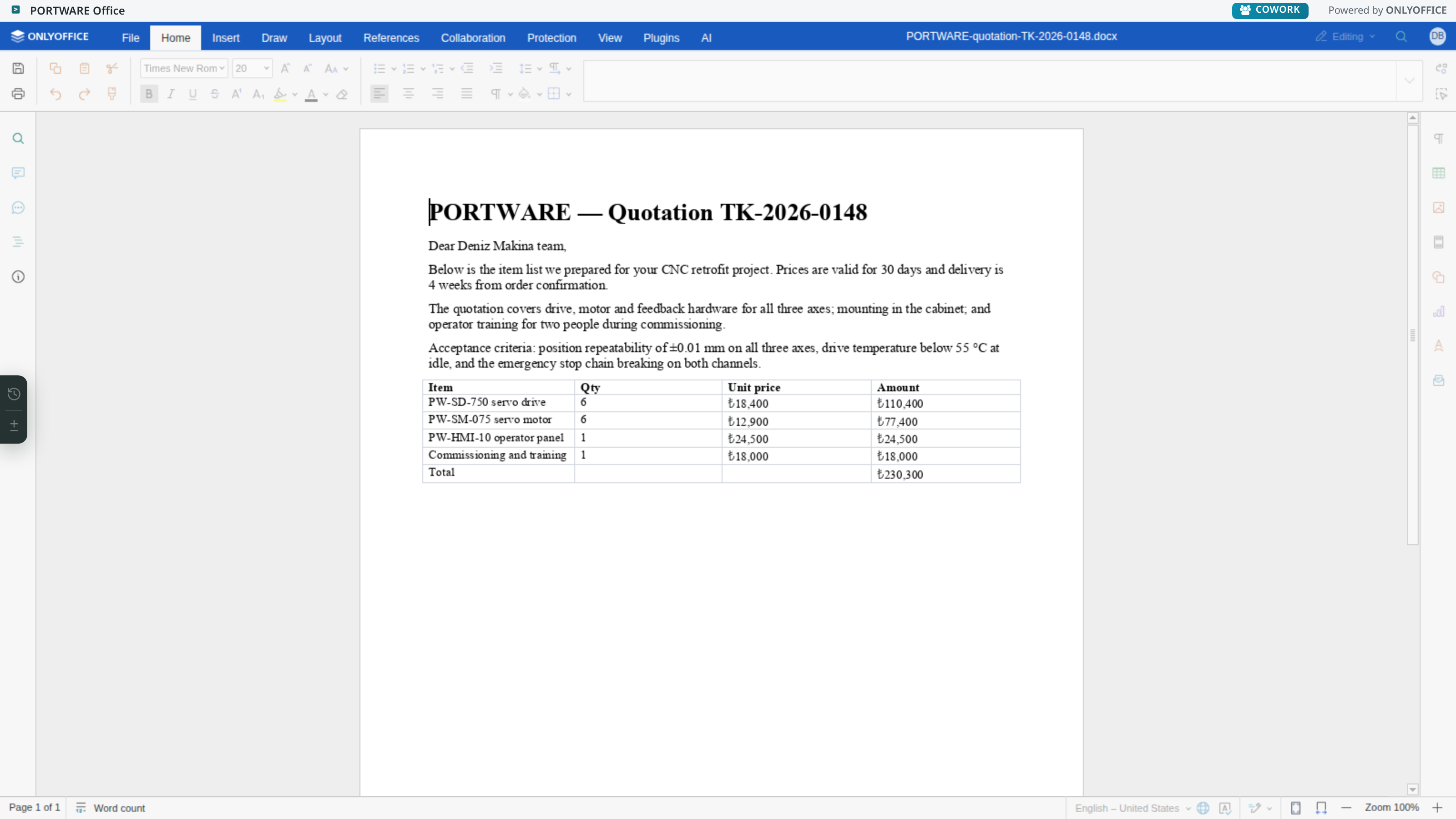
You click a .docx file attached to a quotation; the file opens in the browser, two people can write at the same time, and when you close it the change is already saved. The download–edit–upload loop disappears, and with it the question "which is the latest version".
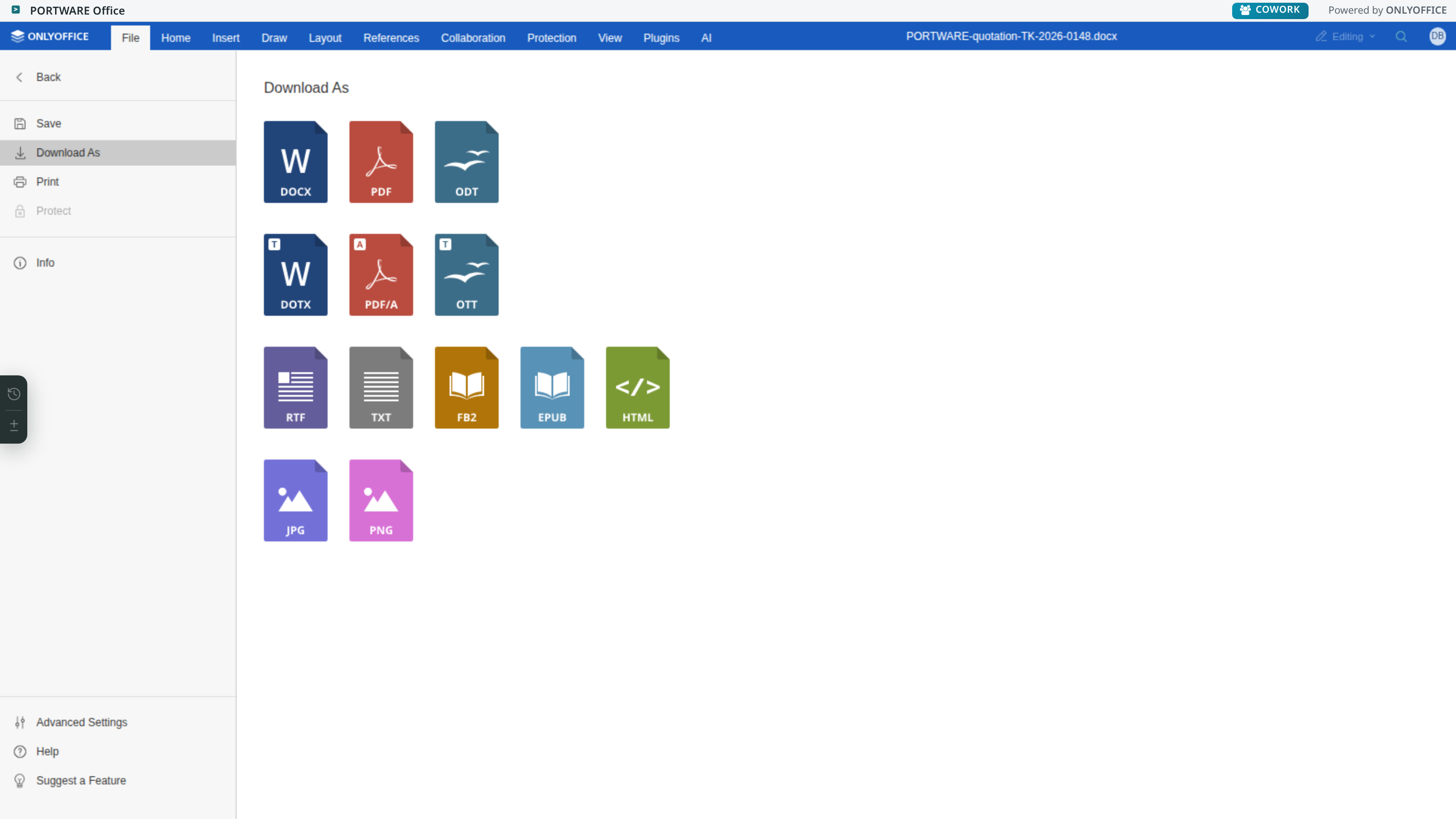
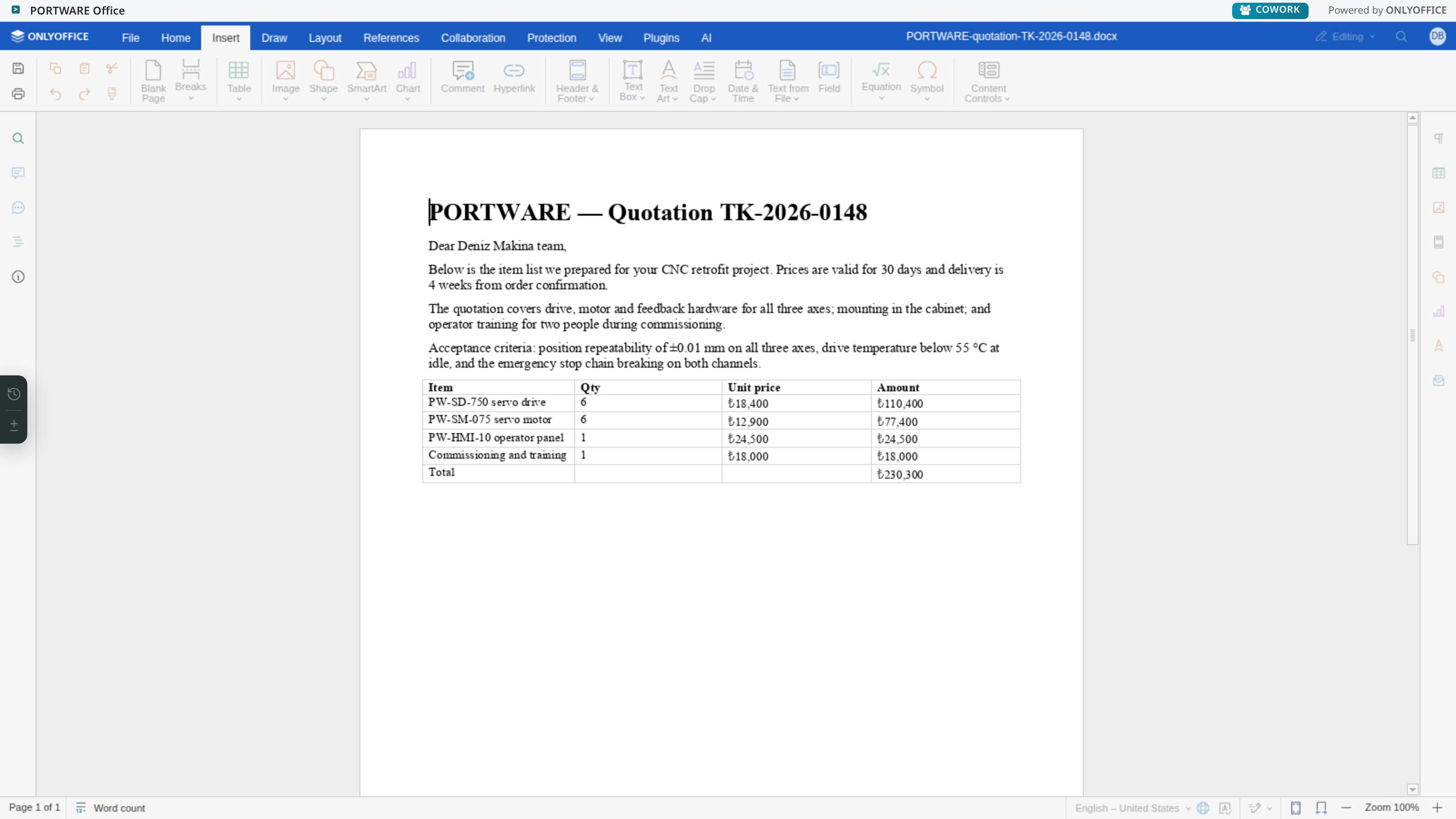
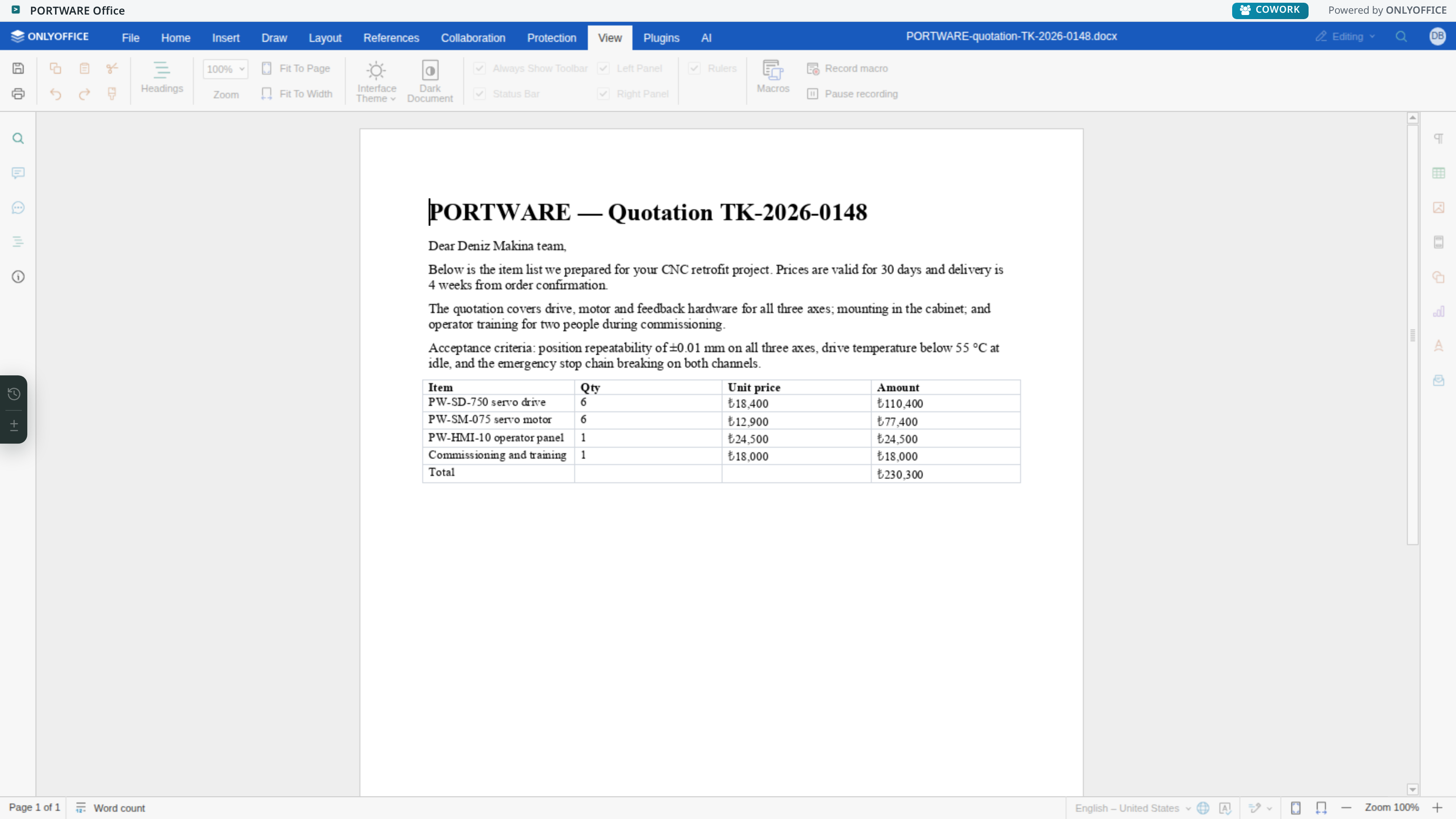
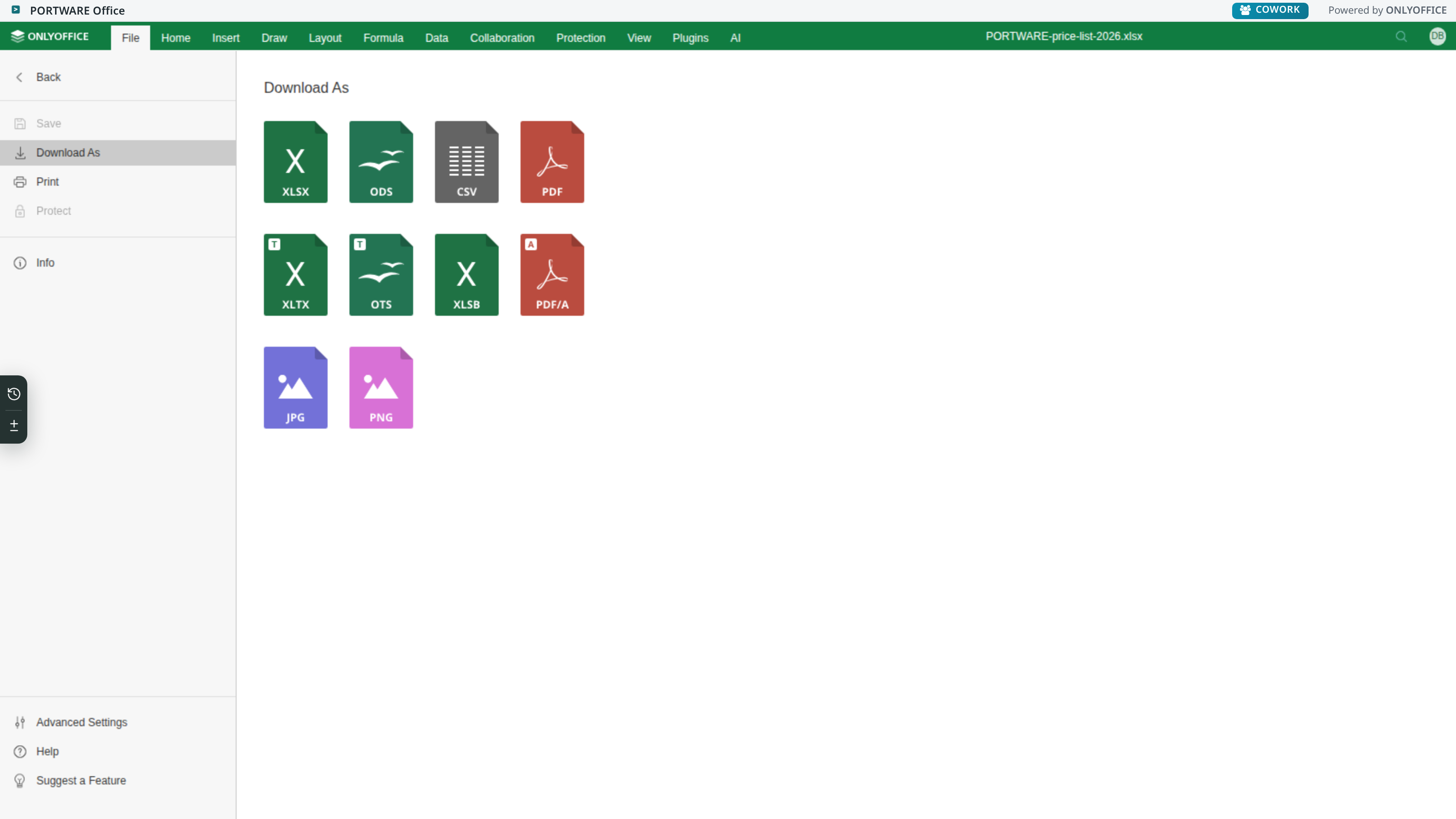
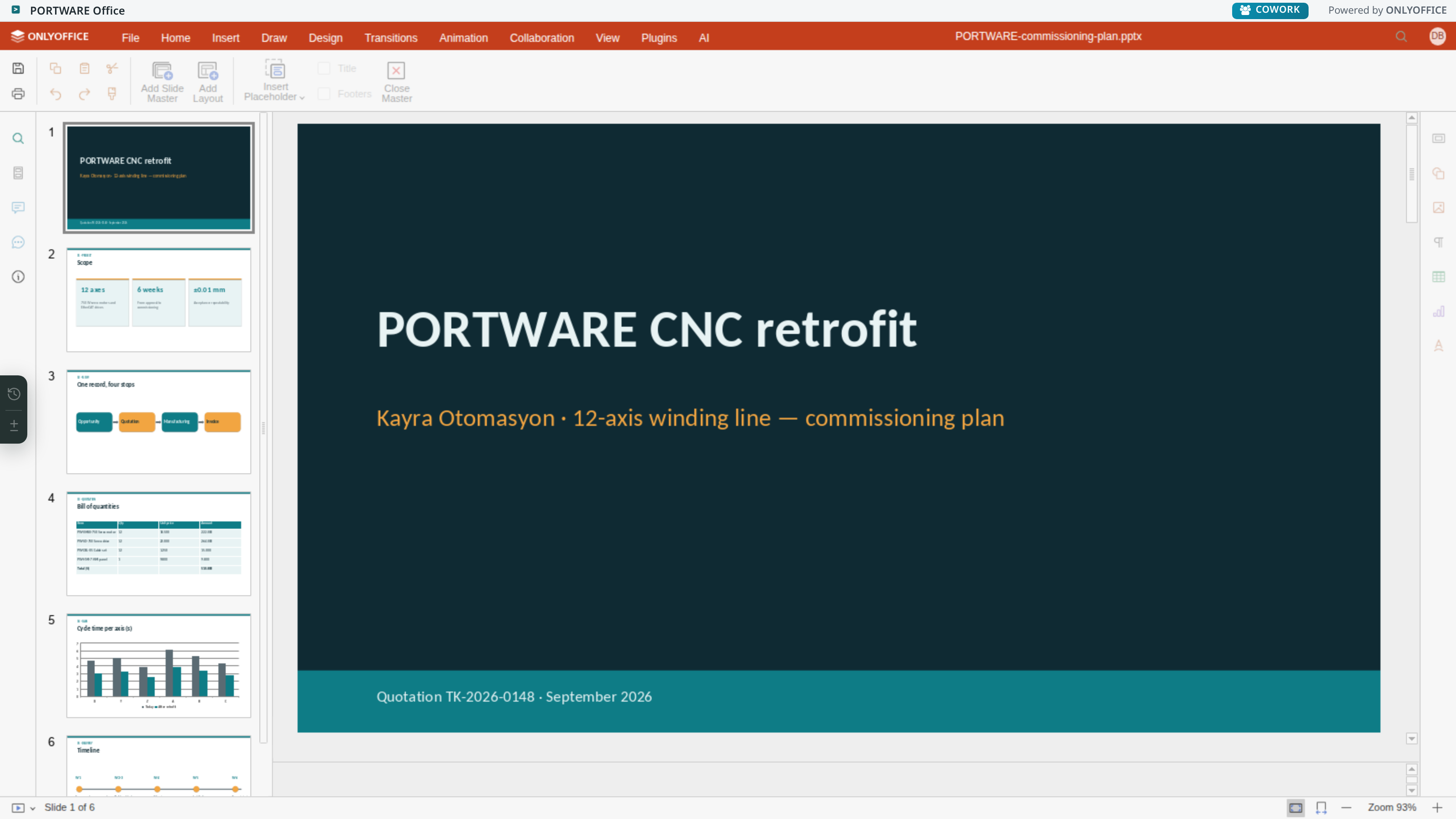
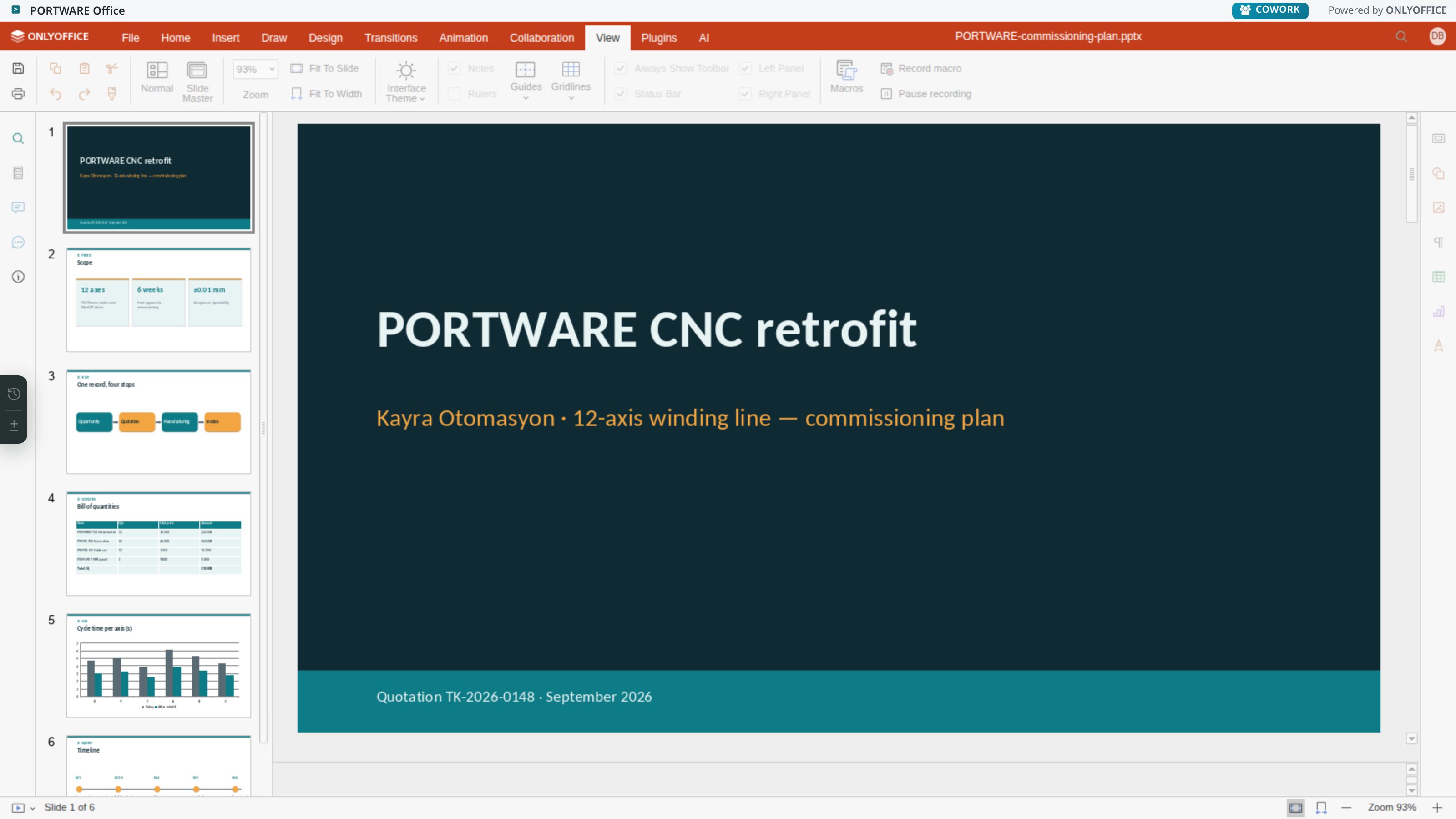
Documents are edited by the open-source ONLYOFFICE Docs: PORTWARE Office · Powered by ONLYOFFICE. PORTWARE adds the version log, cell-by-cell version differences, SODRAW and Cowork AI around this editor; it does not change the editor itself.
What is edited
| Kind | Extensions |
|---|---|
| Text document | .docx, .doc, .odt |
| Spreadsheet | .xlsx, .xls, .ods |
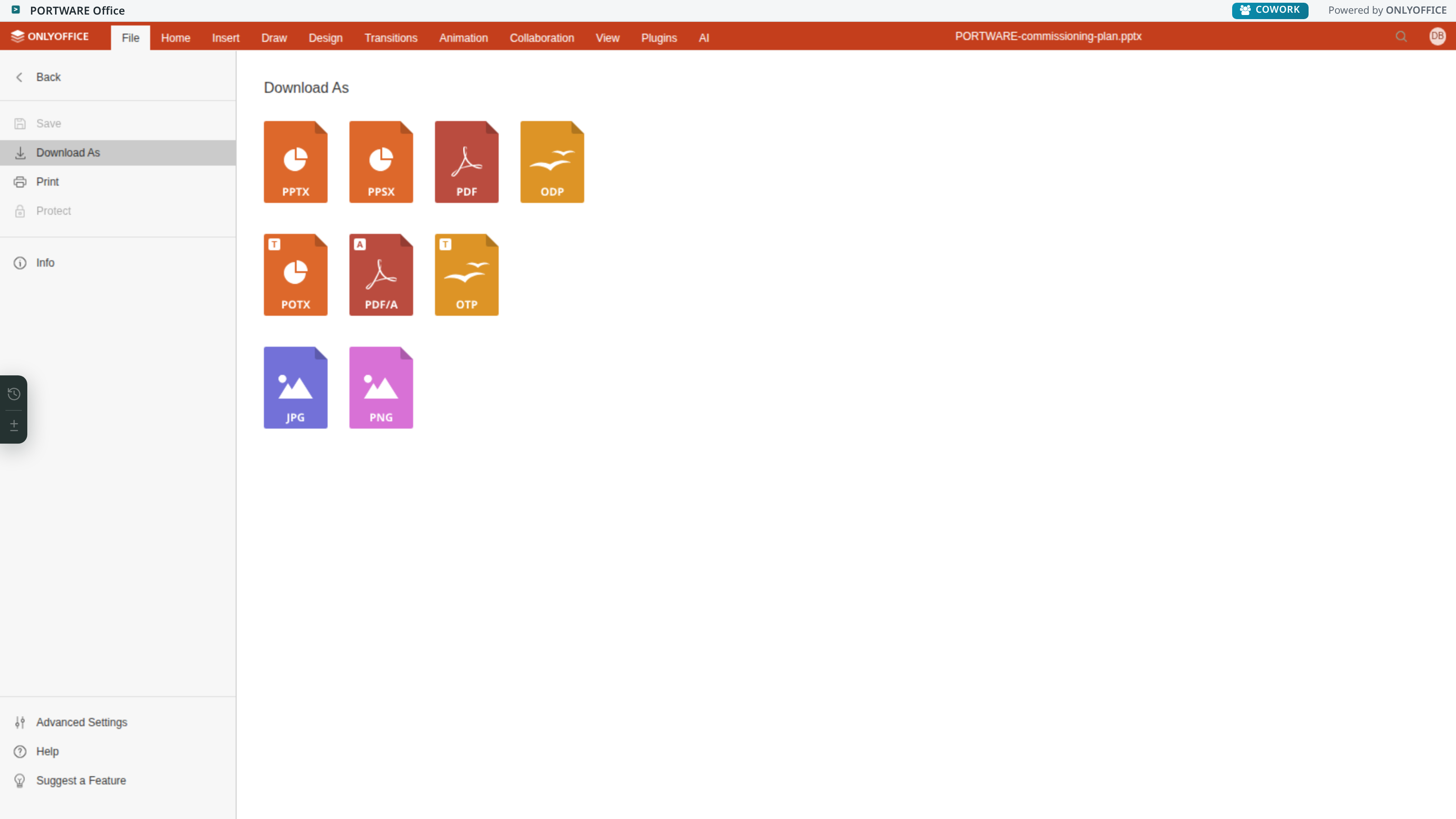
| Presentation | .pptx, .ppt, .odp |
Working together
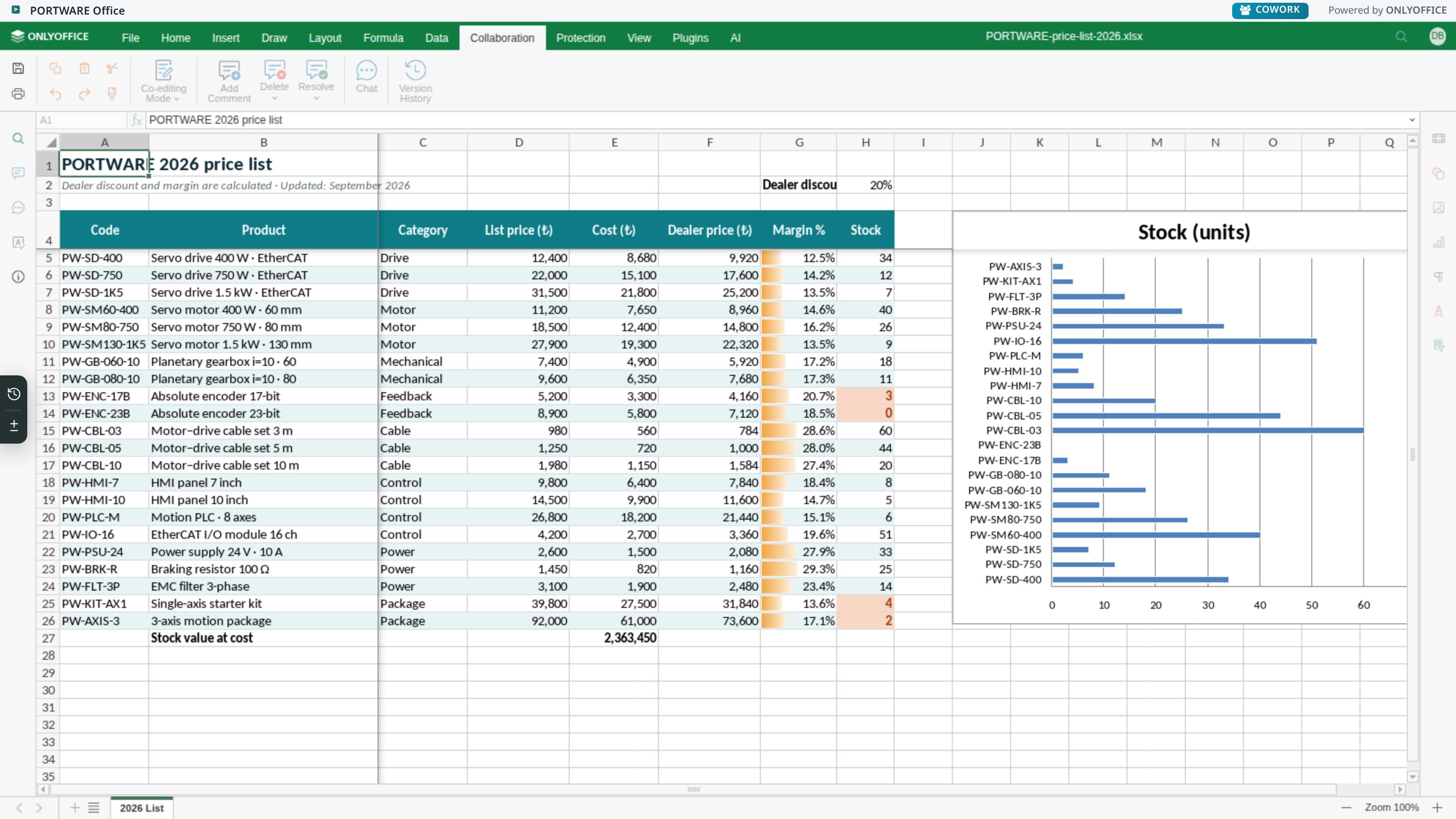
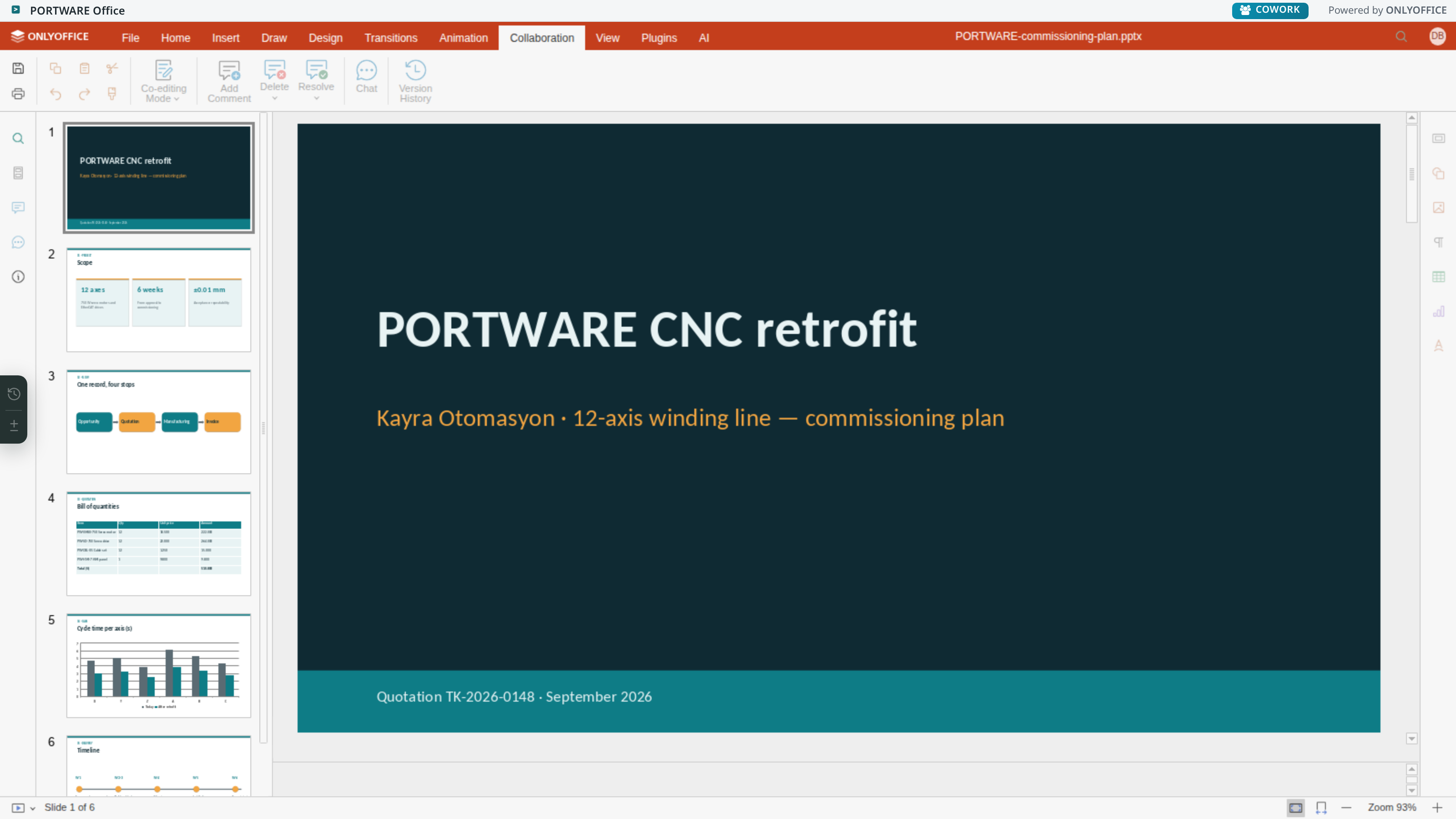
In fast mode the others see the letters you type instantly; in strict mode editing is locked per paragraph. In long texts strict mode produces fewer surprises. Track changes, comments and the editor's own chat work too.
Version history
Every save produces a revision, and the revision log cannot be changed. The panel opens next to the document; clicking a revision opens it, selecting two revisions compares them.
Ctrl+S does something separate: it leaves a visible checkpoint. Checkpoints are stored outside the numbered versions, do not touch the live file and do not disturb the open session.
Two kinds of comparison
| Where it works | How it looks | |
|---|---|---|
| The editor's comparison | .docx only | As tracked changes |
| The diff panel | .docx, .xlsx, .pptx | A colour diff computed on the server |
Why the diff panel exists: the colour of the editor's own highlighting is chosen by author, and spreadsheets and presentations have no such capability at all. The diff computed on the server shows added, deleted and changed content separately; in a spreadsheet it separates a formula from its value.
Restoring
Restoring an old revision does not delete what came after; the restore is added to the end of the log as a new revision. An undo that deleted history would make undoing itself risky.
Templates
With ONLYOFFICE Templates, frequently produced documents are tied to a template: the system's fields are placed inside it and filled in when the document is produced.
Known limits
- Comparing two revisions as tracked changes is possible only for Word documents; the editor has no such API in the other editors.
- "Highlight deletions" exists only in the word processor and cannot be left on.
- Do not edit the same file both here and on the desktop; the desktop copy is for reading only.
| Module | What it does | Version |
|---|---|---|
| PORTWARE Office | PORTWARE Office: documents, spreadsheets, presentations and PDFs in PORTWARE. Powered by ONLYOFFICE. | 19.0.8.10.0 live 19.0.7.4.1 |
| ONLYOFFICE Templates | Automates form creation by inserting record fields into templates. | 19.0.4.3.3 live 19.0.4.3.2 |