CAD viewer
STEP, DXF, DWG and STL files open in the browser without downloading and without a CAD program.
- No CAD program neededSTEP, DXF, DWG and STL files open in the browser, on the record.
- Everyone looks at the same drawingThe technical file stays attached to the record; downloaded copies do not circulate.
- 3D inspectionRotate and zoom the model — in a sales meeting and in production alike.
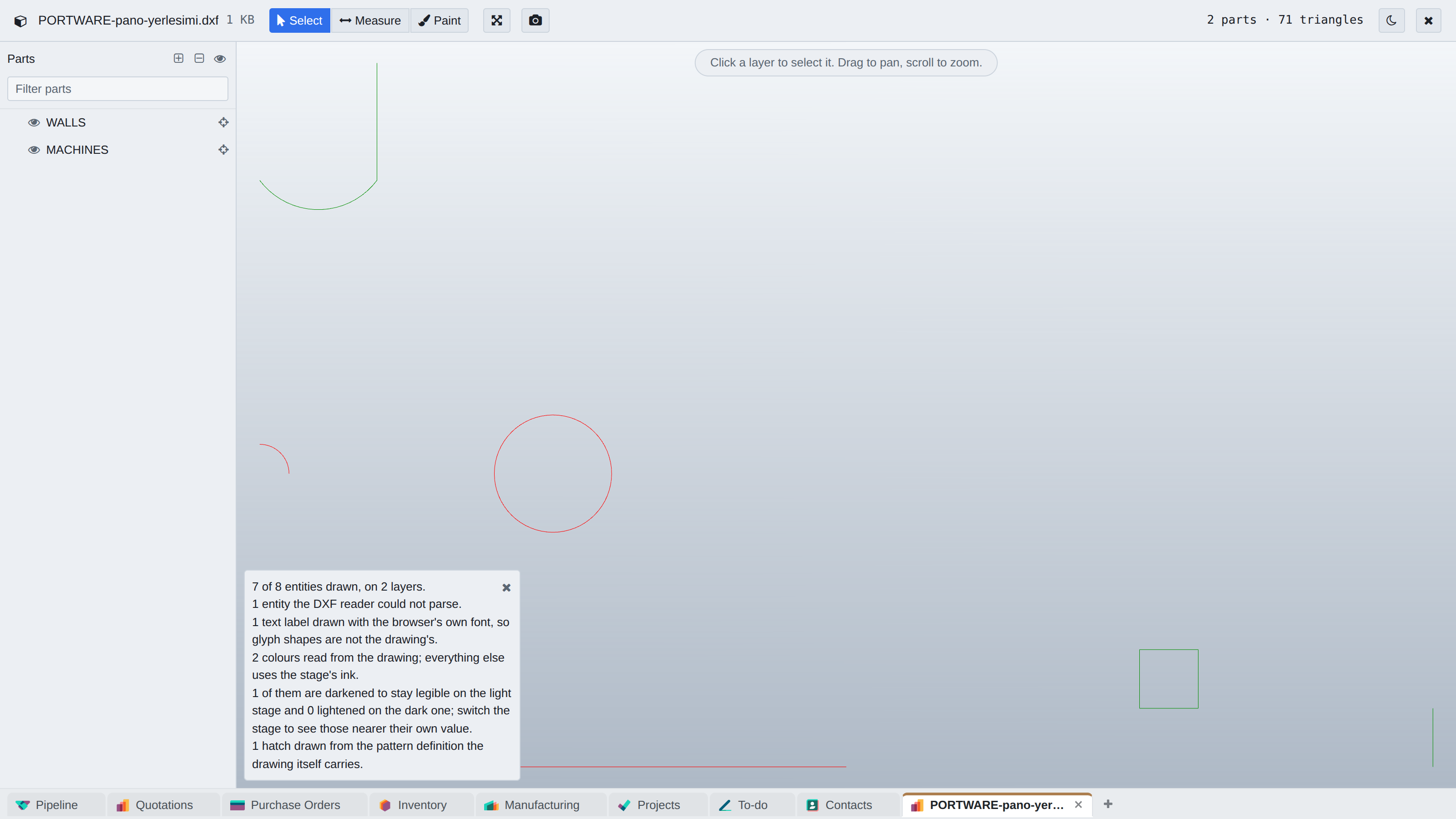
Where it appears: Click the technical file among the record's attachments
If a technical file is attached, you do not need to download it, find the right program and have a licence to open it. You click, and it opens in the browser.
What opens
| Dimension | Formats | What can be done |
|---|---|---|
| 3D | STEP, STL | Rotate, zoom, take a section |
| 2D | DXF, DWG | Layers on/off, measuring, reading text |
Measuring and sections
The viewer can measure between two points, take a section of a 3D model and read the texts in a drawing. The layer list is switched on and off in 2D drawings — the way to isolate a single layer in a crowded assembly drawing.
On mobile it works with touch gestures; layers open from a side drawer.
Encoding
DXF files can be written with different code pages; layer and text names with Turkish characters look corrupted when read with the wrong encoding. The viewer resolves the encoding from the file and, when it cannot, shows the raw form instead of guessing.
| Module | What it does | Version |
|---|---|---|
| PORTWARE CAD Viewer | View 2D/3D CAD attachments (STEP, DXF, STL, ...) in the browser | 19.0.19.0.1 live 19.0.19.0.0 |