Meetings, mail and notifications
The assistant that turns a meeting into text, the approval gate for every outgoing mail, a single signature and invitation links that work.
- The meeting writes itselfA speaker-attributed transcript, an expert's note and actions that become tasks in one click.
- No wrong mail goes outEvery mail going outside passes an approval gate.
- One signature, one linkThe company signature comes from the centre; employees join with the invitation link.
Where it appears: The voice call screen · the outgoing mail queue · calendar invitations
Meeting assistant
Taking meeting notes is a job that cannot be done while taking part in the meeting. The assistant separates the two: you talk, the system writes.
- On request, in the open. The assistant joins only when a participant starts it; the call and the channel's thread are told it is recording. If it cannot announce, it does not record.
- A speaker-attributed transcript. Audio is captured per participant; every sentence carries its speaker. Company terms and pronunciations are given to the transcription engine in advance, and Turkish name suffixes are stripped when matching.
- An expert's note. Before the note is written, the customers, projects, products and colleagues named are matched in code and the company's own knowledge is read; the note reads as someone who knows the business would write it.
- A task in one click. Every action is listed as who, what and when; one click makes it a project task or an activity.
- People have the last word. A note someone edited or approved is never overwritten by regeneration.
- Audio is not kept. The transcript and note stay; raw audio is deleted on a set day.
Details: chapter 29.
Outgoing mail gate
E-mails leaving the company pass through an approval layer: no mail goes out until a person approves it. The gate stops an internal note going to the wrong recipient or a mail containing test data.
The gate also recognises what must pass: system mails such as portal invitations and password resets are not held in the approval queue.
Signature
Every member of staff has a single, consistent signature in their mailbox. It can be edited personally, but the company identity is shared; an organisation where everyone designs a different signature does not look like one organisation from outside.
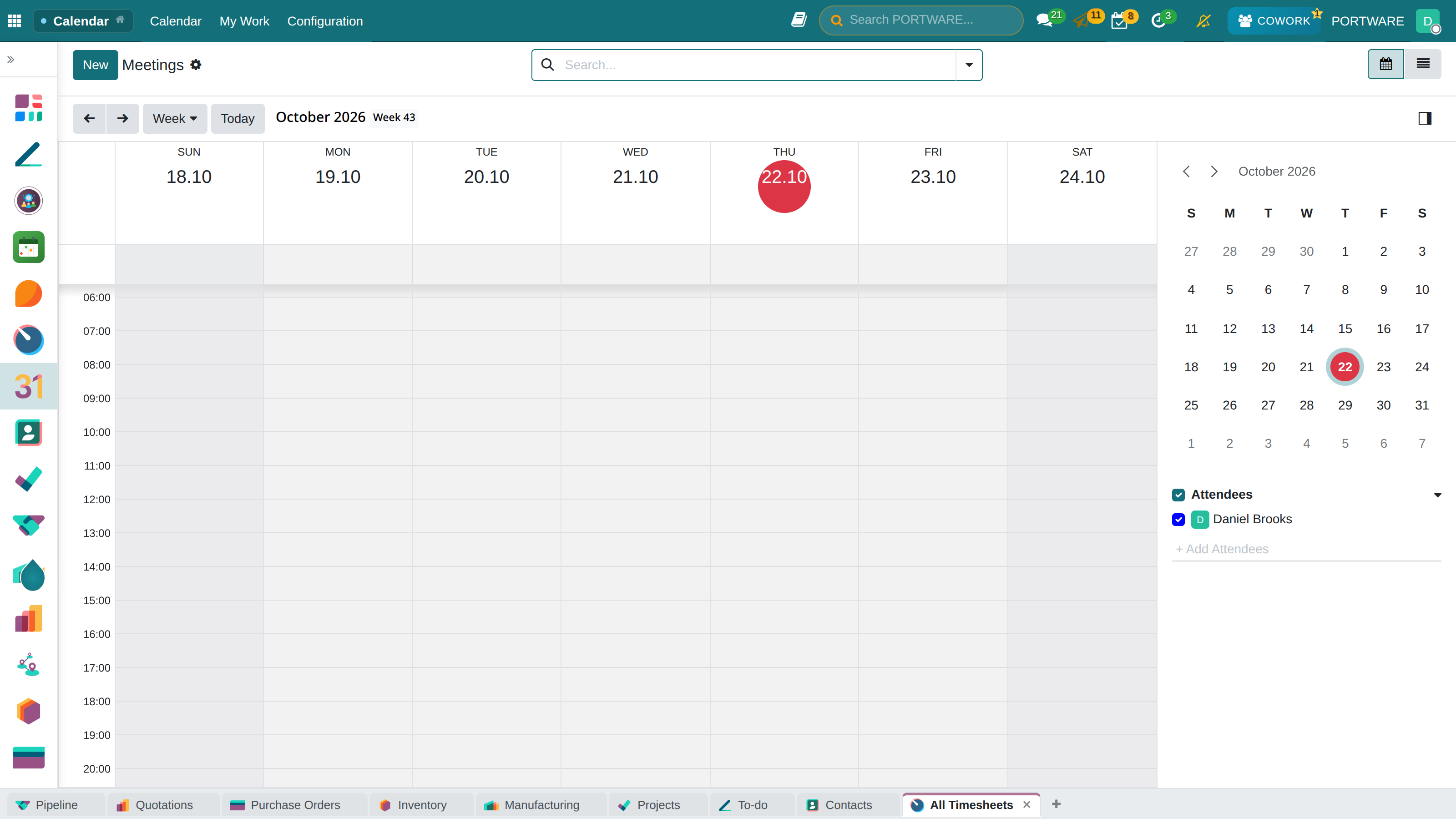
Calendar invitations
An invitation is a document that leaves the system. The links inside it must work: a participant must be able to see the meeting without logging into the system.
A meeting has two separate note fields, read by different people: one is the description that goes into the invitation, the other the internal note. The fields say clearly what they are for and who will read them — missing this distinction is an error that is hard to correct.
| Module | What it does | Version |
|---|---|---|
| PORTWARE Meeting Notes | Records Discuss calls per participant and produces a speaker-attributed transcript | 19.0.9.6.0 live 19.0.9.1.0 |
| PORTWARE Outbound Mail Guard | Nothing leaves the company by email without a human approving it | 19.0.1.5.0 live 19.0.1.2.0 |
| PORTWARE Corporate Email Signature | One professional signature, on every staff mailbox | 19.0.1.1.0 live 19.0.1.0.0 |
| PORTWARE Calendar Invitation Repair | Meeting invitations carry links that actually work | 19.0.1.0.0 live |
| PORTWARE Calendar Meeting Notes Layout | The two note fields of a meeting get the room they need, and say who reads them | 19.0.1.2.0 live 19.0.1.0.0 |