SODRAW and exTable
draw.io built into every document: a drawing is kept as an editable object, not a picture, changes again years later and becomes a company asset. Excel-like tables beside it.
- The diagram stays editableInstead of pasting a screenshot, the draw.io drawing is stored inside the field.
- Excel habits in textMulti-cell selection and table editing in the rich-text field.
- The same tool in every fieldThe same command in a quotation note, a task description and a document.
Where it appears: The / command list in any rich-text field
SODRAW — diagrams
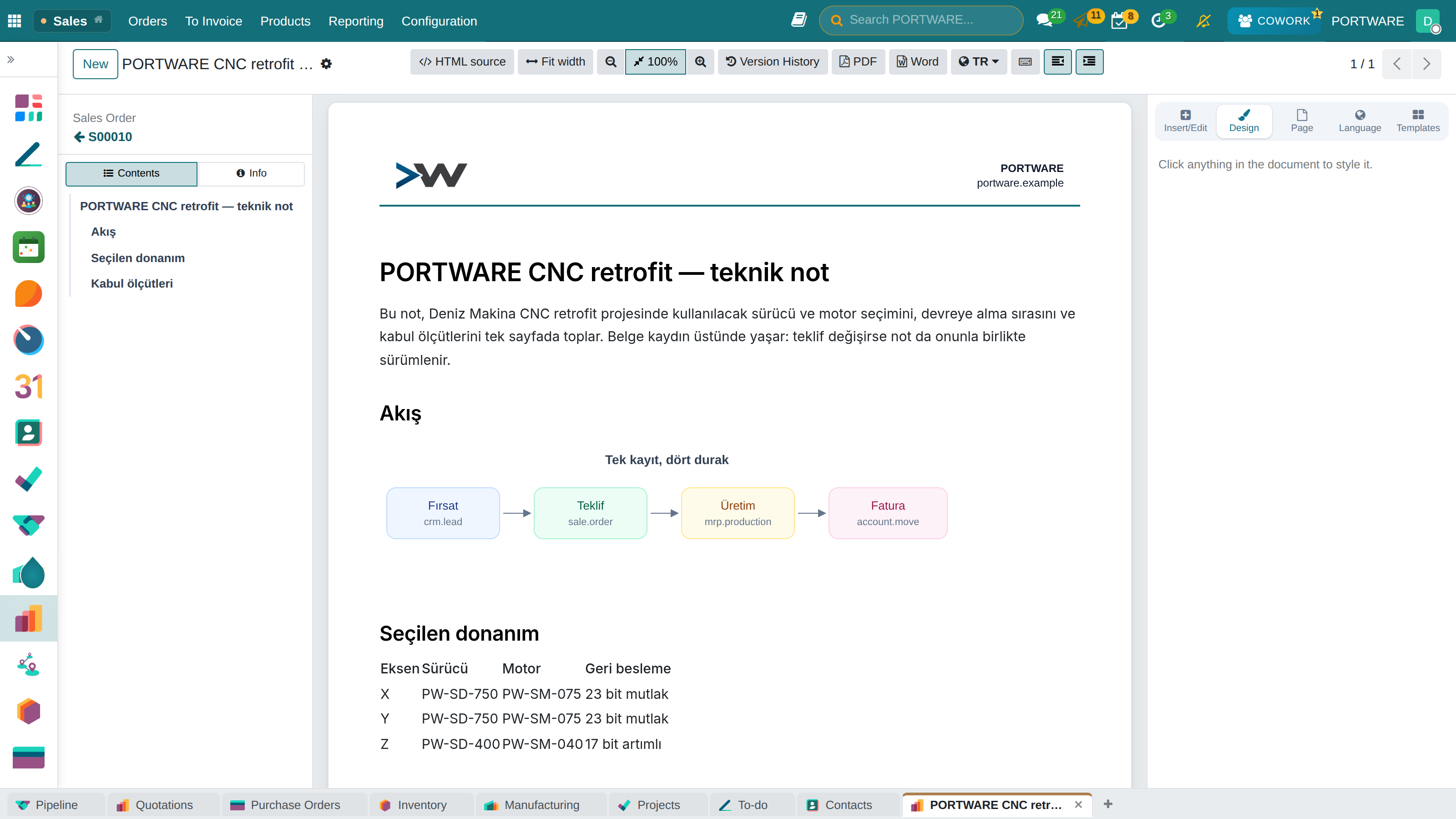
When you type /sodraw in a text field, the draw.io editor opens. Flowcharts, architecture drawings, installation plans, organisation charts — all of them live inside the document and can be edited again.
The drawing is stored as SVG and carries its own source data inside. So it is not just a viewable picture: when opened it is a diagram that can be edited again. When printed to PDF it keeps vector quality; even 400% zoom does not blur it.
exTable — tables
Tables inside rich text are edited much like Excel: multi-cell selection, inserting and deleting rows/columns, merging cells, copying format by dragging. For a small price table, a comparison matrix or a delivery plan there is no need to open a separate file.
Since the table sits in the field's own HTML, the field's version history covers it too: when an old revision is opened, the table appears as it was on that day.
Where it helps
| Place | Use |
|---|---|
| Product internal note | Wiring diagram, terminal layout |
| Project description | Workflow, responsibility chart |
| SOTION page | Procedure flow, system architecture |
| Quotation terms | Delivery plan table |
| HTML document | A technical drawing in a brochure |
| Module | What it does | Version |
|---|---|---|
| SODRAW HTML Editor | Draw.io diagrams in HTML editor via / commands | 19.0.1.3.0 live 19.0.1.2.0 |
| exTable HTML Editor | Excel-like spreadsheet tables for HTML Editor | 19.0.1.4.0 live |