SOTION — knowledge base
Nested pages, variables changed in one place, and colourful status tags that live inside the text.
- Knowledge is written onceChange a variable in one place and every page that uses it is updated.
- Status inside the textColourful status tags live inside the paragraph, not in a separate table.
- The company's memory in one treeProcess guides, onboarding and technical specifications in nested pages.
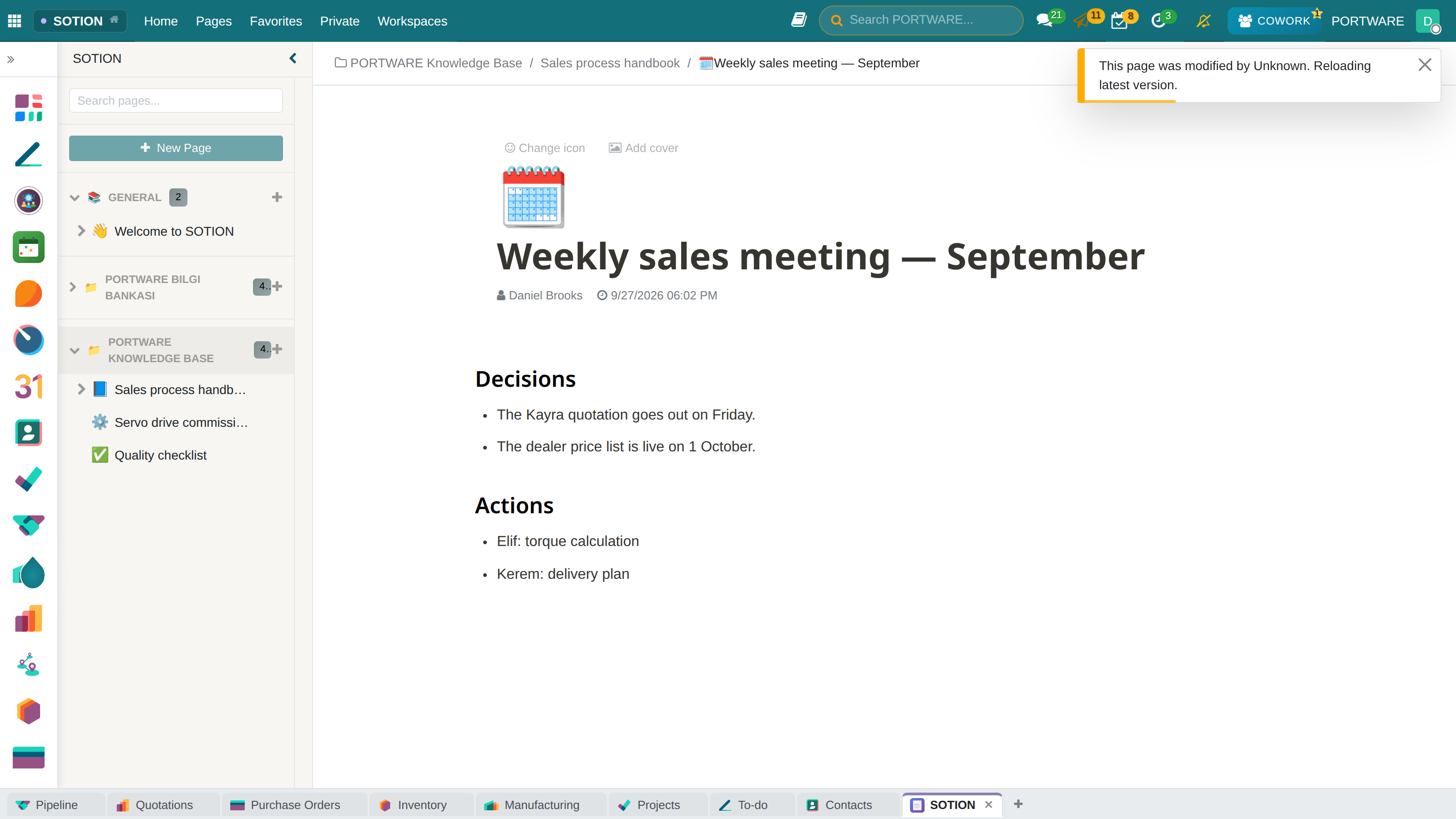
Where it appears: SOTION in the application panel
SOTION is the Notion-like knowledge base inside the system: nested pages, rich text, cover images and emoji icons. Two features set it apart from a plain wiki.
Variables
Values placed on a page with the {{name}} notation and changed in one place. You define a threshold, a version number or an owner repeated in a procedure once; it is current everywhere on the page.
Select properties
Tags added with the [[Status]] notation that carry one of several coloured options. The way to show a page's status (draft / to review / approved) inside the text. Options are chosen from twelve colours, and the tag in the document and the value in the side panel are linked.
Organisation
Pages are gathered in three places: Workspace (seen by everyone), Private (only yours) and Favourites. The sidebar navigates this hierarchy; a sub-page is opened under a page and there is no depth limit.
What goes into SOTION and what into the record
Real time
Pages can be edited together; someone else's change is reflected on the open page.
| Module | What it does | Version |
|---|---|---|
| SOTION | Notion-like Knowledge Management System | 19.0.1.16.2 live 19.0.1.16.0 |