GitHub and Requirements Training
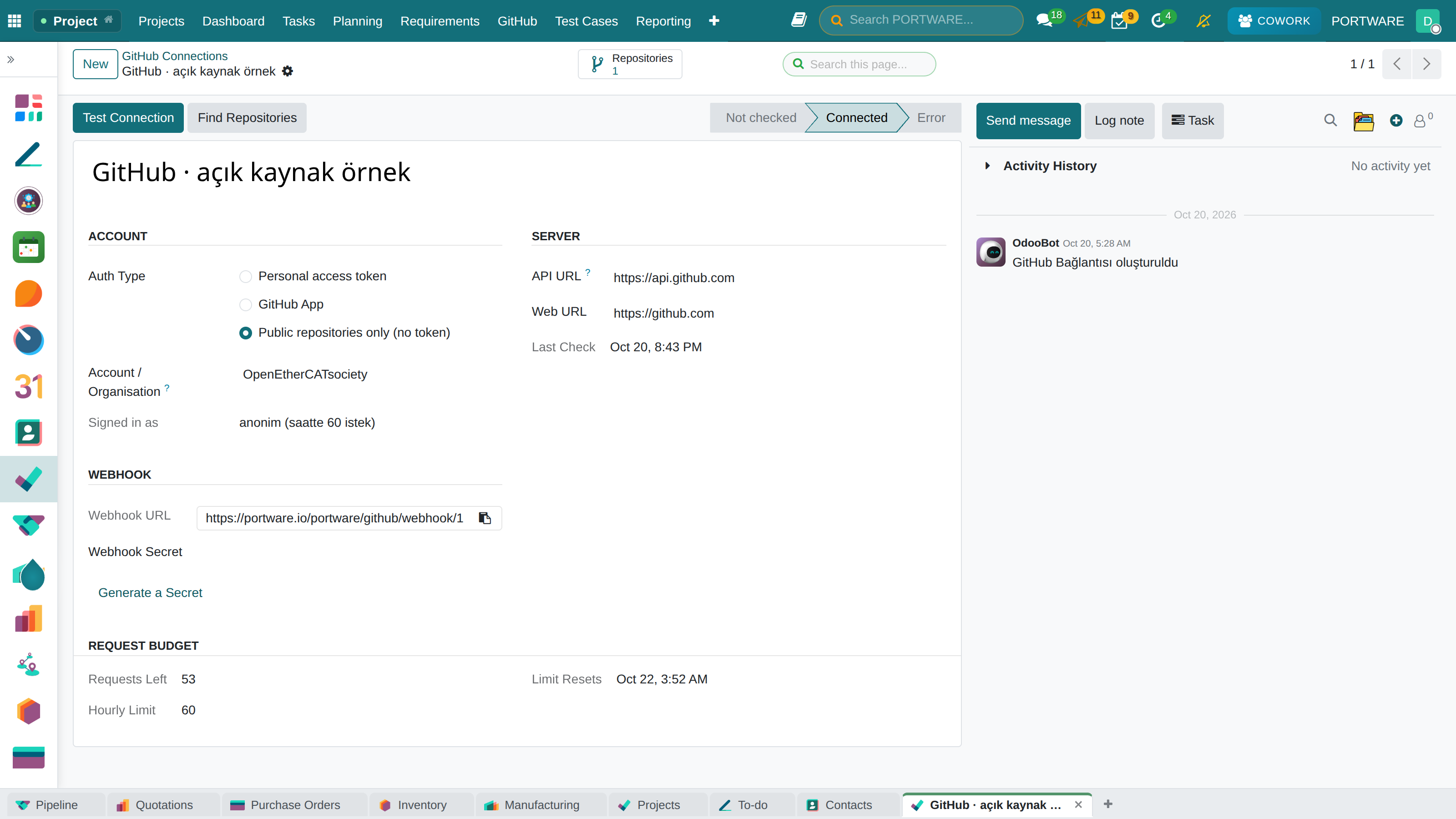
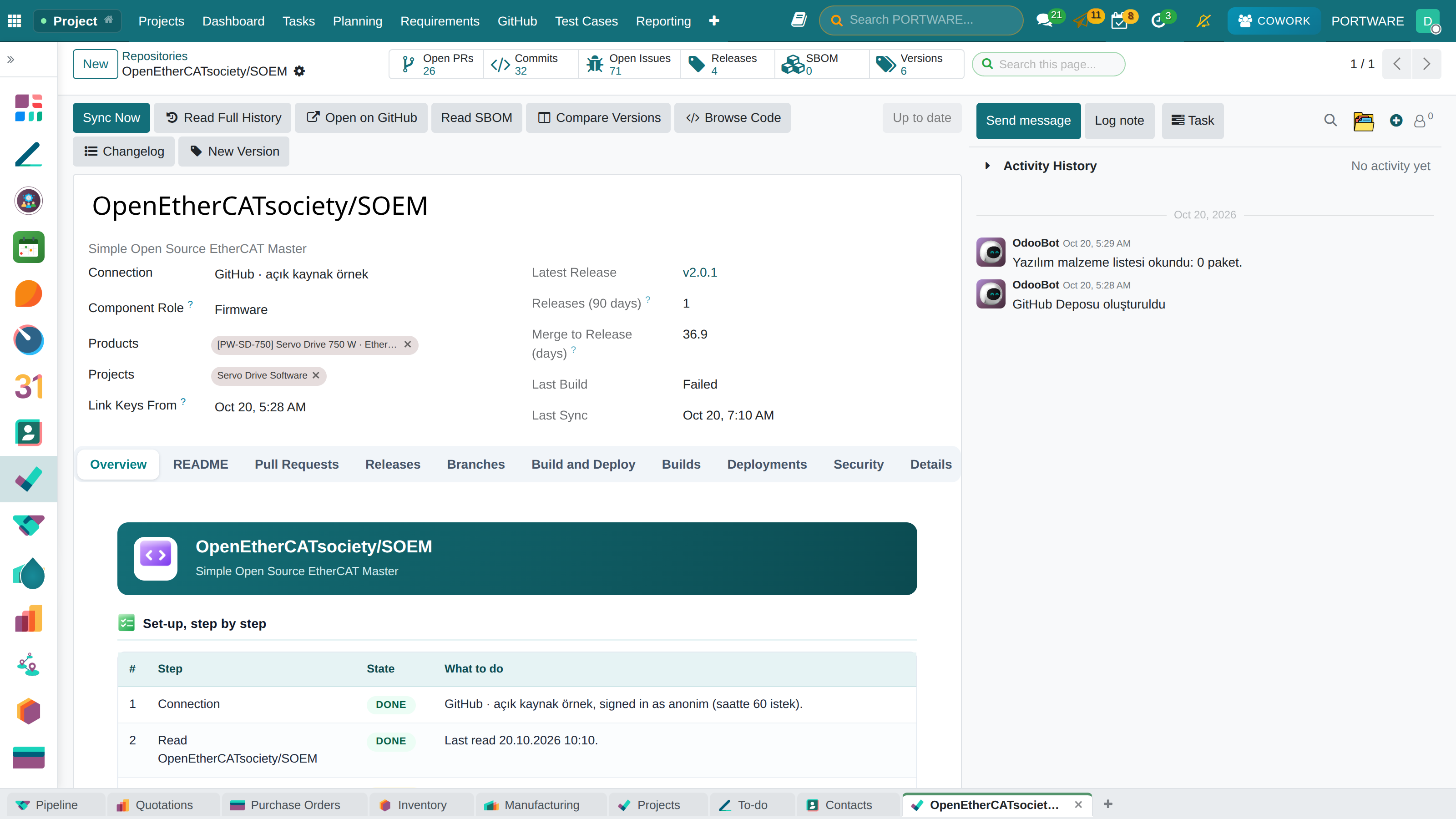
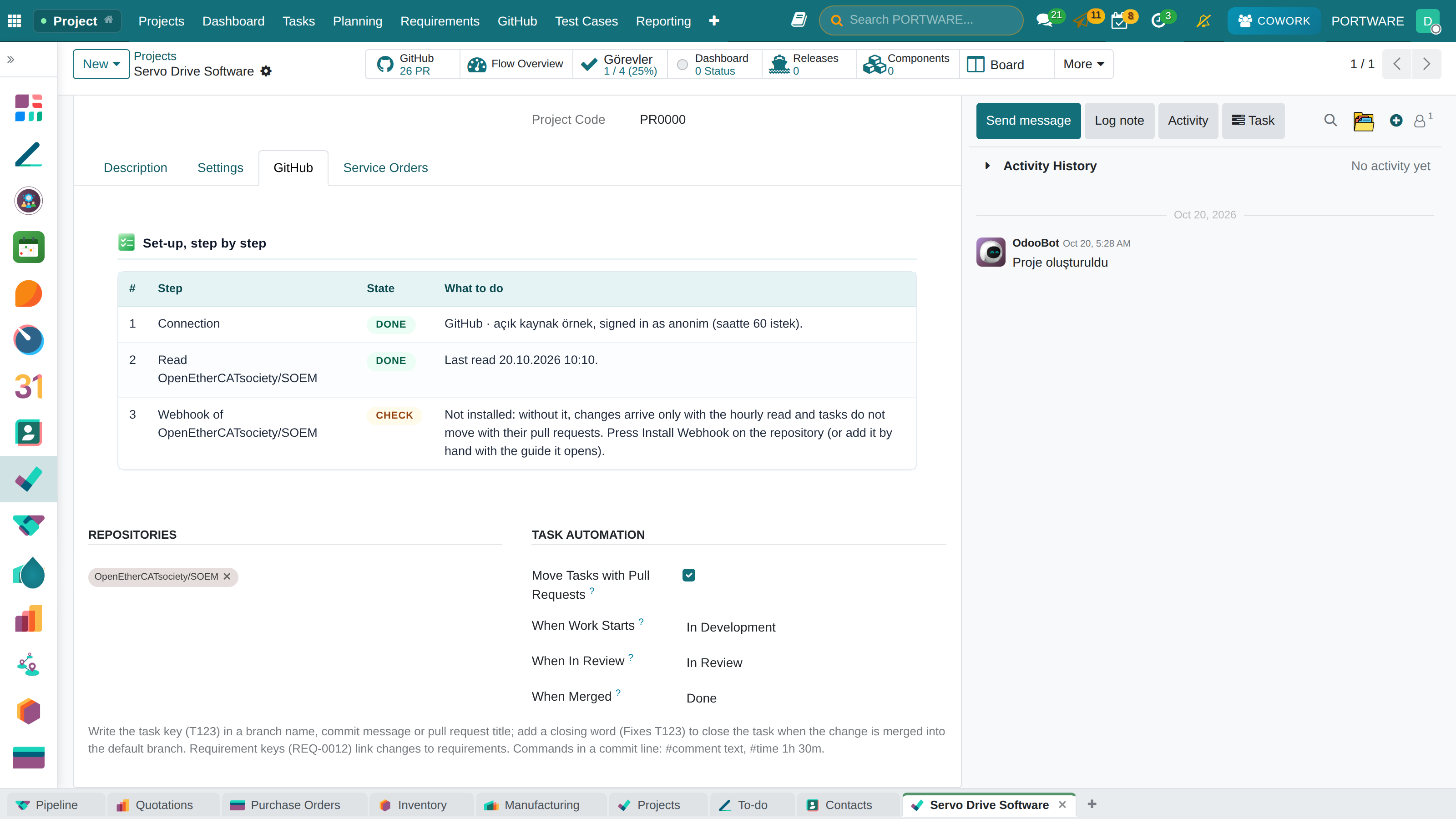
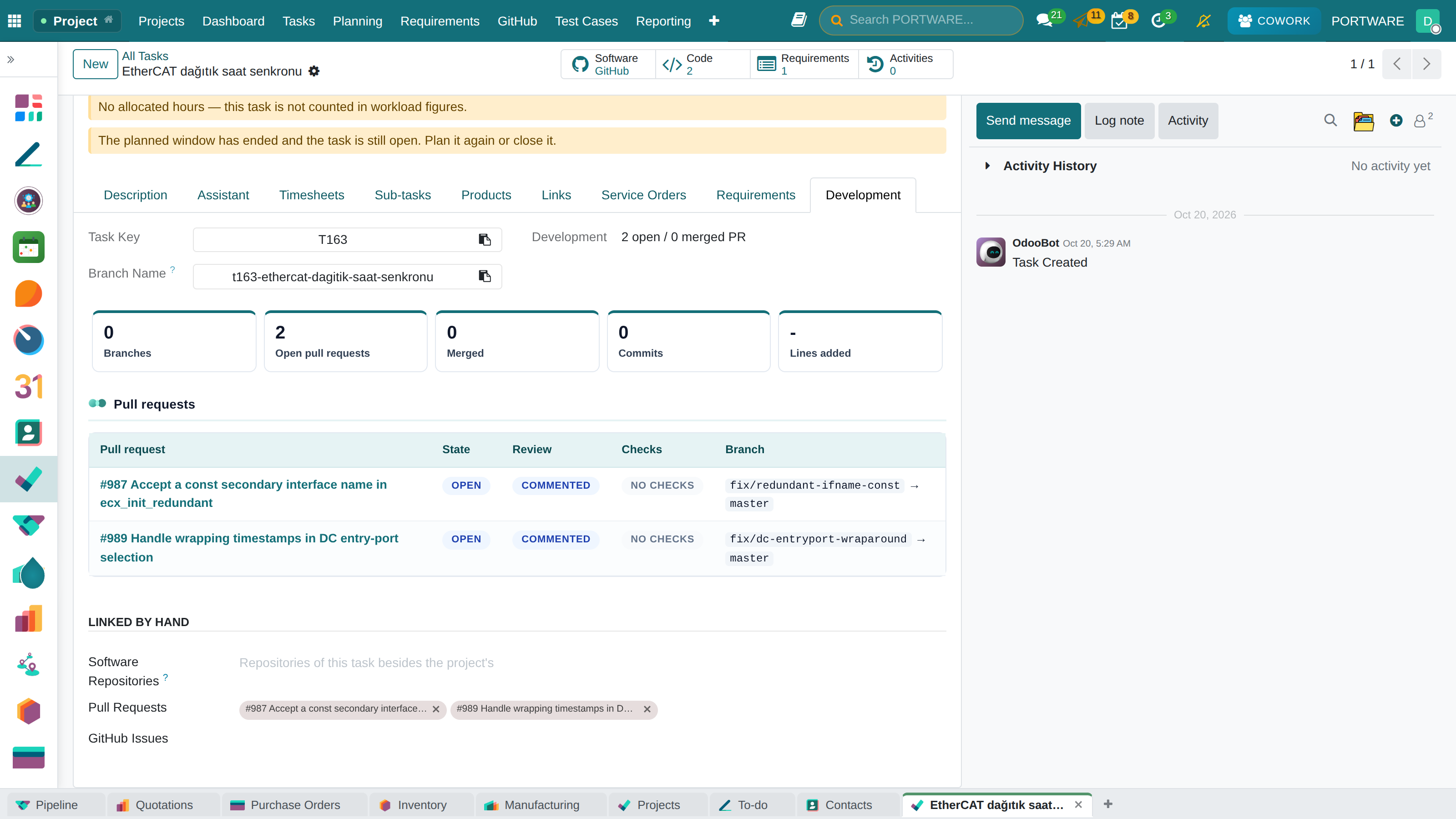
Connecting a GitHub repository to PORTWARE and using it: connection, repository, project automation, code on a task, product release and SBOM, requirements traceability, Cowork.
Who this course is forFor teams that build products with software or firmware: project managers, developers, quality and after-sales support. By the end you connect a GitHub repository to PORTWARE and follow a task through its code, a product through its release and a requirement through its evidence.
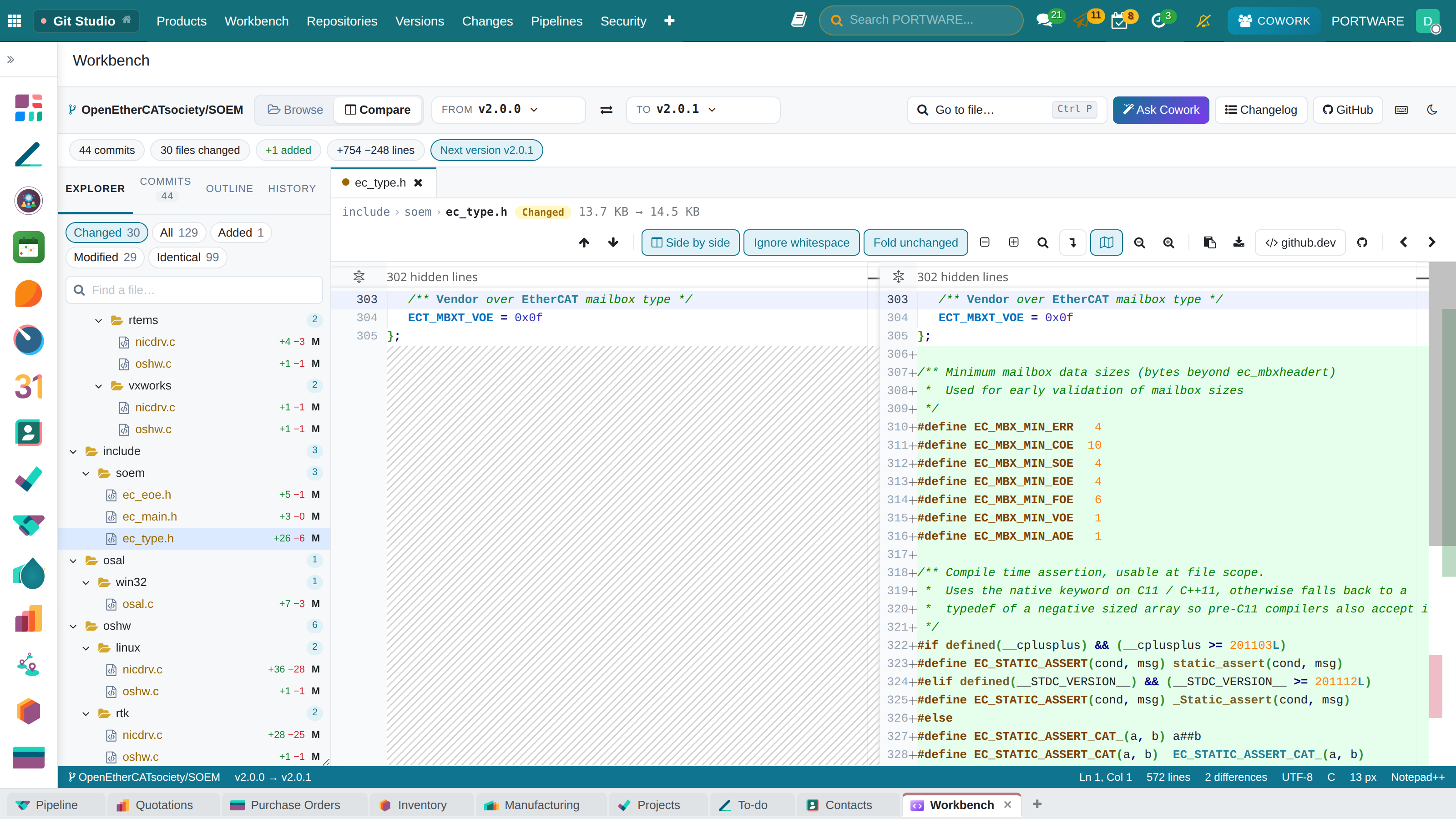
The company, people and tasks in the screenshots come from the PORTWARE demo database; the repository is a real, public open-source project (OpenEtherCATsociety/SOEM).
The learning path
Lessons
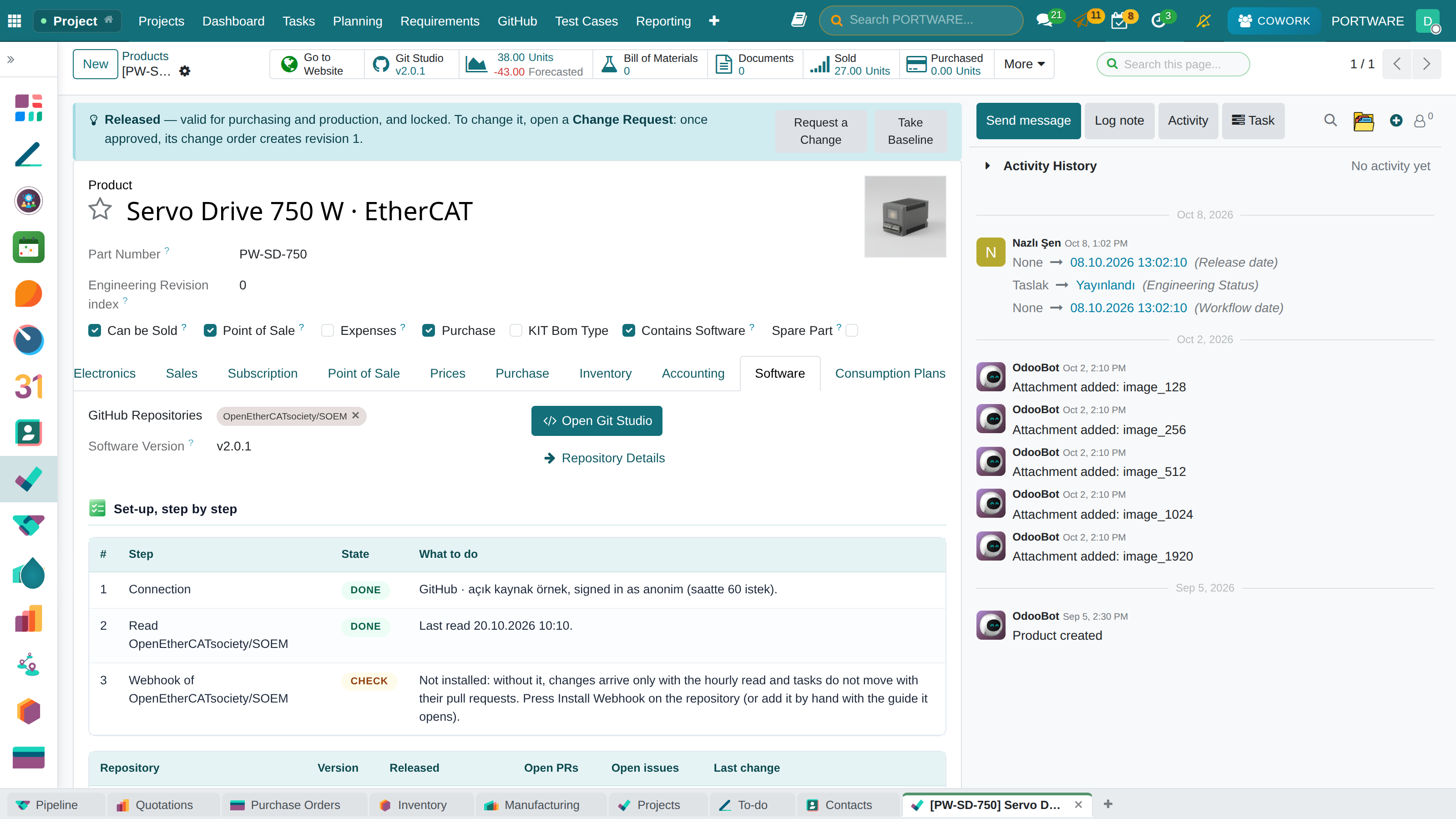
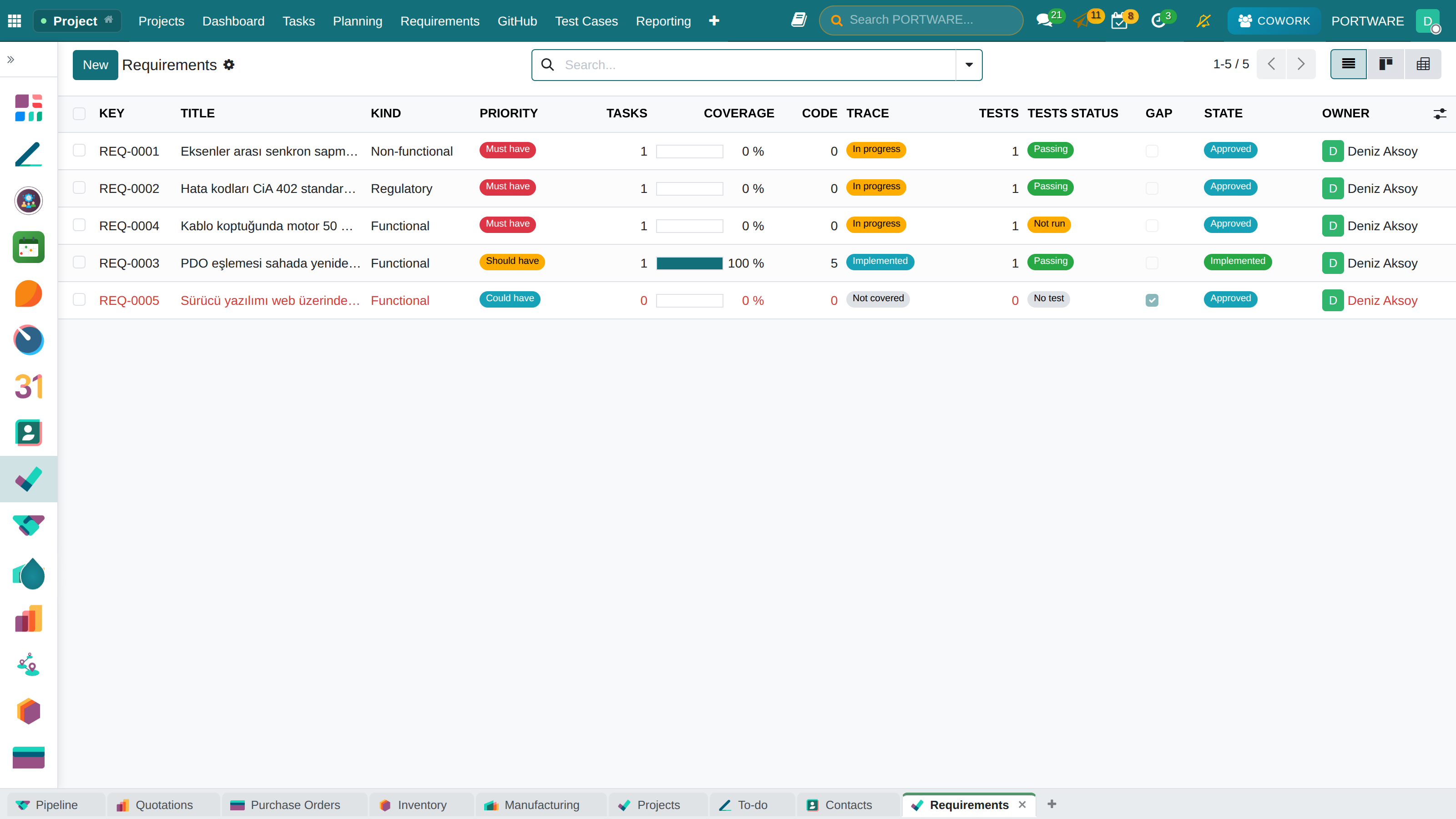
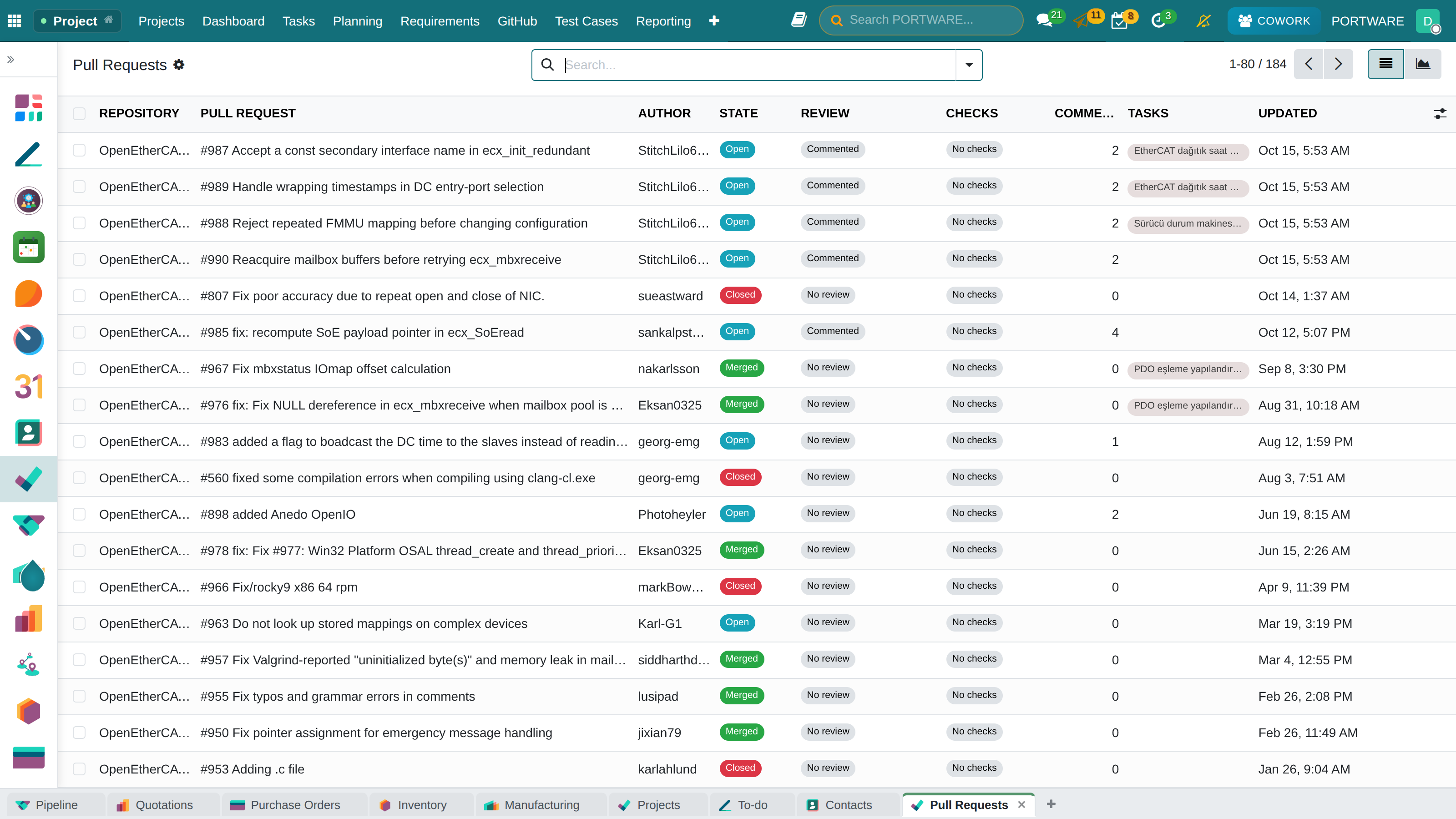
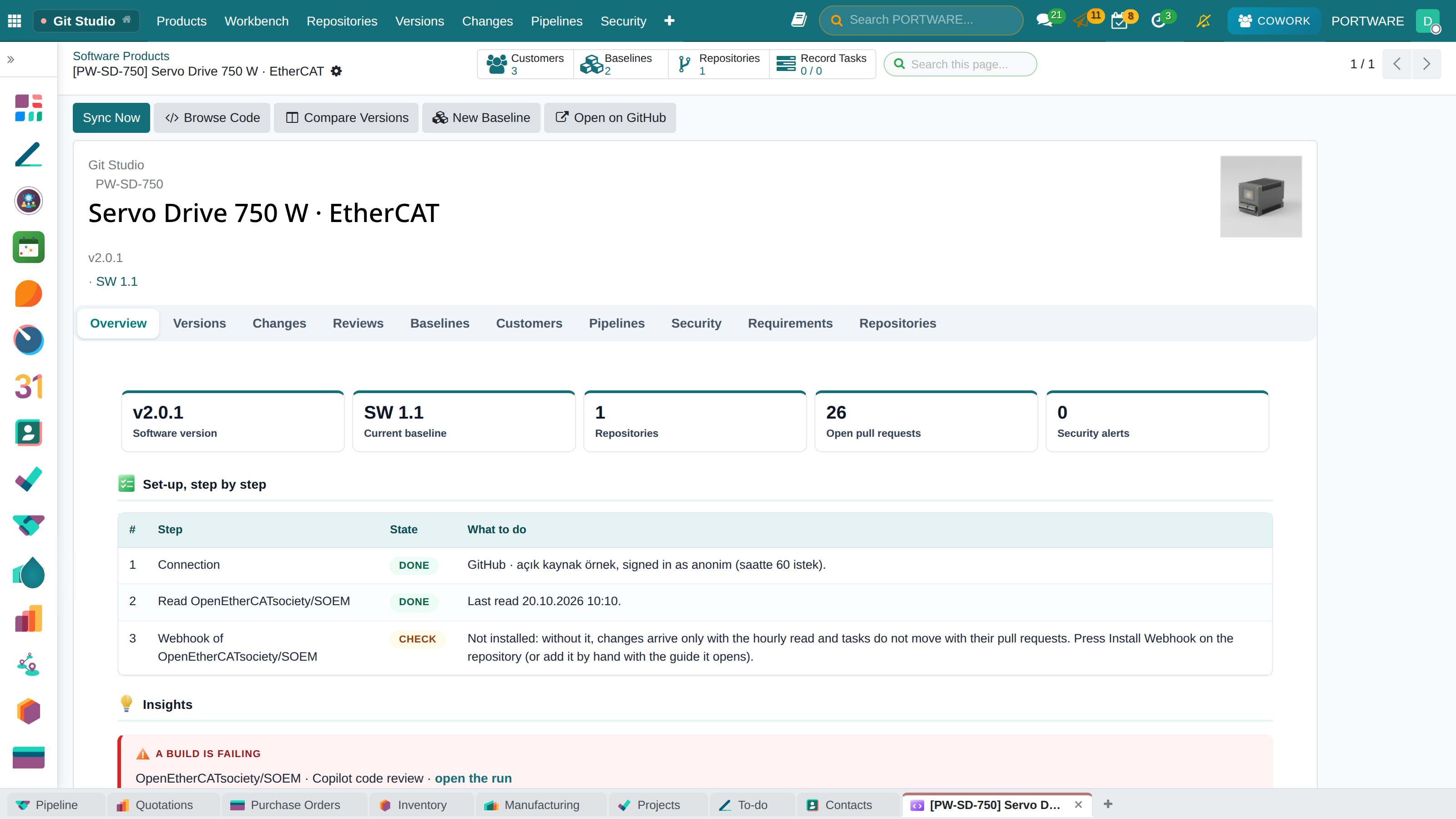
The example in this course
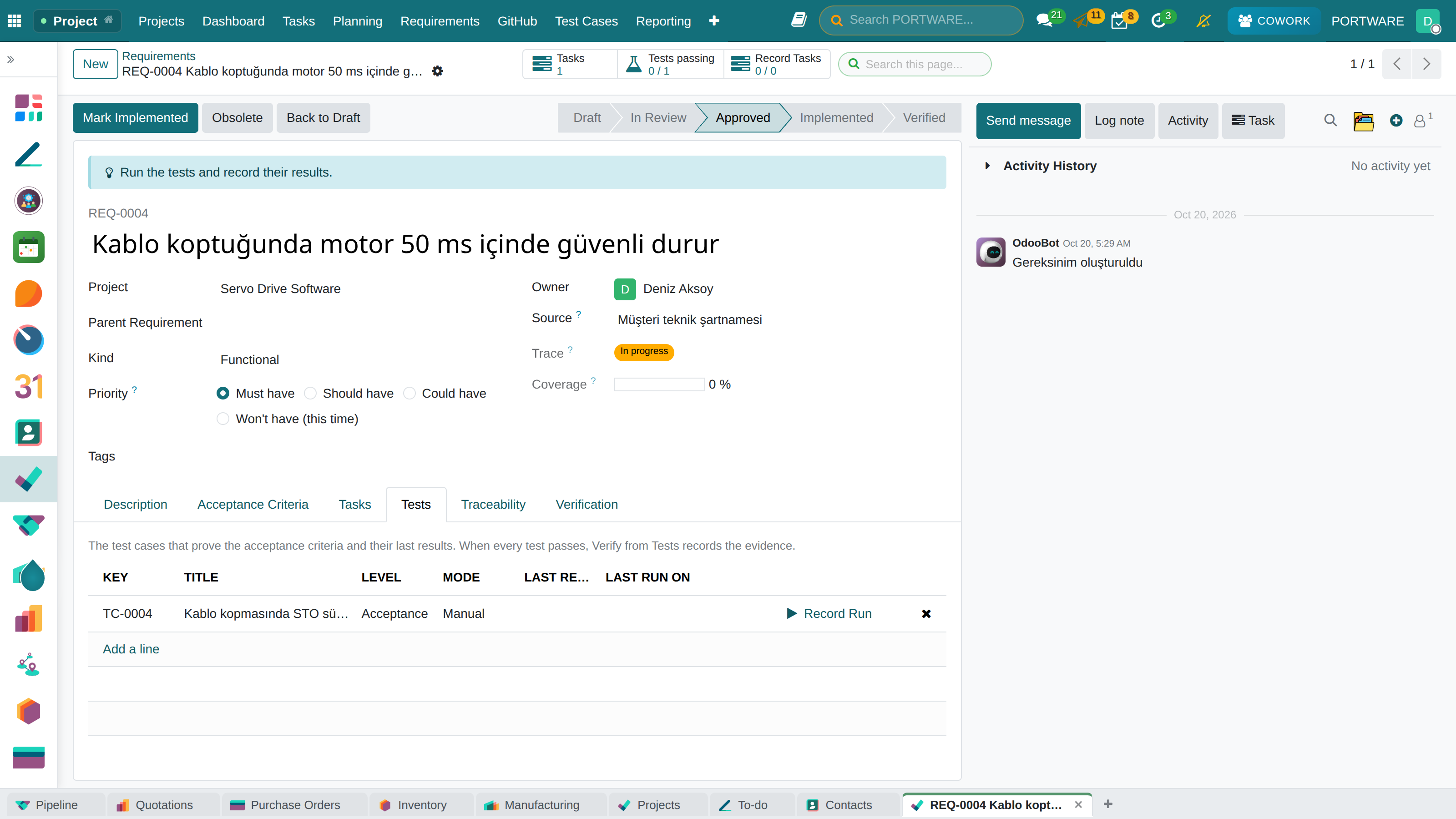
PORTWARE's EtherCAT servo drive talks over the open-source SOEM stack. The course follows the same repository, product and project throughout.
| Record | Role in the course |
|---|---|
OpenEtherCATsociety/SOEM | The open-source EtherCAT master; real commits, PRs and releases |
PW-SD-750 | Servo Drive 750 W · EtherCAT — the product that carries the software |
| Servo Drive Software | Four tasks, five requirements, automation on |
Modules this course uses
| Module | What it gives |
|---|---|
| PORTWARE GitHub | Connection, repository, branch, commit, pull request, release, build, SBOM, webhook |
| PORTWARE Requirements | Requirement, acceptance criteria, verification, traceability matrix |
| PORTWARE GitHub Releases for Project Tracker | GitHub release ↔ PORTWARE project release |
| PORTWARE GitHub for Cowork | GitHub tools for the Cowork assistant |
For a summary and the limits see the module page: GitHub and requirements traceability.