SODOO++ Modules
SODOO++, the module family added to standard Odoo Community Edition
- The layer Community lacksOffice documents, a knowledge base, diagrams and tables — inside the system.
- Files never leave the systemA document opens on the record, is versioned and discussed there.
- One interfaceNo new tool to learn; everything on the same screen.
Overview
SODOO++ is a family of custom modules added to standard Odoo Community Edition. These modules turn SODOO into a more powerful, user-friendly and efficient ERP platform.
What is SODOO++?
SODOO++ (SODOO Plus Plus) is a set of custom modules developed by AXES MOTION and fully compatible with Odoo 19.0 Community Edition. These modules provide:
- Notion-style knowledge management: a hierarchical page structure, workspaces and a rich content editor with SOTION
- Office document editor: edit Word, Excel and PowerPoint files directly inside SODOO with SODOOC
- Diagram builder: create Draw.io diagrams in HTML fields with SODRAW
- Advanced table editor: Excel-like table features with exTable
- User experience improvements: app icons, search features and more
Module List
SOTION
A Notion-style knowledge management system. Hierarchical pages, workspaces, variables and labels.
v19.0.1.5.0SODOOC
Office document editor integration. Real-time co-editing for Word, Excel and PowerPoint.
v19.0.5.3.10SODRAW
Draw.io diagram editor integration. Quick diagram creation with the "/" command.
v1.0.0exTable HTML Editor
Excel-like table features. Multi-cell selection, copy/paste, keyboard navigation.
v19.0.1.4.0App Icons Menu
Icons in the app menu. Shows app icons in the navbar dropdown.
v19.0.1.0.1App Sidebar Search
Search in the sidebar. Quick filtering and navigation between apps.
v19.0.1.0.0SODOO Documentation
Documentation server. HTML documentation at /sodoo/doc and /sodoo/help.
v19.0.1.0.0Installation
Requirements
| Requirement | Minimum Version | Notes |
|---|---|---|
| Odoo | 19.0 Community | Enterprise is not supported |
| Python | 3.10+ | 3.10.12 recommended |
| PostgreSQL | 12+ | 16 recommended |
| For SODOOC | pyjwt | pip install pyjwt |
Installation Steps
pyjwt Python package. SODOOC also requires OnlyOffice Document Server.
SOTION - Knowledge Management System
SOTION is a knowledge management system inspired by Notion. Manage your documents professionally with a hierarchical page structure, workspaces, variables and a rich content editor.
Screenshots
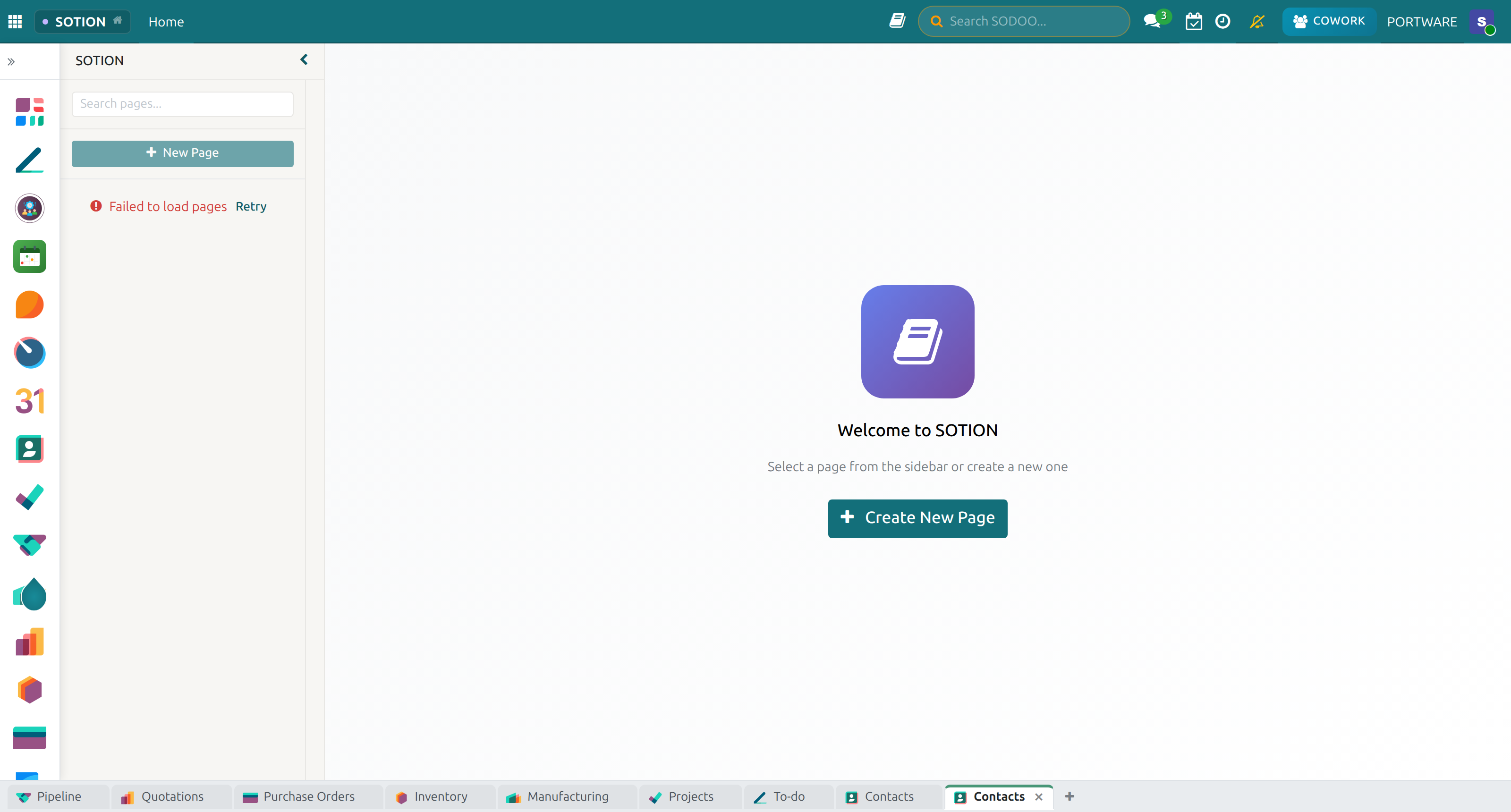
SOTION - Main application screen
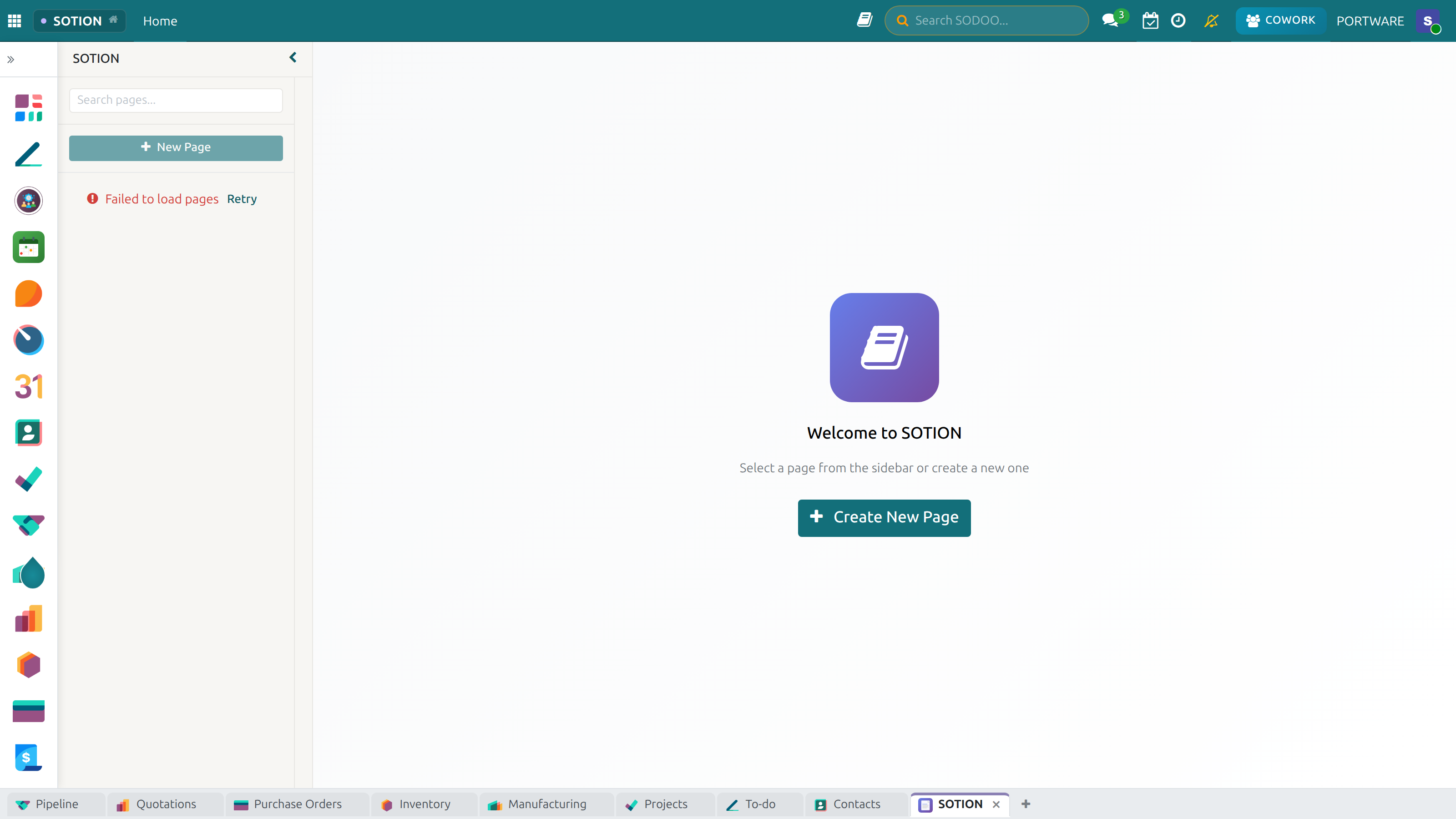
SOTION - Knowledge base view
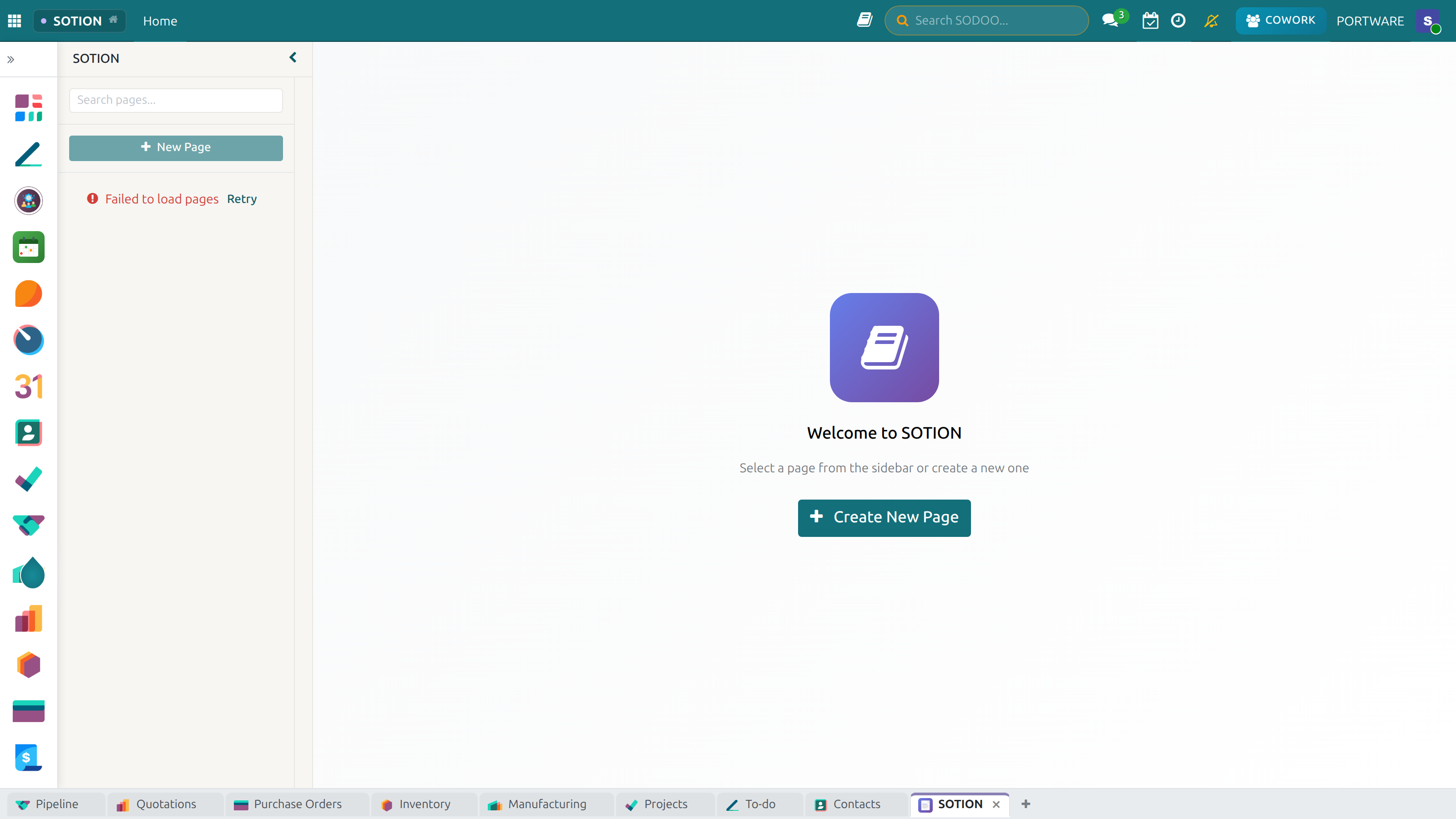
SOTION - Page list
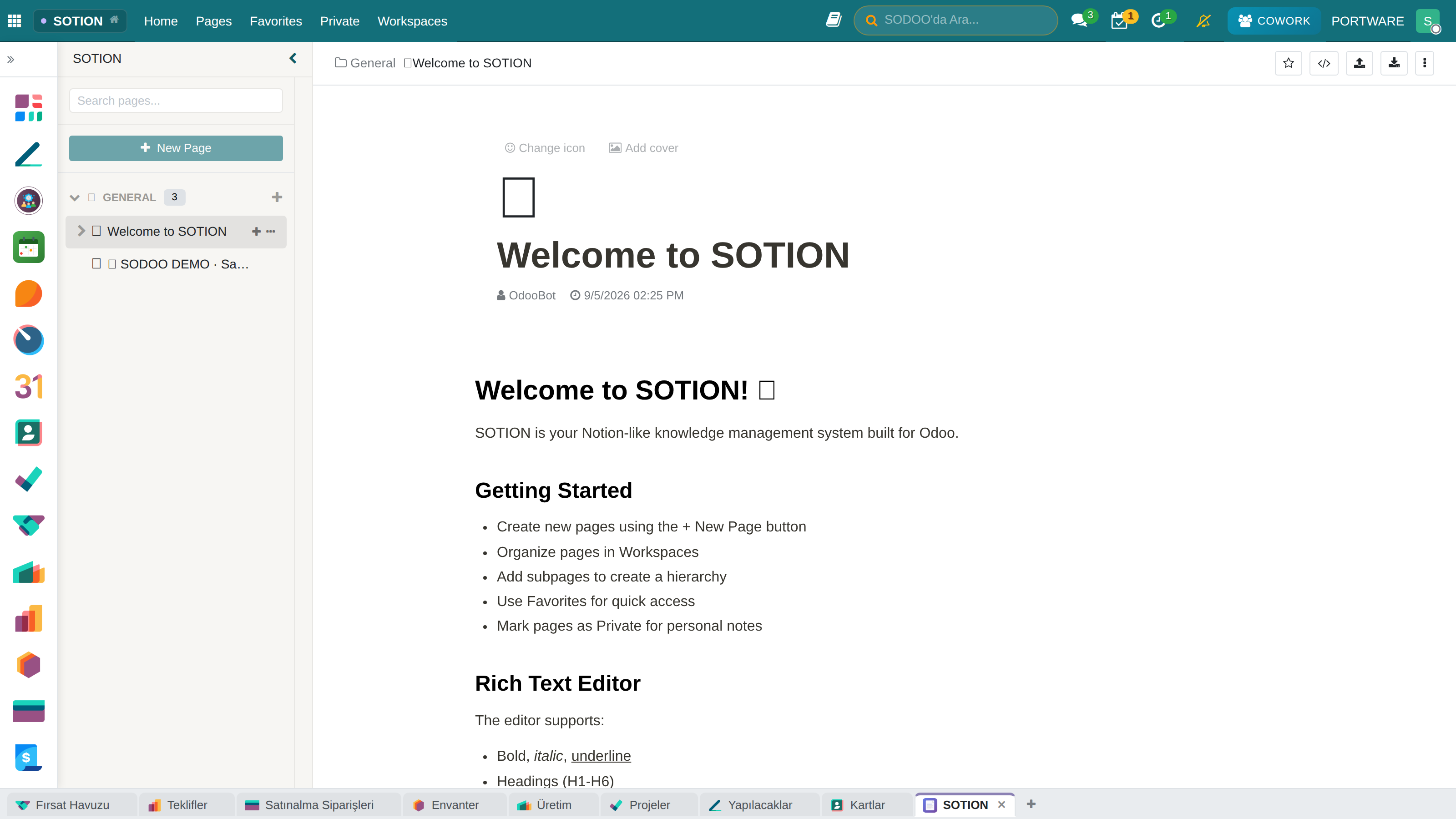
SOTION - Kanban/board view
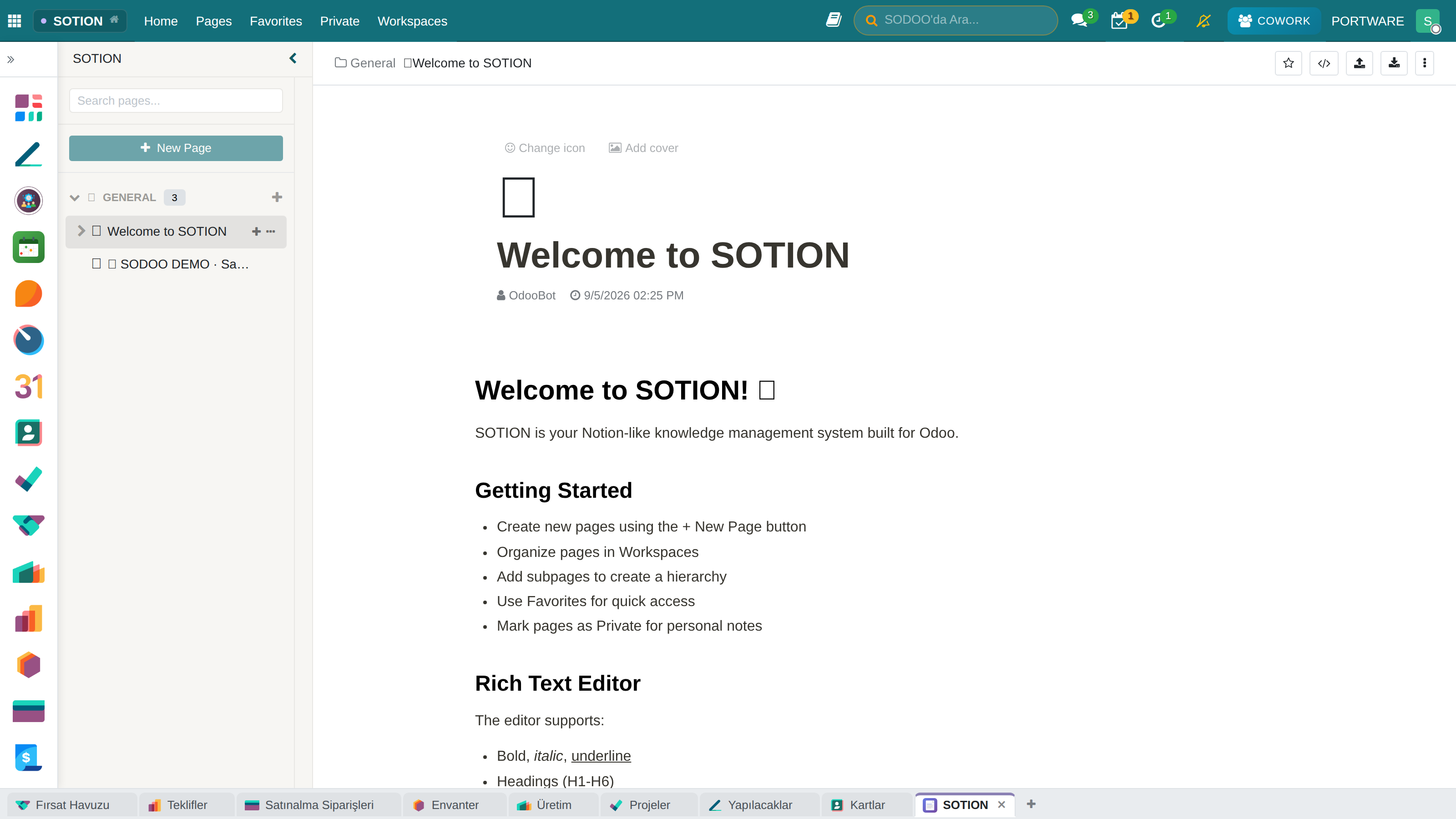
SOTION - Page detail view
SOTION - Published page view
SOTION - Page publishing options
SOTION - Page properties and labels
SOTION - Variable system
SOTION - Variable management panel
SOTION - Rules and table view
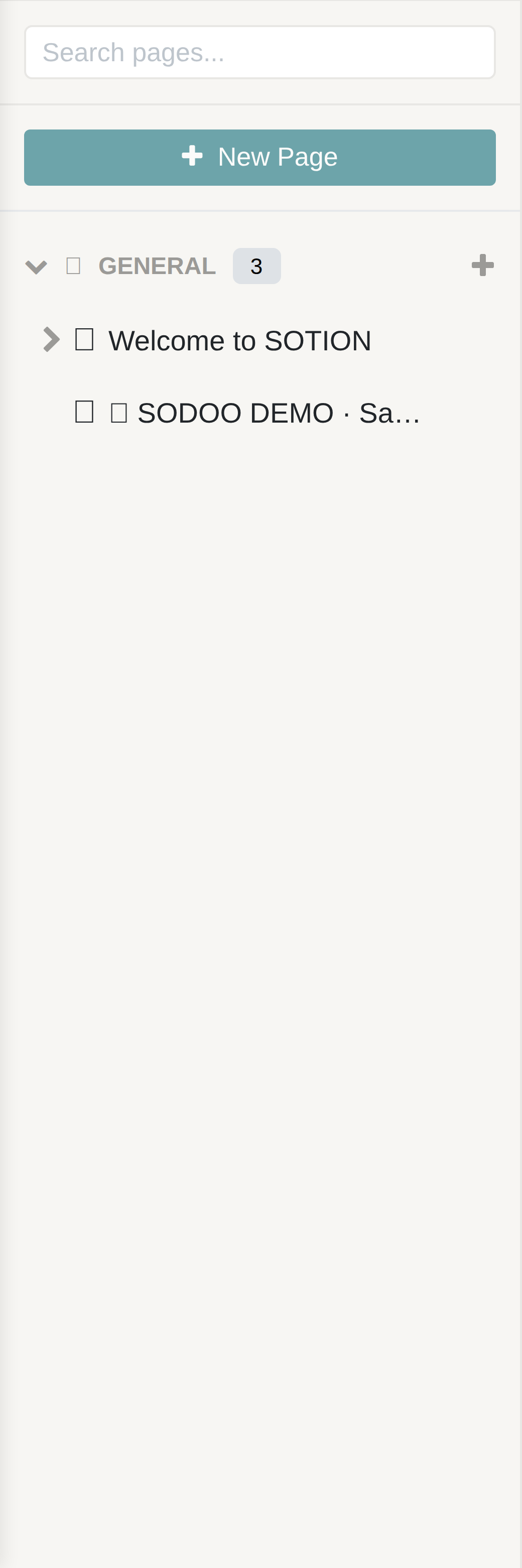
SOTION - Workspace list
SOTION - Workspace detail view
SOTION - Workspace settings
Key Features
- Hierarchical pages: build an unlimited nested page structure
- Workspaces: organise pages by workspace
- Private and favourite pages: personal pages and favourites
- Variable system: dynamic content with the
{{variable_name}}syntax - Select properties: status labels with the
[[property]]syntax - Emoji icons: a custom emoji icon for every page
- Cover images: cover image support for pages
- Real-time collaboration: live updates through the Odoo bus module
Page Model (sotion.page)
| Field | Type | Description |
|---|---|---|
name |
Char | Page title |
content |
Html | Rich text content |
parent_id |
Many2one | Parent page (for the hierarchy) |
workspace_id |
Many2one | Workspace |
icon_emoji |
Char | Page emoji icon |
cover_image_id |
Many2one | Cover image |
is_private |
Boolean | Private page? |
is_favorite |
Boolean | Favourite? |
is_published |
Boolean | Published? |
variable_ids |
One2many | Page variables |
Variable System
SOTION lets you use variables in page content. Variables are defined with the {{variable_name}} syntax and are replaced automatically with their values.
Select Properties
Like Notion's status labels, SOTION offers select properties. Use the [[property_name]] syntax to create coloured status labels.
| Colour Index | Colour | Example Use |
|---|---|---|
| 0 | Grey | Draft, On hold |
| 1 | Red | Cancelled, Rejected |
| 2 | Orange | Attention, Under review |
| 3 | Yellow | In progress |
| 4 | Green | Done, Approved |
| 5 | Blue | Info, Reference |
SODOOC - Office Document Editor
SODOOC is an advanced integration for editing Office documents inside SODOO. Working with OnlyOffice Document Server, it lets you edit Word, Excel and PowerPoint files directly in your browser.
Screenshots
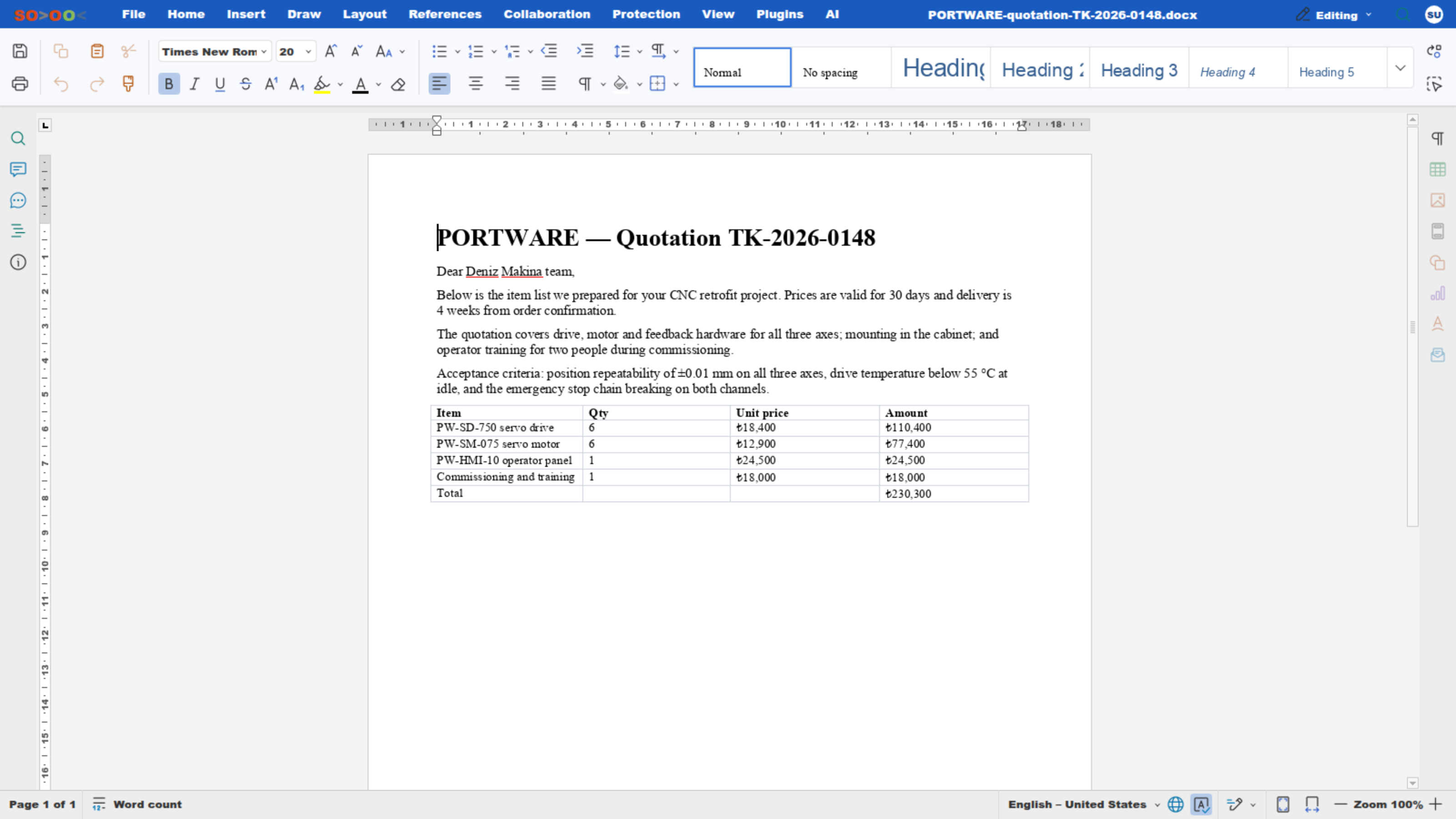
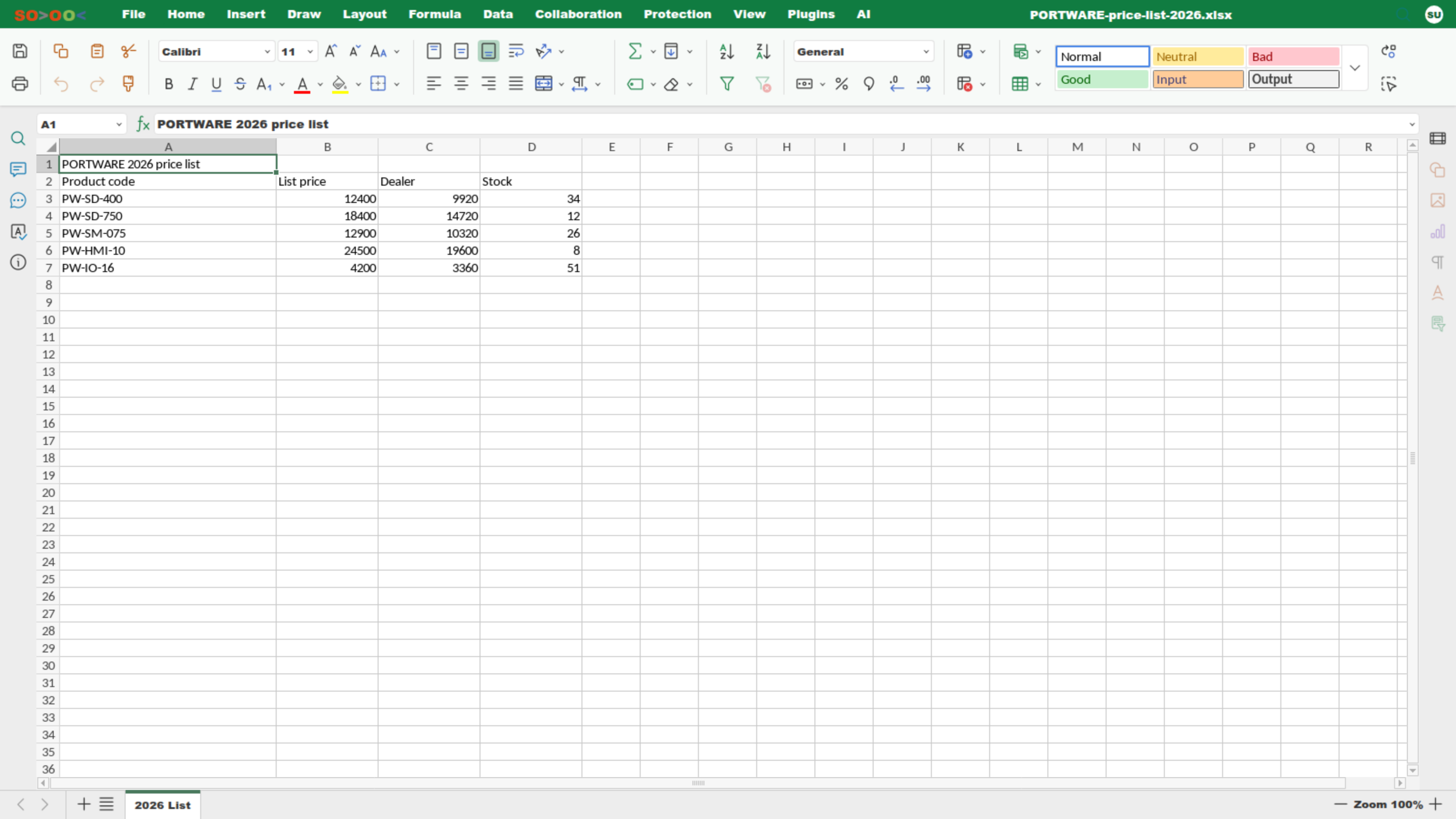
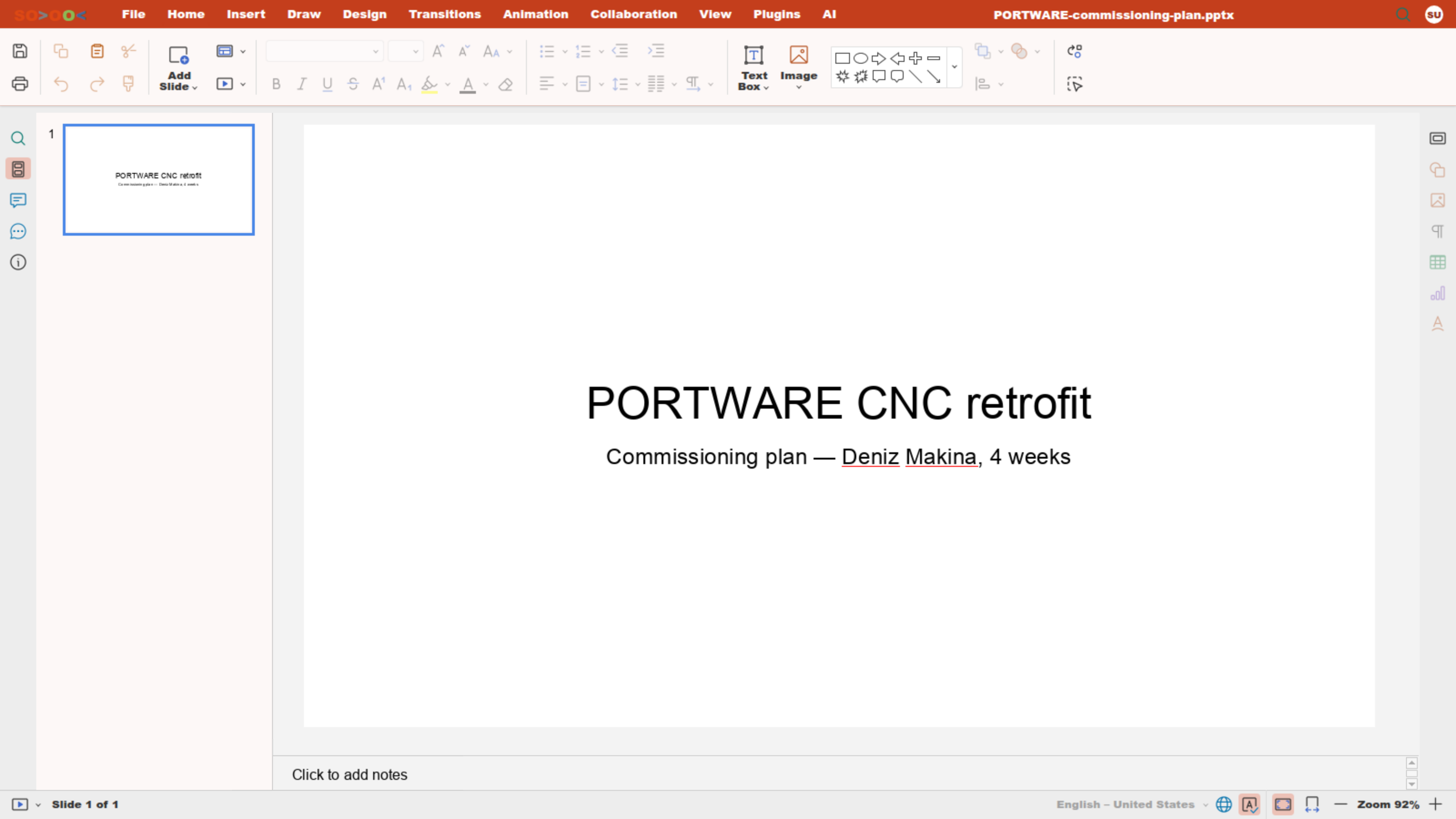
SODOOC - Editing mode view
SODOOC - Creating a new document
SODOOC - Version control system
SODOOC - Version history view
SODOOC - Editing a SODRAW diagram
SODOOC - Saving a SODRAW diagram
Supported Formats
| Document Type | Formats | Features |
|---|---|---|
| Text Documents | .docx, .doc, .odt, .txt, .rtf | Full editing, revisions, comments |
| Spreadsheets | .xlsx, .xls, .ods, .csv | Formulas, charts, pivot tables |
| Presentations | .pptx, .ppt, .odp | Slides, animations, transitions |
Co-editing Modes
Fast Mode
Changes appear instantly. Suited to several users working at the same time. Requires close collaboration.
Strict Mode
Changes appear when saved. Prevents conflicts. Ideal for individual work.
Configuration
SODOOC is configured under Settings > SODOOC (or ONLYOFFICE). The following settings must be set correctly:
| Setting | Description | Example Value |
|---|---|---|
| Document Server URL | OnlyOffice Document Server address | https://onlyoffice.example.com/ |
| JWT Secret | Security key (taken from the Document Server) | <Document Server secret key> |
| JWT Header | Authentication header | Authorization |
| Odoo URL | Odoo address for callbacks | https://your-odoo.example.com/ |
docker exec onlyoffice-documentserver cat /etc/onlyoffice/documentserver/local.json
Features
- Real-time collaboration: several users can edit the same document at the same time
- Change tracking: see who changed what with Track Changes
- Comments and chat: hold discussions inside the document
- Version history: go back to and compare previous versions
- Templates: use your company templates
- PDF output: export documents as PDF
SODRAW - Diagram Editor
SODRAW integrates the Draw.io diagram editor into Odoo's HTML editor. Create diagrams quickly with "/" commands and edit existing diagrams.
Screenshots
SODRAW - Draw.io diagram editor
SODRAW - Diagram inside a Word document
SODRAW - OLE embed test view
SODRAW - Diagrams in a PowerPoint presentation
Usage
Features
- Slash command: start by typing
/sodrawor/diagram - Re-editing: double-click an existing diagram to edit it
- High quality: PNG output at 10x scale (high resolution)
- XML storage: the diagram XML is stored in a data attribute
- Draw.io compatibility: all Draw.io shapes and templates are supported
Diagram Types
| Type | Description | Example Use |
|---|---|---|
| Flowcharts | Visualising process flows | Business processes, approval flows |
| Organisation Charts | Hierarchical structures | Company structure, teams |
| ER Diagrams | Database relationships | Data modelling |
| Network Diagrams | Network topology | Infrastructure documentation |
| UML Diagrams | Software modelling | Class, sequence, use case |
| Wireframe | Interface mock-ups | UI/UX design |
exTable - Advanced Table Editor
exTable HTML Editor adds Excel-like table features to Odoo's HTML editor: efficient table editing with multi-cell selection, copy/paste and keyboard navigation.
Features
- Multi-cell selection: select several cells with Shift+Click or by dragging
- Copy/paste: copying from and to Excel
- Keyboard navigation: move with the arrow keys, Tab and Enter
- Cell formatting: bold, italic, underline, alignment
- Background colour: a cell background colour picker
- Text style: UPPER CASE, Title Case, lower case
- Border styles: cell borders (style, width, position)
- Right-click menu: insert, delete and move rows and columns
Keyboard Shortcuts
| Shortcut | Action |
|---|---|
| Tab | Go to the next cell |
| Shift + Tab | Go to the previous cell |
| Enter | Go to the cell below |
| Arrow Keys | Navigate with the arrow keys |
| Ctrl + C | Copy the selected cells |
| Ctrl + V | Paste |
| Ctrl + B | Bold |
| Ctrl + I | Italic |
App Icons Menu
The App Icons in Menu module adds app icons to the apps dropdown in the navbar (the nine-dot menu), so apps are recognised faster.
Features
- Icons in the navbar apps menu
- The same images as the icons on the Apps page
- Automatic - no extra configuration needed
- Minimalist, clean design
web module and becomes active automatically after installation.
SODOO Documentation
The SODOO Documentation module provides the HTTP controllers that serve the HTML documentation. This documentation is served through that very module.
Access Addresses
| URL | Description |
|---|---|
/sodoo/doc |
Main documentation page |
/sodoo/help |
Help page (redirects to /doc) |
/sodoo/doc/applications/[modul]/ |
Module-specific documentation |
Features
- Static HTML documentation serving
- Modern, responsive design
- Structure organised by module
- Comprehensive user guides
API Reference
SOTION API
| Method | Description | Parameters |
|---|---|---|
get_tree_structure() |
Hierarchical tree structure for the sidebar | workspace_id, include_private |
get_favorites() |
Get the user's favourite pages | - |
get_private_pages() |
Get the user's private pages | - |
search_pages() |
Search pages (name or content) | query, limit |
action_toggle_favorite() |
Toggle the favourite status | - |
action_publish() |
Publish the page (creates a public token) | - |
Example Code
Customisation
Customising SOTION
To customise the look of SOTION pages with CSS:
Adding SODOOC Templates
To add your company templates to SODOOC:
- Prepare your templates in .docx, .xlsx or .pptx format
- Upload them to the OnlyOffice Document Server
- Add them in Odoo under Settings > SODOOC > Templates