PLM Training
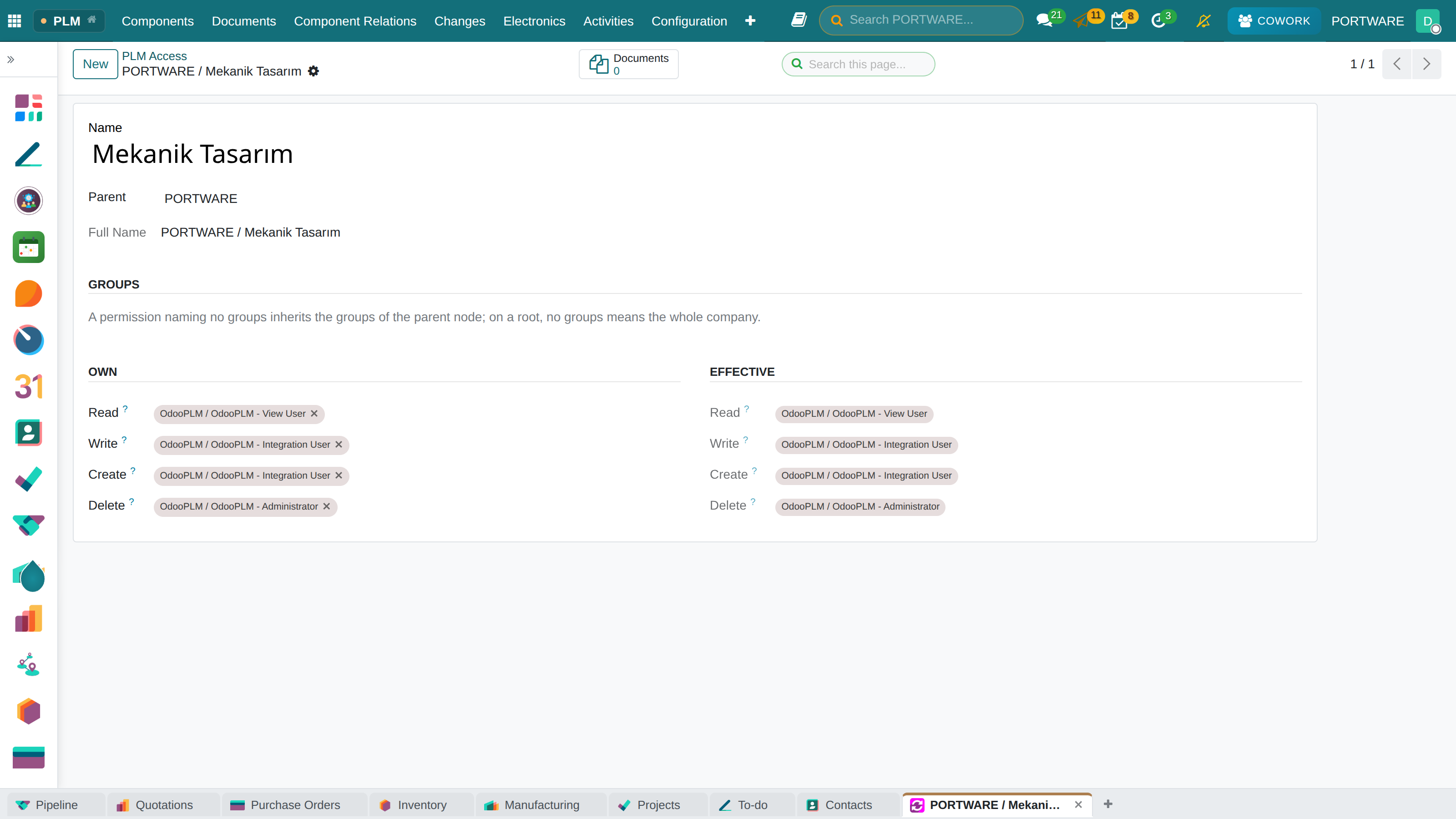
A visual, step-by-step PLM course for someone who has never used one: parts and revisions, the life cycle, documents and CAD, bills of materials, the ECR/ECO change process, permissions and Cowork.
- Engineering and production on one treeCAD files, revisions and bills of materials are linked.
- The right revision is builtSales, purchasing and production only see the valid revision.
- 3D models in the browserParts are inspected without a CAD licence.
Who this course is forFor an engineer, a quality or production person who has never used a PLM. By the end you open a part under the right code, move it through its life cycle, manage its documents and bill of materials, and carry a change from the request to the release.
The screenshots show fictional data created for demonstration (the PORTWARE demo company). Any resemblance to real people, companies, products or figures is coincidental.
The learning path
The lessons are written to be read in order; each uses the ideas of the one before. Every lesson has the same skeleton: a one-sentence goal, a large diagram, numbered steps beside their screens, a caution, a short case and self-check questions.
Lessons
The example company in this course
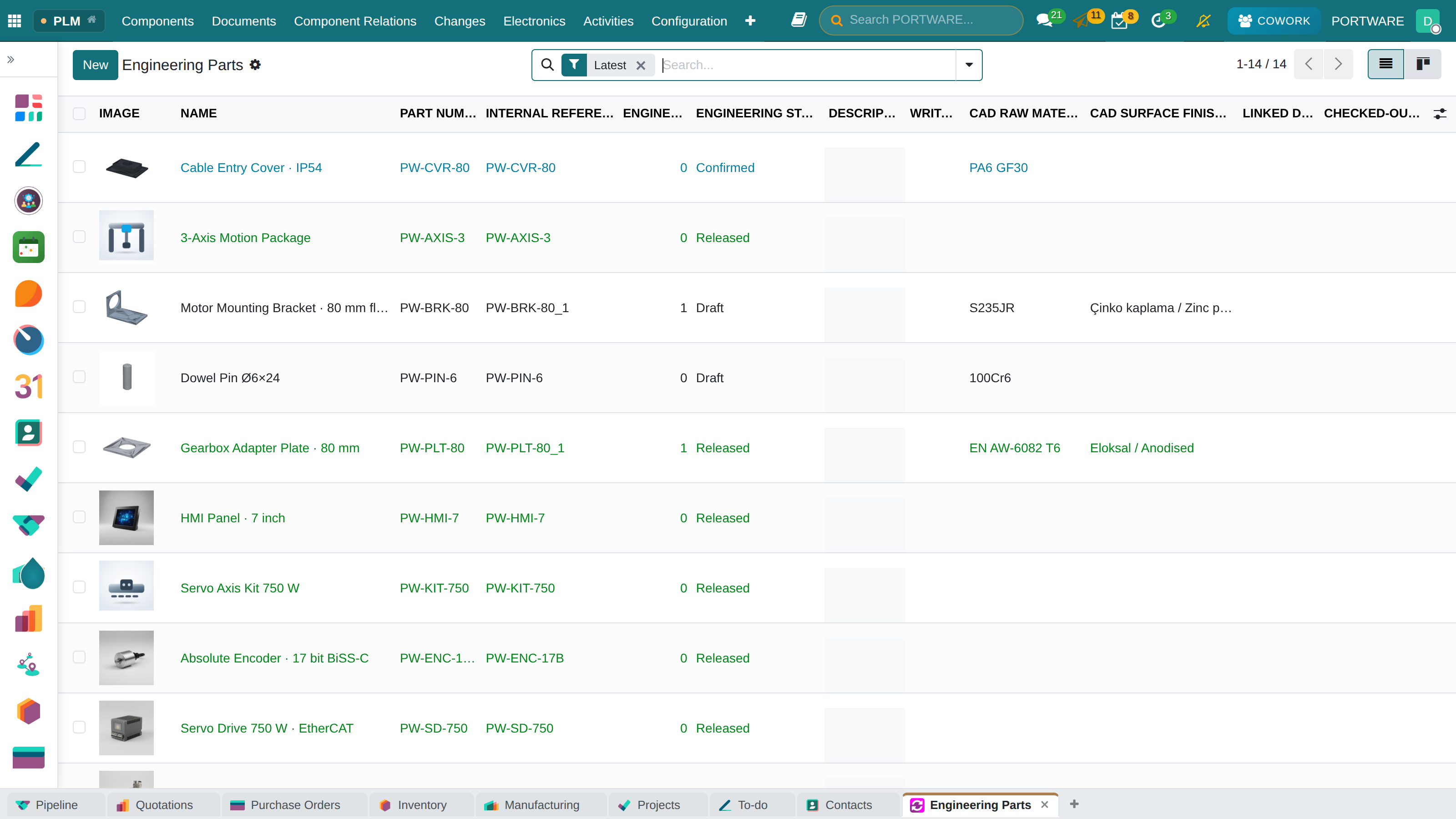
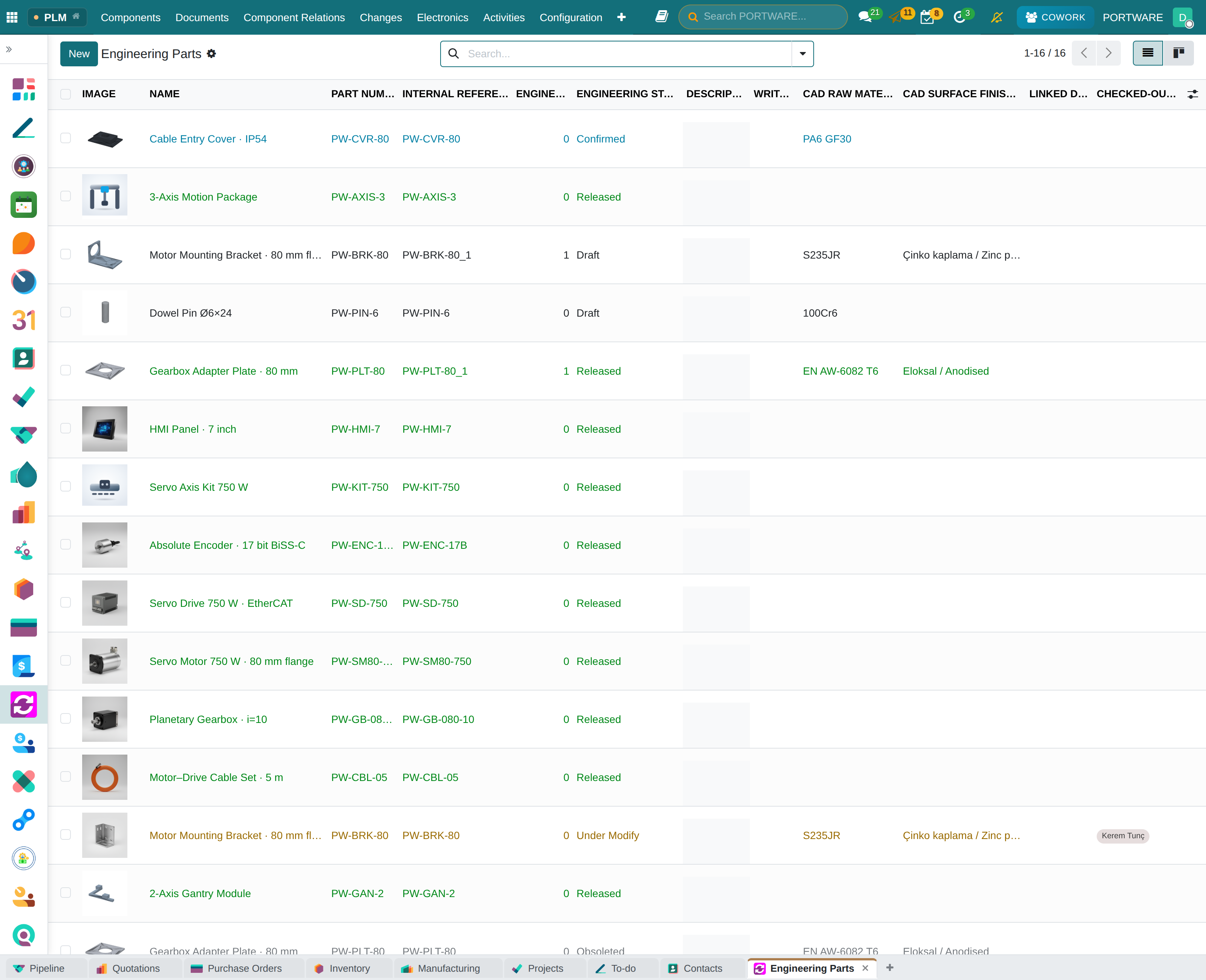
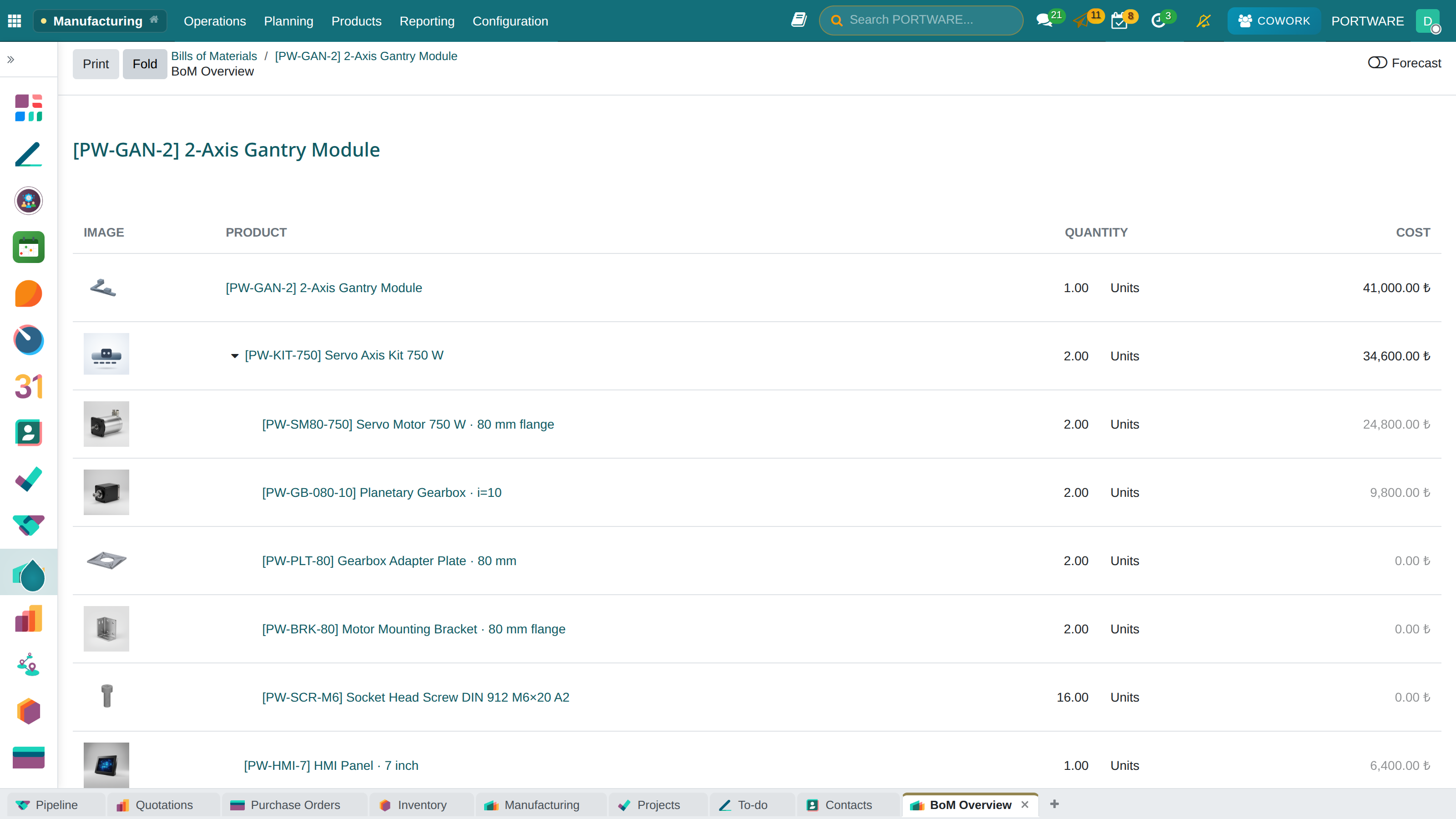
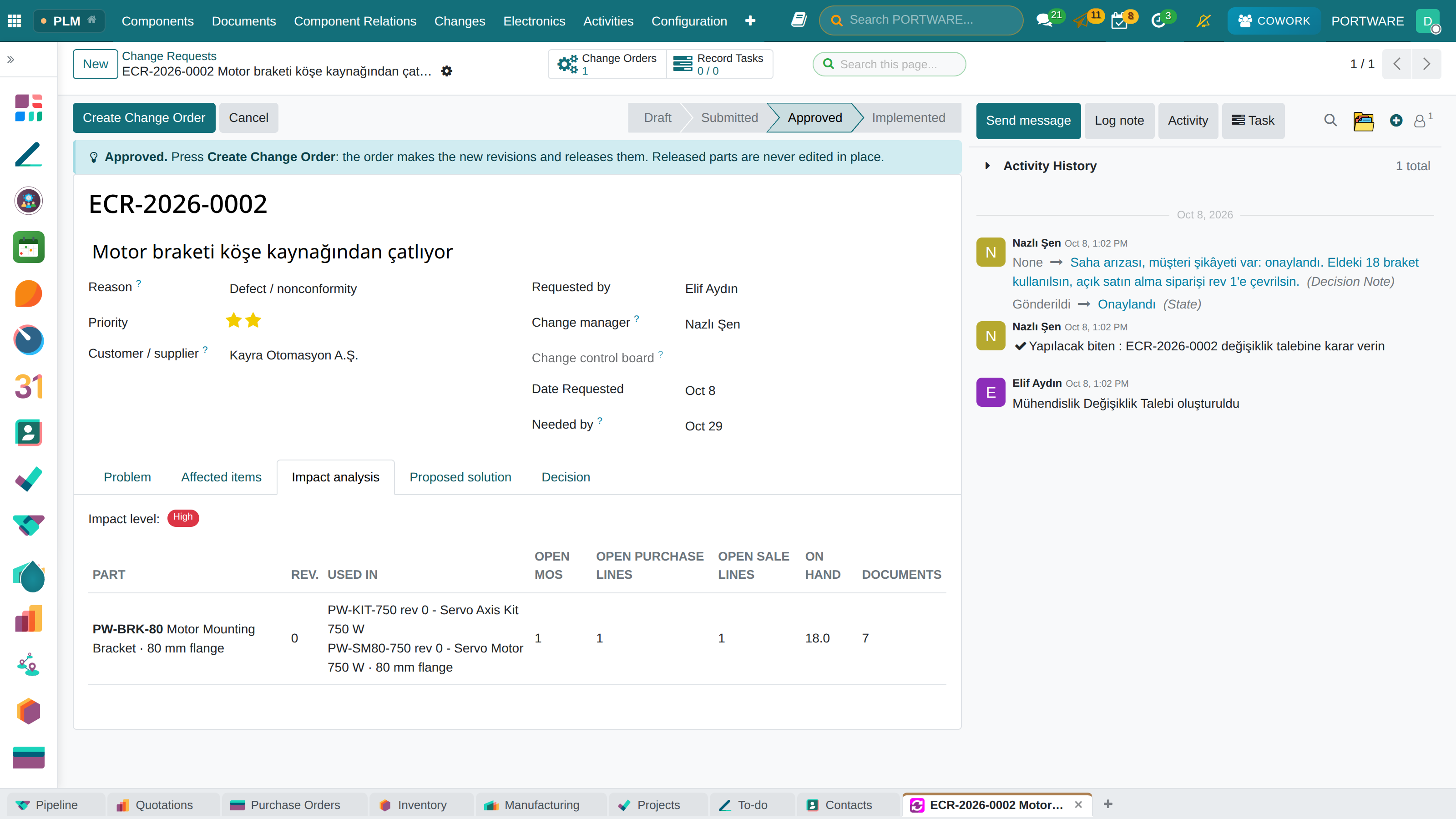
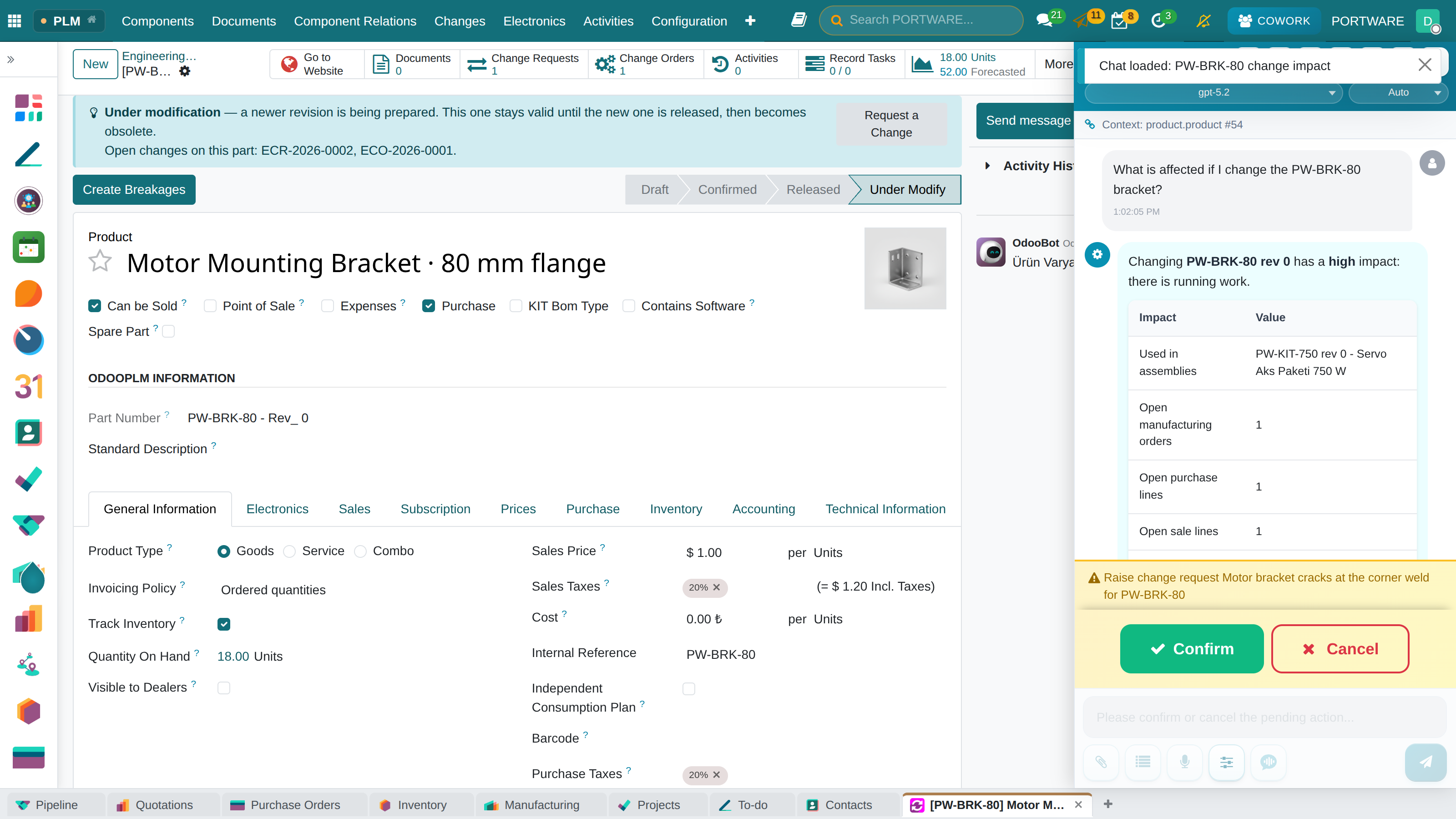
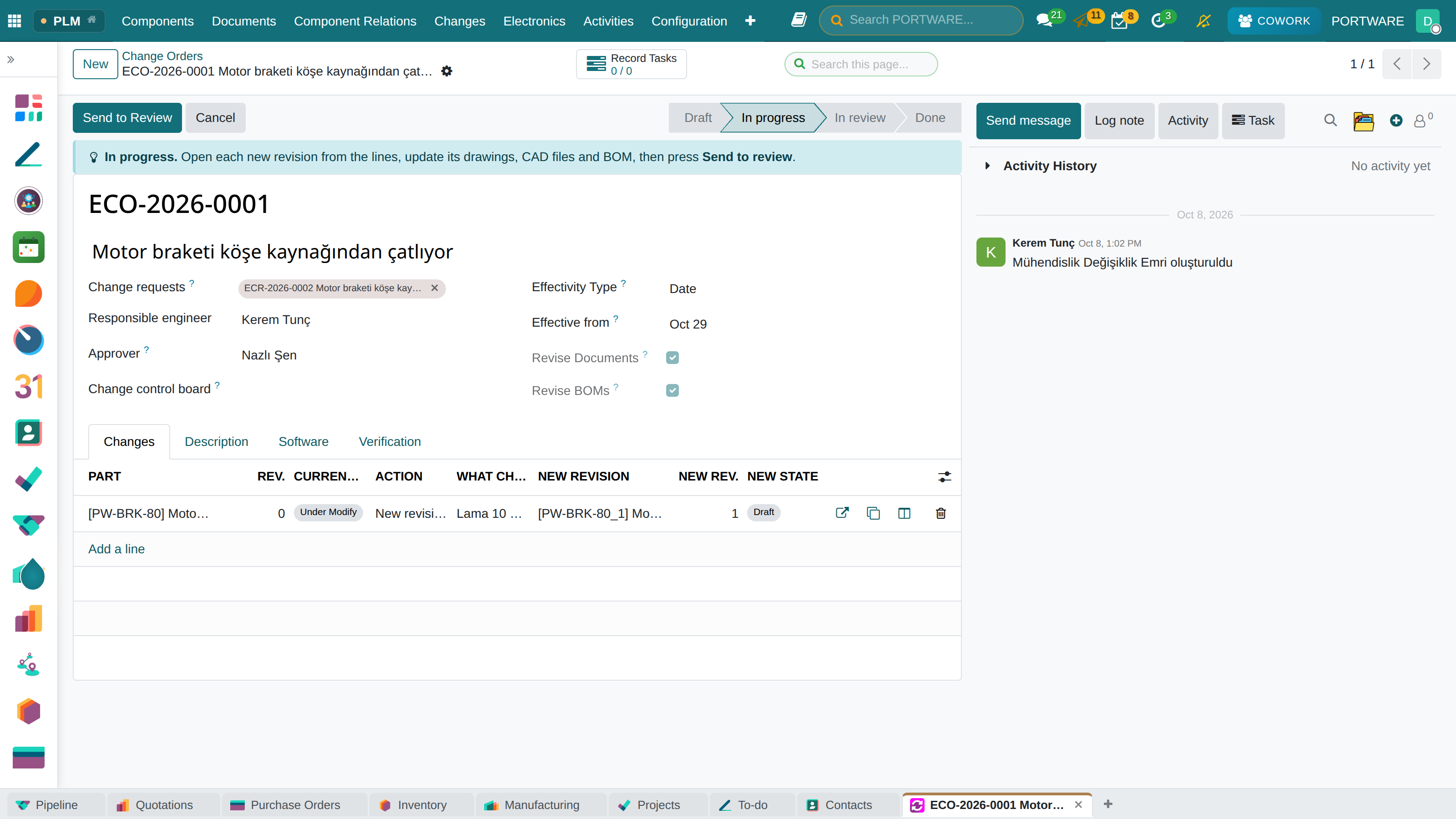
Every screenshot comes from the fictional PORTWARE demo database. PORTWARE builds servo motion systems; the course follows the same parts and one case throughout: the motor bracket PW-BRK-80 that came back from the field cracked.
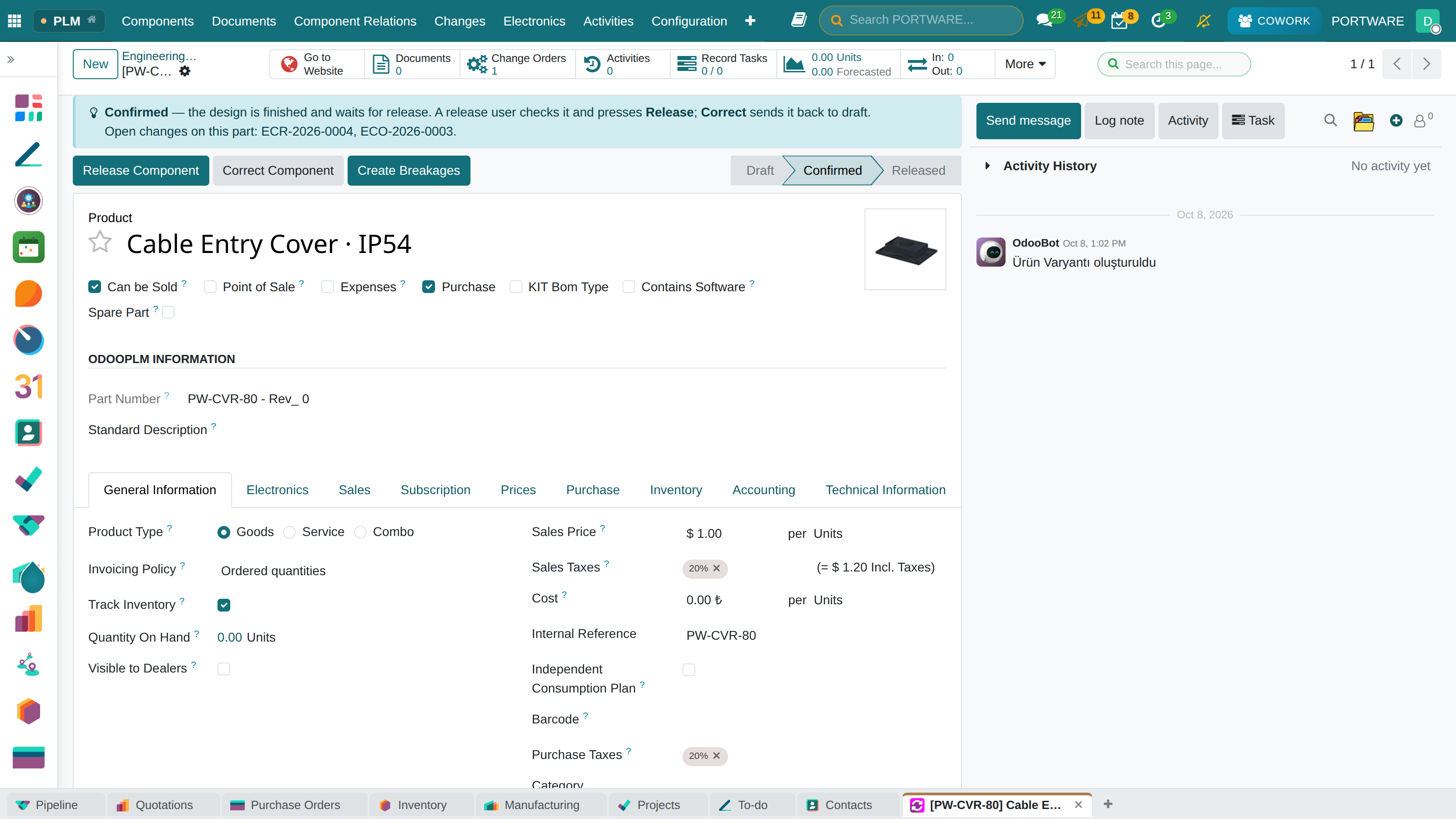
| Code | Part | Role in the course | State |
|---|---|---|---|
PW-GAN-2 | 2-Axis Gantry Module | top assembly | Released |
PW-KIT-750 | Servo Axis Kit 750 W | assembly: motor, drive, gearbox, plate, bracket | Released |
PW-BRK-80 | Motor Mounting Bracket | the case's part: rev 1 in work | Under Modify |
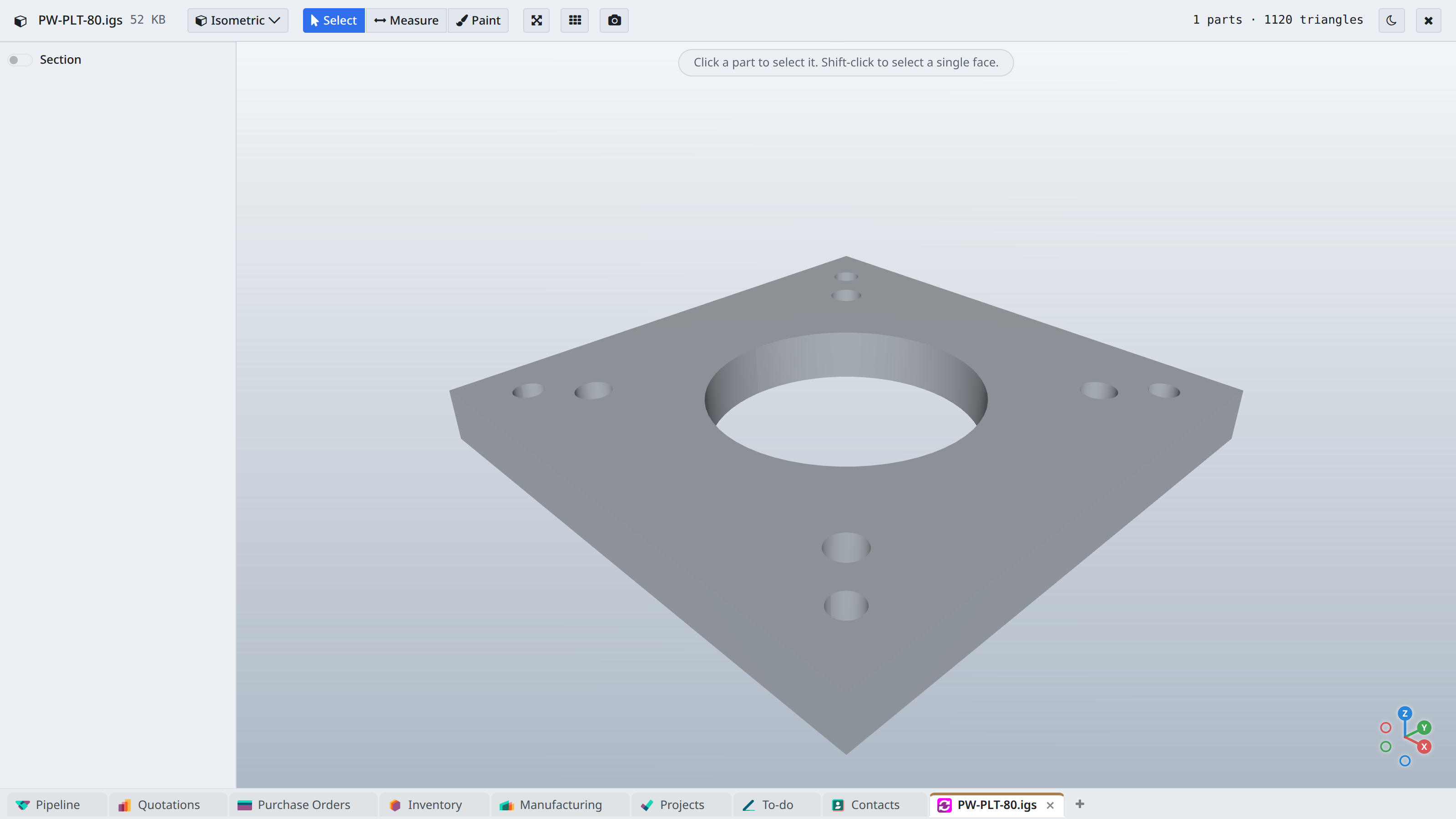
PW-PLT-80 | Gearbox Adapter Plate | rev 0 obsolete, rev 1 released | Obsoleted / Released |
PW-CVR-80 | Cable Entry Cover · IP54 | awaiting release | Confirmed |
PW-PIN-6 | Dowel Pin | new design | Draft |
Modules this course uses
| Module | What it gives |
|---|---|
| Product Lifecycle Management | Parts, documents, revisions, life cycle, check-in/out |
| PLM Web Revision | New revisions from the browser (revision wizard) |
| PLM Engineering | Engineering BoM (EBOM) |
| PLM Automate Normal Bom | Normal BoM from the EBOM |
| PLM Spare | Spare parts BoM |
| PLM Compare Bom | Comparing two BoMs |
| PLM Web 3d Support | PLM 3D viewer (assembly tree, markup) |
| Product Lifecycle Management Batch conversion | Automatic conversion on the server (STEP, DXF) |
| PORTWARE PLM | ECR/ECO, impact analysis, blue guide box, PLM Guide |
| PORTWARE CAD Viewer | CAD Viewer (IGES, BREP, DWG…) |
| PORTWARE PLM for Cowork · PLM MCP Server | PLM tools for Cowork and external AI clients |
Supported CAD programs (through the OmniaSolutions PLM CAD client): SolidWorks, Solid Edge, Autodesk Inventor, AutoCAD / DraftSight, ThinkDesign and FreeCAD. For a short summary next to manufacturing see PLM — Product Lifecycle.